
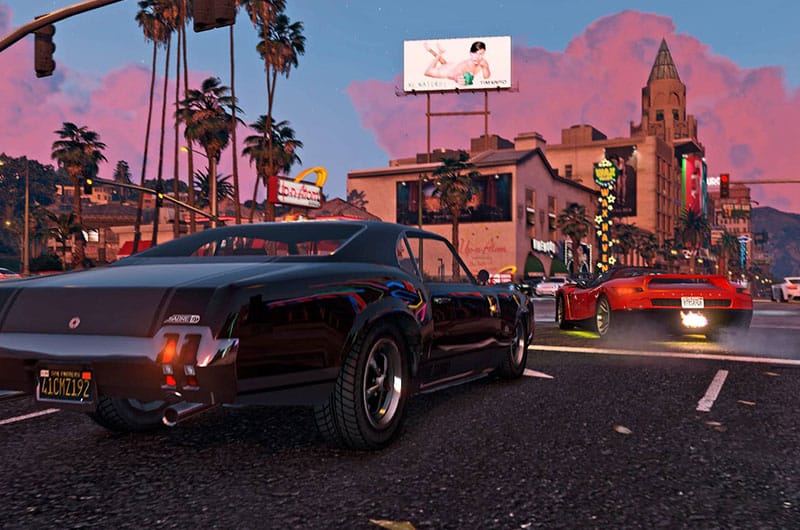
Script Hook V critical error is a common issue users encounter when they attempt to play GTA 5 after a long break or after an update. The root cause of this error is a conflict between the game version and the mod version. If the game received an update and the mod has still not received an update, you can get this error. Script Hook V’s devs are usually quick to release updates to match that of GTA V, but until the update is out, you will get the the GTA 5 Script Hook V critical error (Fatal: Unknown Game Version). Here is what you can do to play the game.
Fix Script Hook V Critical Error (Fatal: Unknown Game Version)
The GTA 5 Script Hook critical error is a common error that any mod user must be familiar with. The error is caused to game version mismatch between the mod and the client. The fix for this error is quite simple and straightforward. Here is how to resovle the error.
Update Script Hook V
The first fix you should consider to resolve this error is to update the Script Hook 5 mod. If there is an update for the mod which supports the latest GTA 5 build, you should download and install it to fix the error. Here is how you can download and isntall the latest update.
- Go to this website and download the latest mod.
- On the page, check the current game version and the available mod version. If they match, then download the mod.
- Extract the Zip file and open the Bin folder
- Cope all the files in the Bin Folder and Paste them in the GTA 5 install folder.
- You can run the game now.
Delete the dinput8.dll File
If the Script Hook V critical error is caused due to an issue with the mods, disabling them will allow you to play the game. The simplest way to disable all mods and get into the game now is to delete the dinput8.dll file. You can find this file in the game’s install folder. The default location for Steam users is steamapps\common\Grand Theft Auto V. Go into the folder, locate the file and delete it. Once deleted, launch the game and GTA 5 should run fine, but all your mods will be disabled.
Revent to Previous Game Version
If you do not want to disable all mods, the next best fix is to revent the game to the previous build until there is an update for the Script Hook 5 mod. At the time of writing (22 April), the game version is 1.0.3179, you need to revert to the previous build 1.0.3095.
To make sure that this issue does not repeat in the future, make sure to take backup for these files whenever there is a new update or you can come to our website, we will update these files as soon as there is a new update and the script hook 5 critic error.
- Download the files from our Drive, which is build 1.0.3095
- Exrtract the files and go to the game directory or install location. The default location for Steam is steamapps\common\Grand Theft Auto V
- Paste the downloaded files and choose to replace.
- You should now be able to play the game.
