
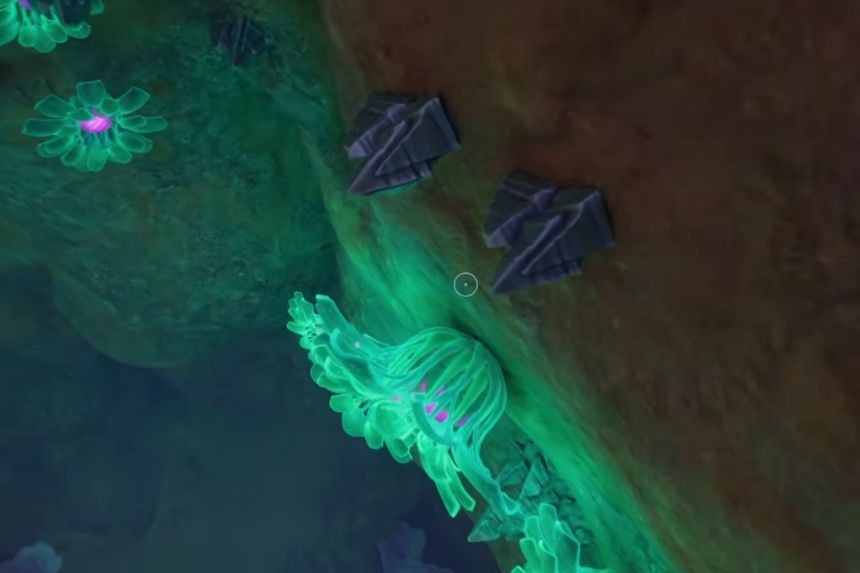
Silver is an important resource in Subnautica 2 that is needed for crafting many useful tools, equipment, and base upgrades. Although it may seem difficult to find at first, Silver becomes much easier to collect once you know where to look and how to track it. You can collect smaller deposits by hand, while larger nodes require the Sonic Resonator to break. In this guide, we will show you where to find Silver and how to use the Scanner Station to find it quickly.
How To Get Silver
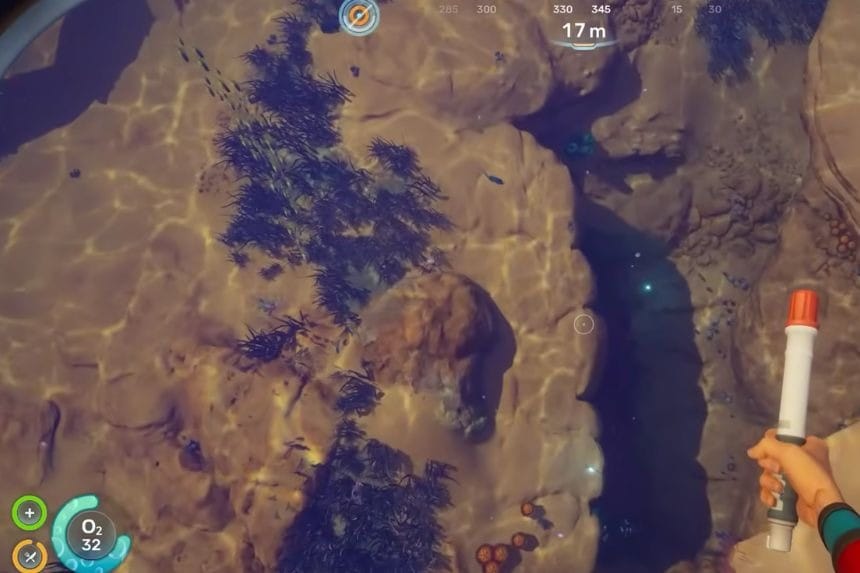
Silver appears as shiny metallic deposits attached to cave walls and floors. They are often found in small clusters, so when you find one deposit, there is a good chance that more are nearby.
Silver is mostly available within caves as compared to open areas. During your journey, you will realise that the scanners’ markers always point towards underground tunnel systems. In case you search without a Scanner Station, then it is better to focus on cave exploration.
The big Silver node minerals cannot be picked up by hand. In order to get these minerals, you will need a Sonic Resonator. With the help of this tool, you can break down the mineral nodes for more silver minerals.
How To Find Silver
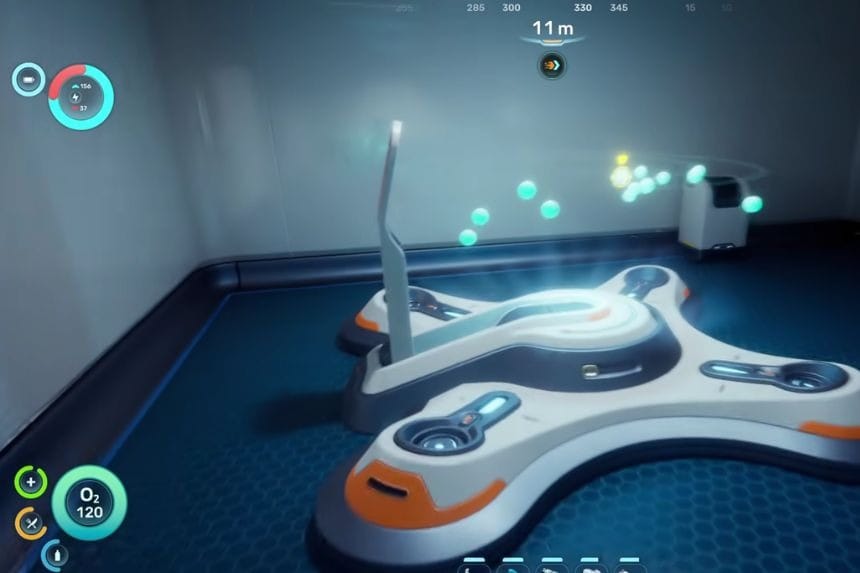
In case you need to find Silver in Subnautica 2, it is best to use the Scanner Station, as it is a base module that helps detect nearby resources and marks their locations on the map.
This way, you can save a lot of time on the process. In order to scan for the required resource, you should open up the Scanner Station via Interior Facilities and select Silver from the list of possible options. The scanner will locate all the available deposits of Silver up to 300 meters from your base and display them on the map.
All you have to do then is select any location marked by the Scanner Station and go there to mine it. Since the game is currently in Early Access, the Scanner Station may continue to show resource markers even after you have already harvested them.
