

If you have a Dockmaster’s Detector in ARC Raiders and aren’t sure how it works, it’s actually very easy to use once you understand the basics. This handy tool helps you track down hidden loot buried around the map, especially in the Riven Tides area. Knowing how to use the detector properly can save a lot of time. In this guide, we will show you how to get one and how to use it.
How To Get Dockmaster’s Detector
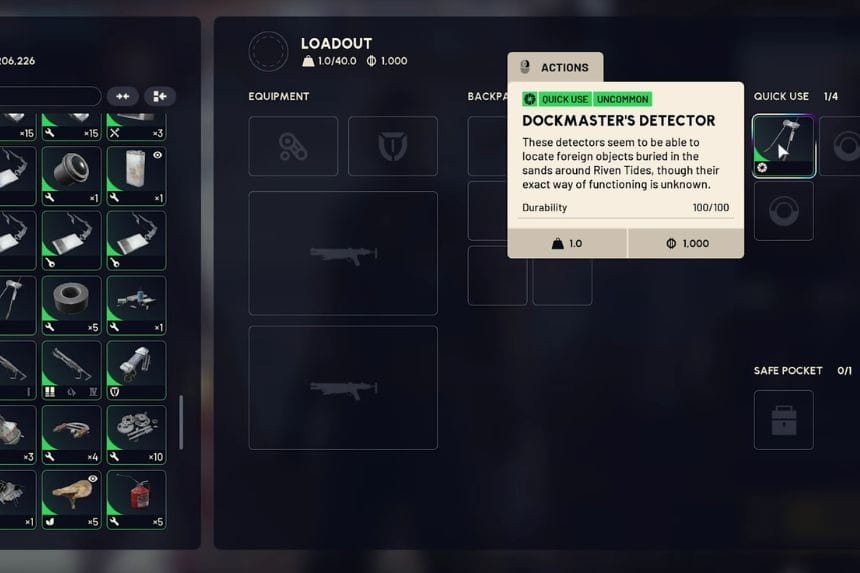
You will get one Dockmaster’s Detector automatically when you finish the Shoring Up Defences objective. Detectors may appear during your journey in random locations. The detector doesn’t last forever; it has durability (HP). Once it runs out, it disappears and can’t be used anymore.
On the other hand, when a detector starts emitting smoke, it indicates that it is about to break. You should then stop using it immediately. Go back to your menu, right-click the detector, and repair it using a few batteries.
How To Use The Dockmaster’s Detector
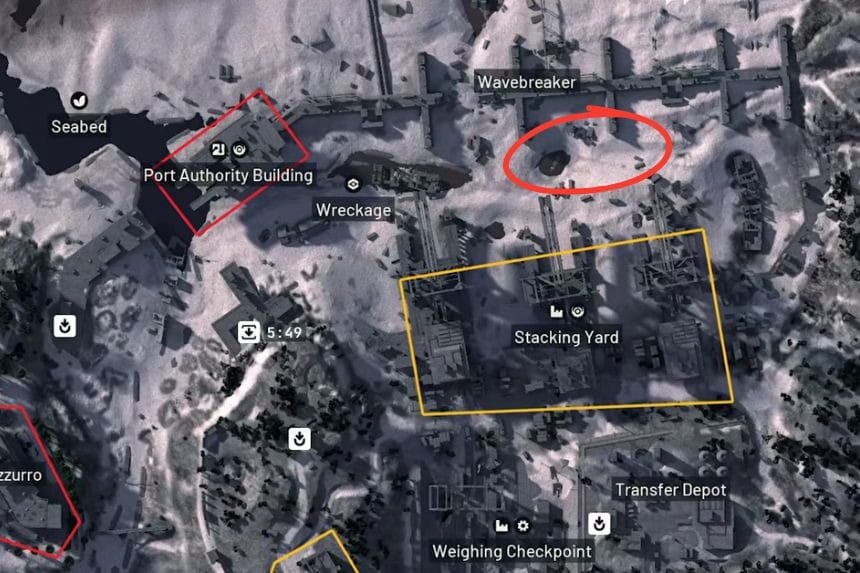

To use the detector, equip it in one of your quick-use slots. Go to the Riven Tides map. Once there, press and hold the use button to begin the detection process. While using the detector, slowly rotate it in circles.
It detects based on the direction that you are pointing at. There is no need to constantly hold the detector in place. Instead, you can simply tap the detector, and if something is detected, it starts beeping immediately.
Once it turns green, that means you have successfully located something. This is your cue to begin digging. Upon successful digging, you will receive several different types of rewards.
Loot spots can appear quite close to each other. Once you find one, try scanning nearby again. If you arrive late in a raid, chances are other players have already looted the area.
