
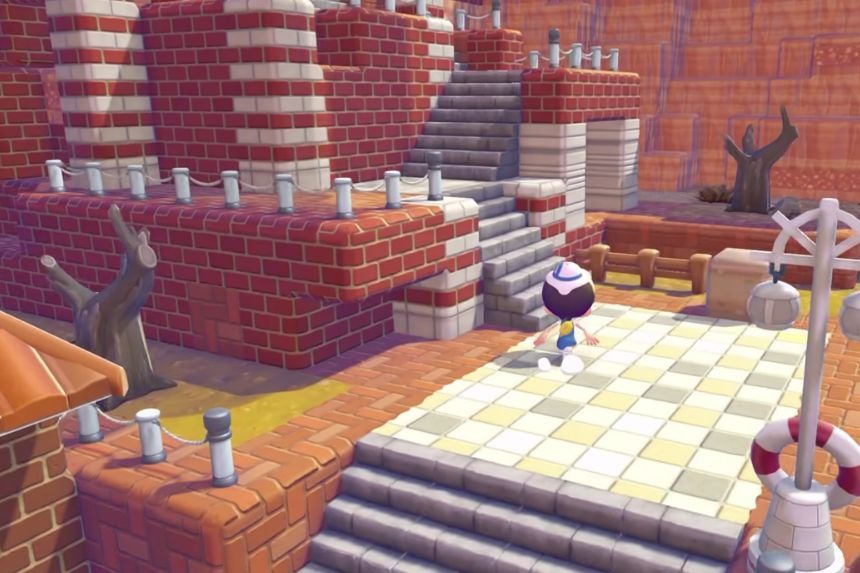
Pokémon Pokopia has a cool feature called the Dynamic Ditto Print DLC that allows you to make some fun wall and floor prints with a theme related to Ditto. But first, you have to get the recipes for them. In this guide, we’ll show you how to claim the Dynamic Ditto Print recipes, what materials you need, and where to get Paper and Twine for crafting.
How To Get Dynamic Ditto Print Recipes
The recipe for creating the Dynamic Ditto Block will become available once you purchase the DLC at any time up to August 21, 2027. Once the DLC is purchased, the recipe will be available for crafting in Pokémon Pokopia.
Press the + button and go to the Pokédex menu. Select the shopping bag icon located in the bottom right corner of the Pokédex menu options to access the Downloadable Content menu. Here you will see the three stages of the Pokopia Expansion Pass shown. Below that, there are two options: the eShop and checking items.
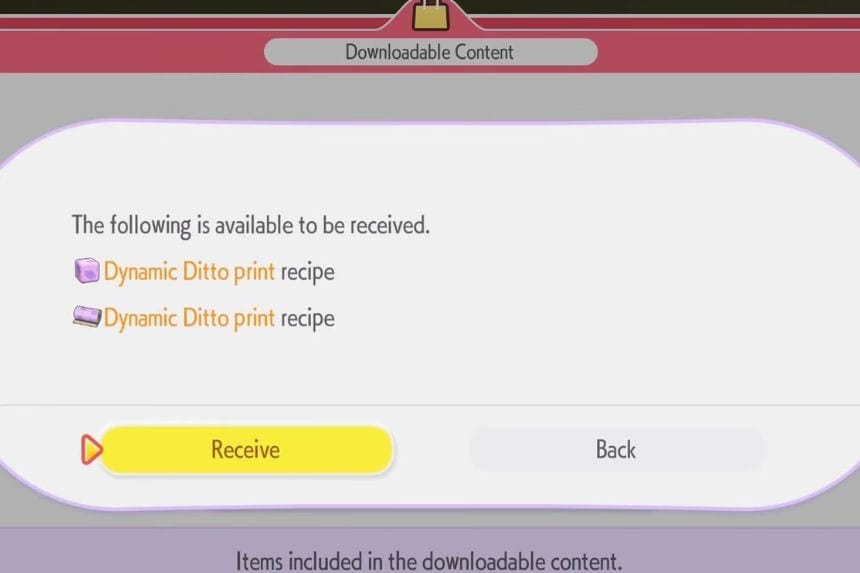
Selecting the Check Items option will make you see the DLC item list available in your game. There will be a notification of the availability of the Dynamic Ditto Print recipes available to receive. All you need to do is to select Receive, and the recipe will be immediately available for crafting.
How To Make The Dynamic Ditto Print
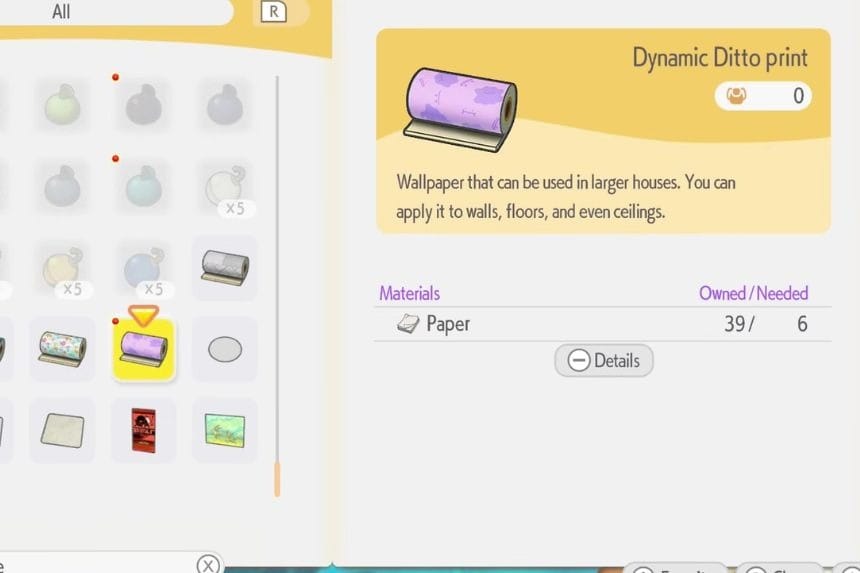
The Dynamic Ditto Print recipes are used to decorate the floors and walls in your home. Once you have unlocked these recipes, go to any Workbench, and you will see that two recipes are available: Dynamic Ditto Print Blocks that are applied to floors, and Dynamic Ditto Print Wallpaper that is used on walls. In order to craft 10 Dynamic Ditto Print Blocks, you will need 2 Twine, while crafting Dynamic Ditto Print Wallpaper for covering one room will take 6 Paper.
How To Get Paper
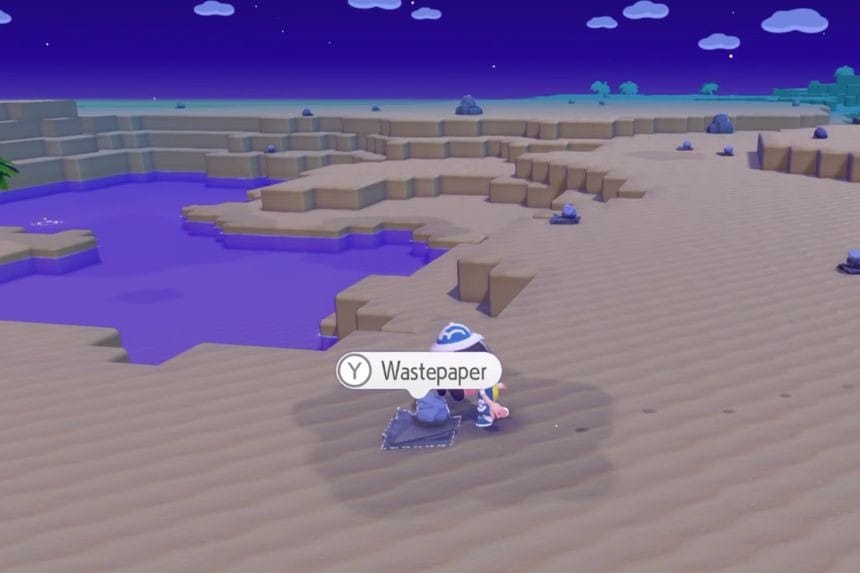
To collect Paper in Pokémon Pokopia, the first thing that you have to do is reach the fourth area. There are several areas which you must cross before reaching it. Once you reach the fourth area, look for Waste Paper. It is found inside the fourth area and can also be found in the waiting room of both areas. Collect some of the Waste Paper and give it to Trubbish. He will recycle the waste paper for you and convert it into Paper. For each of the Waste Papers recycled, you get 2 Papers.
How To Get Twine
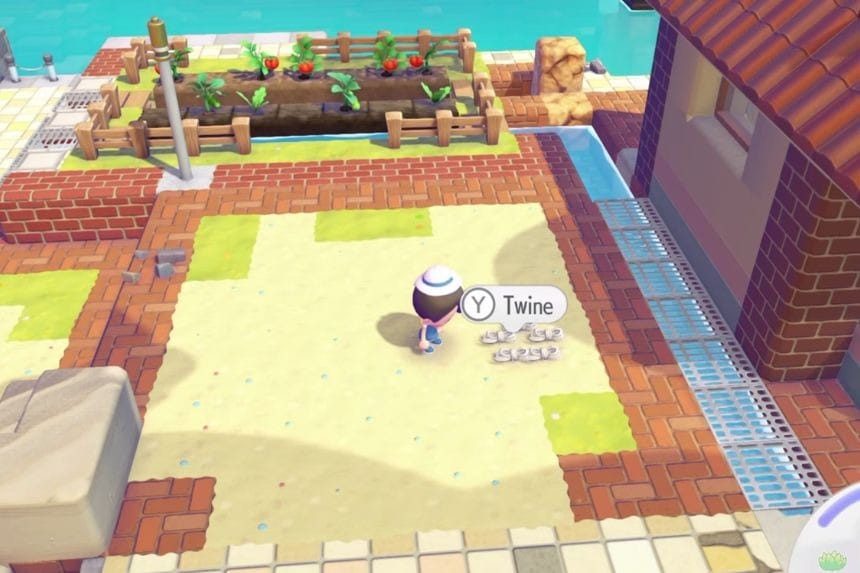
There are many ways of obtaining Twine in Pokémon Pokopia, but one of the easiest ways is to head to Ocean Dream Island. When you get to Ocean Dream Island, search for the towels that are spread all around the location. Break those towels to obtain Twine. You can simply walk around the island and destroy the towels you find, making this a quick and easy way to gather a decent amount of Twine.
