
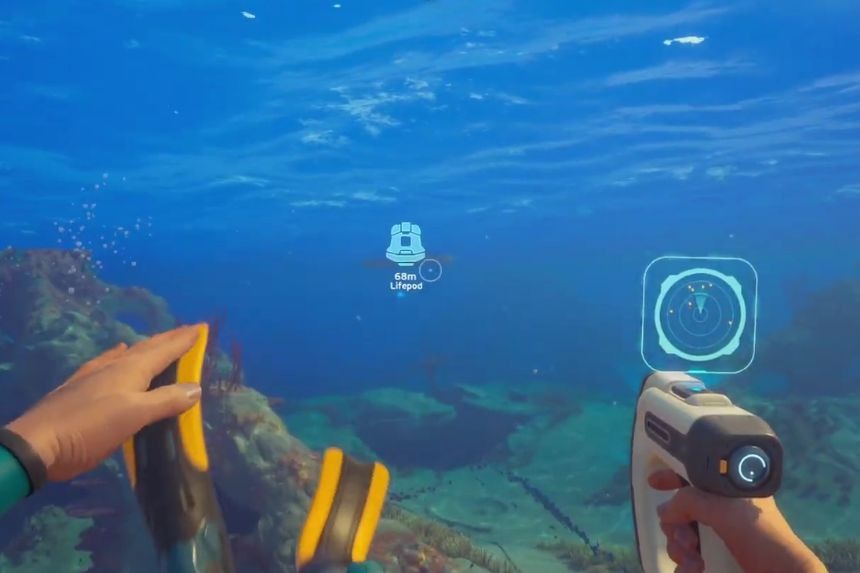
The Habitat Builder is one of the most useful tools in Subnautica 2 as it allows you to create your own underwater base. With this tool, you can build rooms, storage containers, power systems, and many other structures that make exploration much easier. To unlock it, you need to find and scan two Habitat Builder fragments hidden in the world. In this guide, we will tell you how to unlock the Habitat Builder in Subnautica 2.
How to Unlock Habitat Builder
In order to get access to the Habitat Builder, it is necessary to scan two Habitat Builder pieces via the Scanner. Leave your Lifepod and swim towards the eastern direction for some time. Search for a huge trench in the ground, which can be seen as a large hole in the sea floor. Dive down to its bottom.
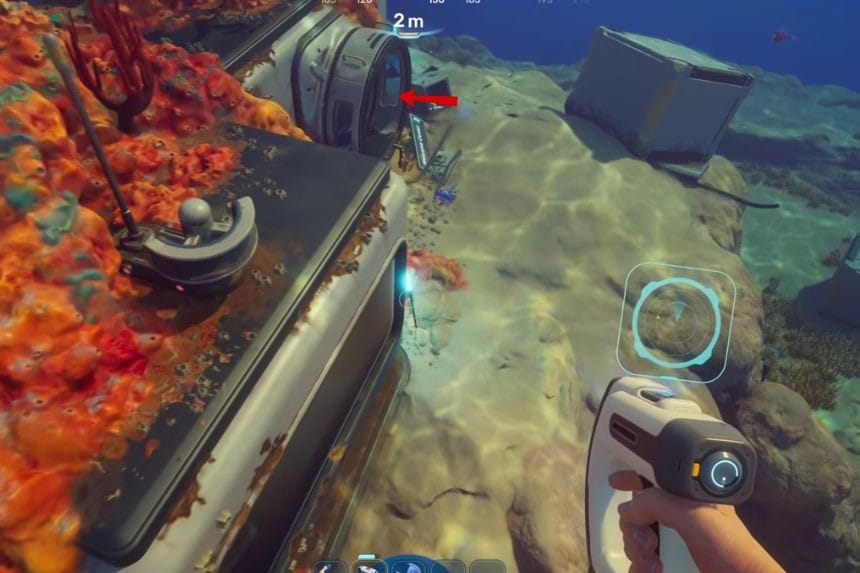
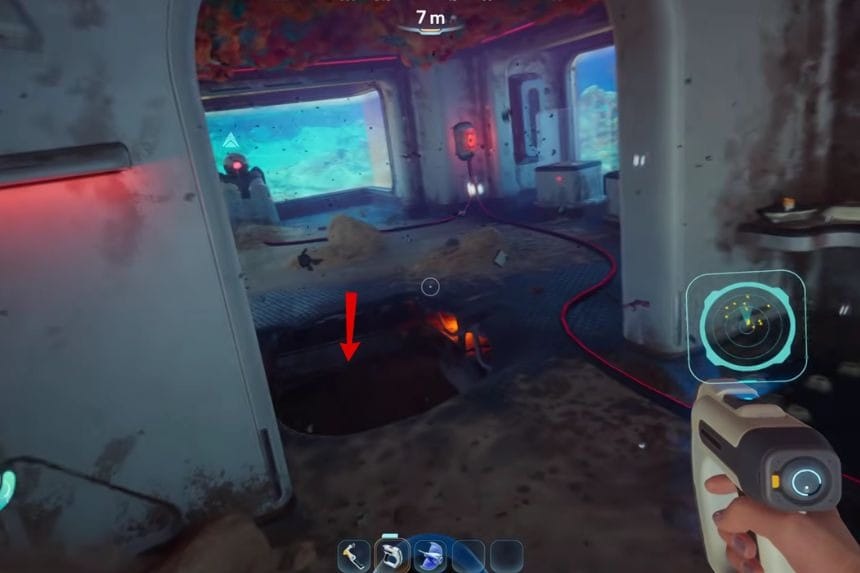
The bottom of this area has your first piece of the Habitat Builder. Use your Scanner to scan this piece and mark progress towards unlocking the blueprint. Next, make your way to the signal of Blackbox Anita. If you have visited the signal previously and then it may have made it inactive, you may activate it again through the Signals menu in your PDA. When you arrive at the destination, search for the second piece of the Habitat Builder nearby. Scan it to complete the blueprint unlock.
How to Craft the Habitat Builder
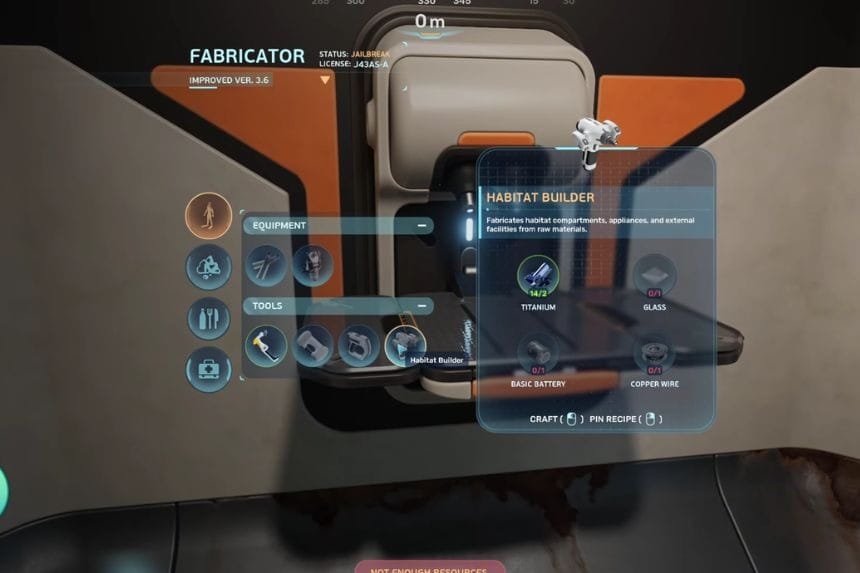
Once you scan two pieces, the Blueprint for Habitat Builder will unlock automatically. Head back to your Lifepod and go to the Fabricator. Go to the Personal section, where you can craft the Habitat Builder. You will then have the ability to build your bases, which include rooms, storage, power sources, and many other features. Once you have unlocked the blueprint, you can craft the Habitat Builder using any Fabricator. To make it, you will need two pieces of Raw Titanium Ore, one piece of Glass, one Basic Battery, and one Copper Wire.
