
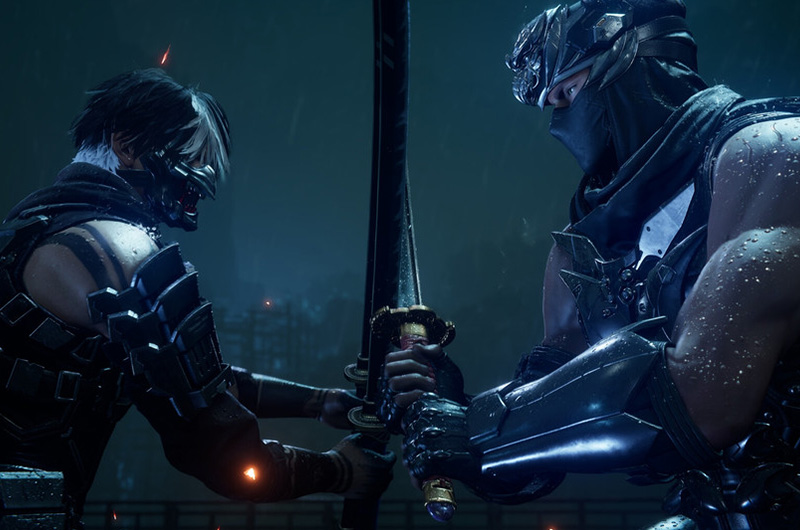
Ninja Gaiden 4 is finally here, and players are enjoying fast-paced sword combat and brutal action scenes. Unfortunately, the game has several bugs and issues. One of the common problems many players report is the missing pre-order skin in NG4. According to reports, players who pre-ordered the game were supposed to receive exclusive pre-order rewards, including a special in-game skin. But as soon as the game was released, many players noticed that their rewards were missing, especially skins. If you are also experiencing the same problem, go through this guide and learn how to resolve it.
How to Fix Missing Pre-Order Skin in Ninja Gaiden 4
Like many other players, if your pre-order skin reward is also missing in Ninja Gaiden 4, then worry not, as here we have shared all possible solutions for you to eliminate this problem.
1. Check Your DLC List on Steam
Many players report that the missing skin issue was actually caused by a delay in Steam recognizing the pre-order bonus as owned content. Once Steam refreshes your DLCs, the skin will become available automatically in Umi’s Shop. So, ensure to check your DLC list on Steam first. This is the most important step, so do not miss it. Here is how to do it properly:
- First of all, go to Steam Library >> Right-click on the game >> Properties
- Go to the DLC tab
- Check if “Pre-Order Skin DLC” is listed and marked as Installed / Owned
- If it appears there, launch the game
- Then, visit Umi’s Shop
- The Pre-Order Skin should now be visible and available there for free.
2. Restart the Game or Steam
The next workaround suggested by several players is to force DLC Sync by restarting the game or Steam. Sometimes, Steam doesn’t show new DLCs immediately, so try restarting both Steam and the game to refresh the data. Follow the steps below to do that:
- First of all, close the game completely if it is open
- Then, exit from Steam
- Reopen Steam and log back in
- Relaunch the game
- Go to Umi’s Shop and check if the pre-order skin is available now.
3. Progress Until You Reach Umi’s Shop
Some players report that the skin only becomes visible once the player reaches the first in-game shop. That means, if you are still early in the game and have not yet accessed Umi’s Shop, your skin might not appear. So, first play the game until you reach Umi’s Shop, and then check your pre-ordered skin in Umi’s Shop.
4. Verify DLC Installation
If that doesn’t work, then try verifying DLC installation manually to make sure that the issue is not from your side. Here are the steps to do this:
- First of all, go to Steam Library >> Right-click on the game >> Properties
- Then, select Manage >> Browse Local Files
- Make sure the DLC files are present in the installation folder
- Then go back to the Properties >> Installed Files tab
- Click on Verify integrity of game files to force Steam to recheck everything
- Once the scanning process is done, relaunch the game.
That’s all for this guide. We hope one of the above methods will help you to fix the Ninja Gaiden 4 missing pre-order skin in Ninja Gaiden 4.
