
Close Menu

    Subscribe to Updates

    Get the latest creative news from FooBar about art, design and business.

    What's Hot

    How To Pack-a-Punch In Totenreich In Black Ops 7 Zombies

    May 1, 2026

    Black Ops 7 Zombies: Paradox Junction Piano Puzzle

    May 1, 2026

    How To Get The Blundergat In Black Ops 7 Zombies

    May 1, 2026
    Facebook X (Twitter) Instagram
    Patch Crazy
    • Guides
    • Server Status
    • Patch Notes
    • Privacy Policy
    Facebook X (Twitter) YouTube Reddit
    Patch Crazy
    Home » Stalker 2 Save and Config File Locations (Steam and Gamepass)
    Stalker 2 Save and Config File Locations (Steam and Gamepass)
    Guides

    Stalker 2 Save and Config File Locations (Steam and Gamepass)

    By Harry SNovember 29, 20241 Comment2 Mins Read
    Share
    Facebook Twitter LinkedIn Pinterest Email

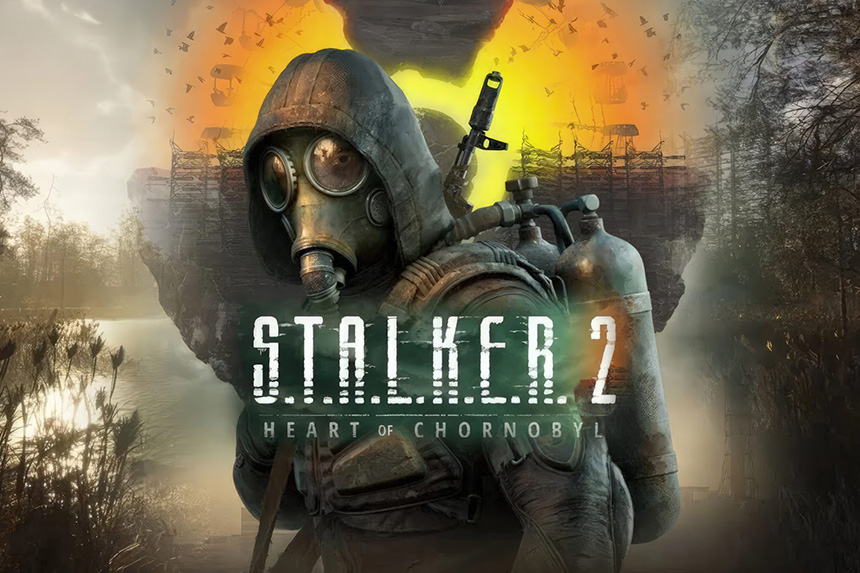
    Stalker 2 is finally out, and players can now explore the dangerous and exciting open world of the Chornobyl Exclusion Zone. As you explore the game, you may want to safeguard your save or edit the config file for settings that the in-game menu does not allow. Whatever your reason for seeking the Stalker 2 save and config file locations, we have you covered.

    Stalker 2 Save and Config File Locations Steam and Gamepass

    If you have downloaded the game on Steam or Gamepass, the config and save files locations are the same.

    Stalker 2 Save File Location

    C:\Users\[USERNAME]\AppData\Local\Stalker2\Saved\Steam

    Stalker 2 Config File Location

    C:\Users\[USERNAME]\AppData\Local\Stalker2\Saved\Config\Windows

    Stalker 2 Save File Location Gamepass

    C:\Users\<your_username>\AppData\Local\Packages\GSCGameWorld.S.T.A.L.K.E.R.2HeartofChernobyl_6fr1t1rwfarwt\SystemAppData\xgs\<character_string>\SaveGames

    To access the saved file, users on Steam must go to the above location, and the saved file can be found in the Steam folder. The location of the config file for users on both Steam and GamePass is the same.

    Before you decide to alter the config file of the game, take a backup so you do not lose the personalized settings in case something goes wrong and you want to prevent the old settings. If you want to backup the save, we suggest you create a backup of the entire Saved folder.

    Share. Facebook Twitter Pinterest LinkedIn Tumblr Email
    Harry S
    • Website
    • X (Twitter)

    Harry Smith has played video games since the early 2000s, starting with the original CoD and Doom 3. He has spent countless hours playing games of varying genres. His deep understanding of modern game mechanics puts him in the prime position to understand the gaming industry and write intuitive guides.Before founding Patch Crazy, Harry S freelanced for 10 years, working for several gaming publications.

    Related Posts

    Black Ops 7 Zombies: Paradox Junction Piano Puzzle

    May 1, 2026

    How To Get The Blundergat In Black Ops 7 Zombies

    May 1, 2026

    How To Get The Jotunn Star In Black Ops 7 Zombies

    May 1, 2026

    How to Get the Brass Rose Rapier in Crimson Desert

    April 30, 2026
    View 1 Comment

    1 Comment

    1. artjom on November 29, 2024 3:25 pm

      That is not true. On gamepass the saves are in %LOCALAPPDATA%\Packages\GSCGameWorld.S.T.A.L.K.E.R.2HeartofChernobyl_6fr1t1rwfarwt\SystemAppData\xgs\000901FD11F1F4F4_0000000000000000000000007782504A\SaveGames

      Reply
    Leave A Reply Cancel Reply

    Editors Picks
    Guides

    Black Ops 7 Zombies: Paradox Junction Piano Puzzle

    By Nandita
    Guides

    How To Get The Blundergat In Black Ops 7 Zombies

    By Nandita
    Guides

    How To Get The Jotunn Star In Black Ops 7 Zombies

    By Nandita
    Guides

    How to Get the Brass Rose Rapier in Crimson Desert

    By Nandita
    Guides

    How To Get The Gilliam Rapier In Crimson Desert

    By Nandita
    Patch Crazy
    Facebook X (Twitter) Instagram Pinterest Vimeo YouTube
    • Home
    © 2026 PatchCrazy.

    Type above and press Enter to search. Press Esc to cancel.