
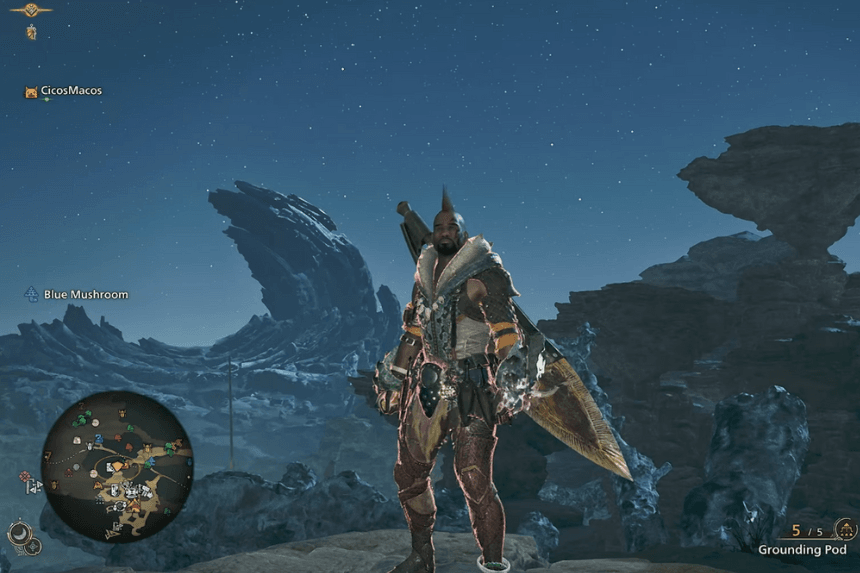
Your Hunter’s appearance in Monster Hunter Wilds is just as important as their gear and skills. Whether you want to show off a full armor set or see your character’s face during cutscenes, the game gives you the flexibility to customize how your Hunter looks. One of the easiest ways to do this is by hiding your Helmet or other armor pieces without affecting your stats or abilities. In this guide, we’ll walk you through the simple steps to toggle your Helmet’s visibility and personalize your Hunter’s look to match your style.
How to Hide Your Helmet or Headgear
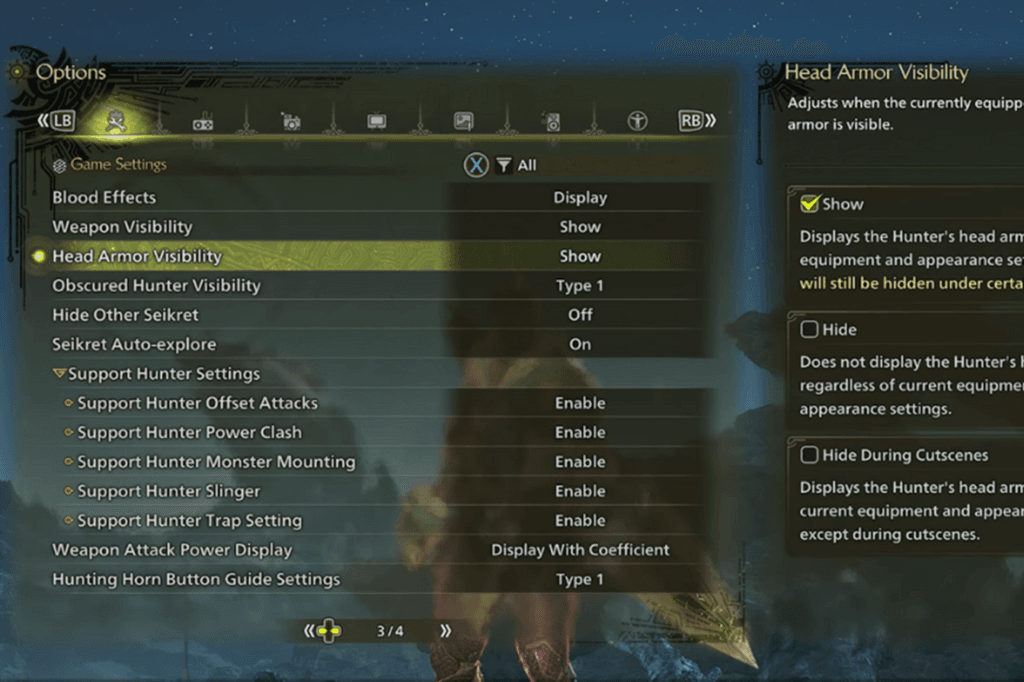
Hiding your Helmet or any other piece of armor in Monster Hunter Wilds is purely cosmetic and doesn’t affect your defensive stats or the skills provided by the armor. Whether you choose to hide it depends entirely on how you want your character to look. If you’ve spent time perfecting your Hunter’s appearance, you might prefer to keep the Helmet hidden to see their face during cutscenes. Otherwise, you can leave it visible to fully showcase your armor set’s design.
In Monster Hunter Wilds, your armor is made up of five pieces: Helmet, Chest, Arms, Belt, and Legs. If you want to hide your Helmet, start by heading to your Tent, where you can manage gear, switch weapons, and customize your Hunter’s look. Navigate to the Appearance tab and select Equipment Appearance. From there, a new window will let you toggle the visibility of different armor pieces, just switch off the Head section to hide your Helmet.
If you’d rather have a cleaner look, you can also conceal other armor pieces via the same menu. If you want to keep your character’s face visible when you’re prospecting for Iron Ores or if you simply prefer a more minimalist look, this feature allows you to customize your Hunter’s look. Further, if you wish to tweak facial features, you can go through the Change Appearance option within the Appearance menu for even further tweaking.
Tips
- You can change your Helmet’s visibility whenever you want, so experiment with different looks for cutscenes, battles, or exploration.
- If you want a unique style, try hiding specific armor pieces while keeping others visible to create a custom aesthetic.
- If you want to change your Hunter’s appearance without affecting stats, look into Layered Armor, which lets you override the look of your gear.
- Some players prefer a more immersive experience by hiding bulky armor while gathering resources or exploring new areas.
- Use the Equipment Appearance menu to preview how your character looks before finalizing any changes.
- If you’re playing with friends, hiding your Helmet can make your character more recognizable and highlight their unique features.
