
Close Menu

    Subscribe to Updates

    Get the latest creative news from FooBar about art, design and business.

    What's Hot

    Melt Knight Location in Of Ash and Steel

    January 25, 2026

    Chad’s Order Attire Quest: Of Ash and Steel 

    January 25, 2026

    Distribute the Handouts Quest in Of Ash and Steel

    January 25, 2026
    Facebook X (Twitter) Instagram
    Patch Crazy
    • Guides
    • Server Status
    • Patch Notes
    • Featured
    Facebook X (Twitter) Instagram
    Patch Crazy
    Home»Guides»Fix The First Descendant Shader Crash
    Fix The First Descendant Shader Crash
    Guides

    Fix The First Descendant Shader Crash

    By Harry SJanuary 22, 2025No Comments2 Mins Read
    Share
    Facebook Twitter LinkedIn Pinterest Email

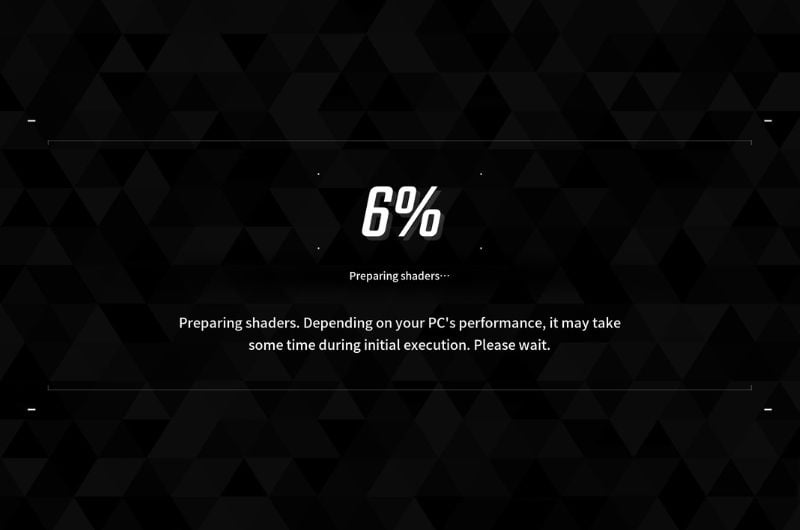
    The First Descendant has not had the best of launches even after the prolonged beta. Currently, there are all kinds of issues with the game from the server being down for more than hours, the stuttering in-game, DirectX errors, and the most reported Fix The First Descendant Shader Crash. If you are in a bind and cannot play the game, we have some fixes that can help.

    Fix The First Descendant Shader Crash

    The Shader Crash has been a common issue with UE5 games in the past year, especially when paired with 12th and 13th Gen Intel CPUs. But, some solutions can help you.

    1. Turn Down Game Settings – The first fix we suggest is to lower the graphics to low when you first boot the game. Lower the resolution too. When the game has loaded and you are in the city, you can switch the settings to whatever you want.
    2. Limit the FPS – Set a limit for the FPS, ideally to 60 and when in-game, you can switch to your monitor’s native frame rate.
    3. Intel 13th and 14th Gen CPUs – Use Intel Extreme Tuning Utility software to lower the “Performance Core Ratio” from 55x to 54x.
    4. Update the BIOS – Update the BIOS. The manufacturers release regular patches to fix issues with the motherboard.
    5. Do not Overclock – If you have overclocked the CPU or GPU, revert the overclock. it also applies to any factory overclocks that the CPU or the GPU may come with. Unerclock the CPU a bit and see if that helps.
    6. Change Power Settings to Balanced or Performance – Go to the Windows Settings > System > Power and change the power mode.
    7. Update the GPU Drivers – If you have already updated the GPU driver, uninstall it and install a fresh copy. When installing choose to perform a clean install.
    8. Turn Off Ray Tracing – Turn off the Ray Tracing from the game settings.
    9. Increase the Virtual Memory – To increase the virtual memory, set the initial size to 1.5 times your total RAM and the max value to 3 times your total RAM.

    These are all the solutions that have helped users resolve the shader crash in the The First Descendant as well as a number of other games that are developed on Unreal Engine 5.

    Share. Facebook Twitter Pinterest LinkedIn Tumblr Email
    Harry S
    • Website
    • X (Twitter)

    Harry Smith has played video games since the early 2000s, starting with the original CoD and Doom 3. He has spent countless hours playing games of varying genres. His deep understanding of modern game mechanics puts him in the prime position to understand the gaming industry and write intuitive guides.Before founding Patch Crazy, Harry S freelanced for 10 years, working for several gaming publications.

    Related Posts

    Melt Knight Location in Of Ash and Steel

    January 25, 2026

    Chad’s Order Attire Quest: Of Ash and Steel 

    January 25, 2026

    Distribute the Handouts Quest in Of Ash and Steel

    January 25, 2026

    Special Invitation Quest Guide in Of Ash and Steel

    January 25, 2026
    Add A Comment
    Leave A Reply Cancel Reply

    Editors Picks
    Guides

    Melt Knight Location in Of Ash and Steel

    By Nandita
    Guides

    Chad’s Order Attire Quest: Of Ash and Steel 

    By Nandita
    Guides

    Distribute the Handouts Quest in Of Ash and Steel

    By Nandita
    Guides

    Special Invitation Quest Guide in Of Ash and Steel

    By Nandita
    Guides

    The Long Road Home Quest Guide – Of Ash and Steel

    By Nandita
    Patch Crazy
    Facebook X (Twitter) Instagram Pinterest Vimeo YouTube
    • Home
    © 2026 PatchCrazy.

    Type above and press Enter to search. Press Esc to cancel.