
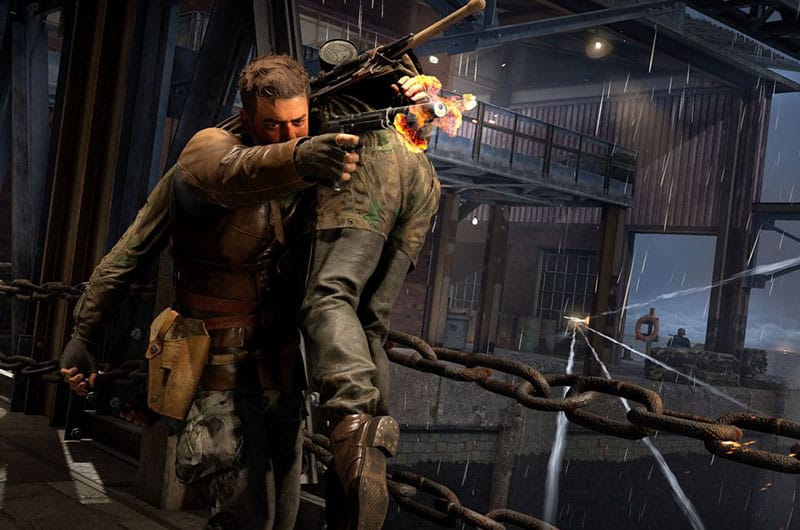
Sniper Elite: Resistance is the latest third-person tactical shooter game by Rebellion Developments. The game is out now and can be played on PS4, PS5, Xbox One, Xbox Series X|S, and PC. Although the game offers unparalleled sniping mechanics, stealth, and a tactical third-person combat system, some bugs, and errors disrupt the gaming fun. Those players who bought the Deluxe Edition of the game cannot play early access due to some issues. If you are also going through the same problem, this guide will show you all potential solutions to fix it.
How to Fix Sniper Elite: Resistance Can’t Play Early Access in Deluxe Edition Bug
It is quite frustrating when you have already purchased the Deluxe Edition of Sniper Elite: Resistance and can’t access the early access due to a bug. Thankfully, we have found a few possible solutions to resolve this issue, and we have collected all of them here.
1. Restart Steam and PC
One of the easiest solutions suggested by some players is to simply restart Steam and PC. This will help to clear any temporary client or system issues. Close Steam and another running program, then restart your PC and launch Steam after the system has rebooted. Then, relaunch the game and check if the issue persists.
2. Clear Steam Download Cache
After restarting Steam and PC, if the game still shows as unavailable, clearing the Steam download cache can help resolve issues caused by corrupted or outdated files. Here is how you can do it:
- Go to Steam Settings
- Go to the Downloads tab
- Click on “Clear Download Cache”
- Once done, restart Steam and log into the game.
3. Download Game via Steam Webpage
Some players have managed to resolve this bug by starting the download directly through Steam’s web interface instead of the desktop client. Here are the steps to do so:
- Open your browser and visit the Steam official website
- Log in to your Steam account
- Go to your library and find Sniper Elite: Resistance
- Check if the game shows a download option and start the process from there
- Once the download begins, you can return to the Steam client to check the progress.
4. Manually Start from Installation Folder
If the game is already downloaded but fails to launch from Steam, you can try launching it directly from its installation directory. For this:
- Go to the folder where the game is installed on your PC
- Look for the game launcher (.exe) file
- Double-click on it to start the game
If the game launches successfully, you can play without waiting for Steam to update the status.
5. Wait it Out
Sometimes, this bug resolves itself so if none of the above methods help to fix the bug, simply wait for a while. The developers often roll out fixes to eliminate such issues.
That’s all you can try fixing Sniper Elite: Resistance can’t play early access in the Deluxe Edition bug.
