
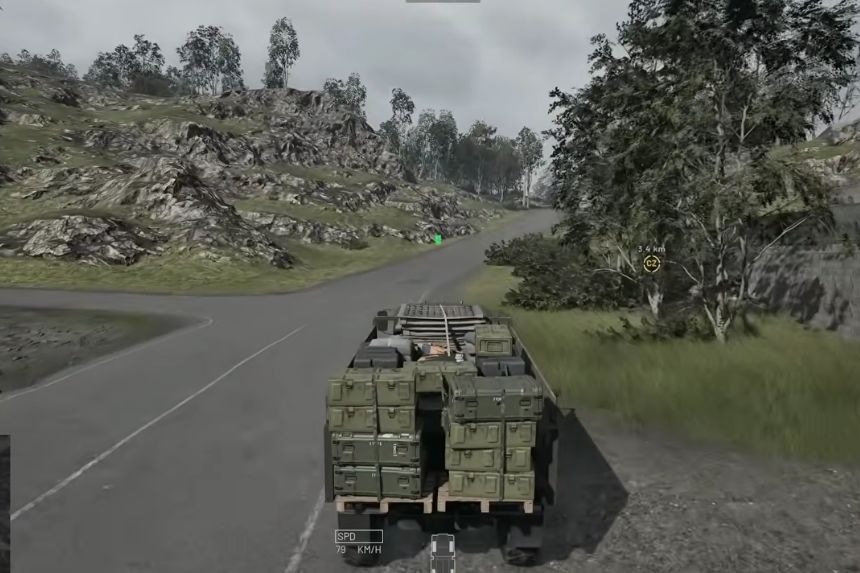
Supplying your team members is essential for Wardogs, particularly if you play with a squad that is engaged in combat away from the base camp. Resources like ammunition, fuel, and construction materials can be transported to various points by using vehicles. Handling logistics is one of the best ways to help your team without always engaging in combat. In this guide, we’ll show you how to run logistics and deliver supply crates in Wardogs.
How To Run Logistics
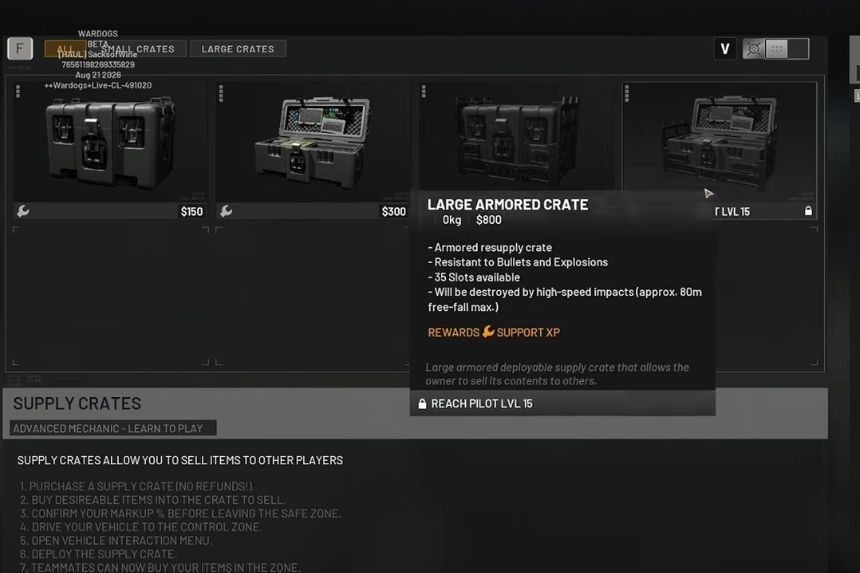
Moving logistics in Wardogs is quite a simple process of providing your squad with all necessary resources. First of all, you should buy a vehicle for transportation. The helicopter would be a very convenient choice because you will be able to move from one place to another faster than with any other vehicle.
Being on board the vehicle and staying near the Forward Operating Base (FOB), you can see the red circle around it, which means that you are inside the logistics zone of this particular FOB. At this point, you should press the B button in order to bring up the supply menu and purchase your necessary items here, such as ammunition, countermeasure flares, etc.
Among the logistic items, you should choose the Small Crate and fill it with the necessary supplies. Don’t stick to just one item when it comes to transporting supplies, you need to carry a mix of everything if you wish to fortify your FOB.
For example, if you don’t focus on ammo and rather more on building supplies, then you will find your base having less offensive measures and overrun by enemies. It’s always best to plan your supply runs accordingly and prioritize a mix of materials.
How To Supply Crates
The Small Crate can carry various kinds of supplies such as ammo, construction materials, fuel, mechanic parts, grenades, and signals. Select the necessary resources for your team and confirm the purchase before leaving the menu. Your supplies will be packed into the crate, and it will be put on your helicopter.
Having loaded the supplies, get on your chosen vehicle and fly or drive to the place where you need to deliver the crate. You will see the indication of pressing G key in the lower-right corner of the screen when carrying the crate. Drop the supplies using the key when ready to do so.
When you drop the supplies, you will leave them at a certain place for use by your team members. After that, you will be able to use those supplies in order to construct the FOB or to replenish an already constructed FOB with fuel and other supplies.
You may repeat this procedure by flying from your main base, FOBs, and other useful places. This lets you keep your teammates supplied while also helping them build and maintain their positions. Always keep a check on what you have a stock of, so you don’t spend needlessly on items you already own and focus more on resources that are depleting rather quickly.
