
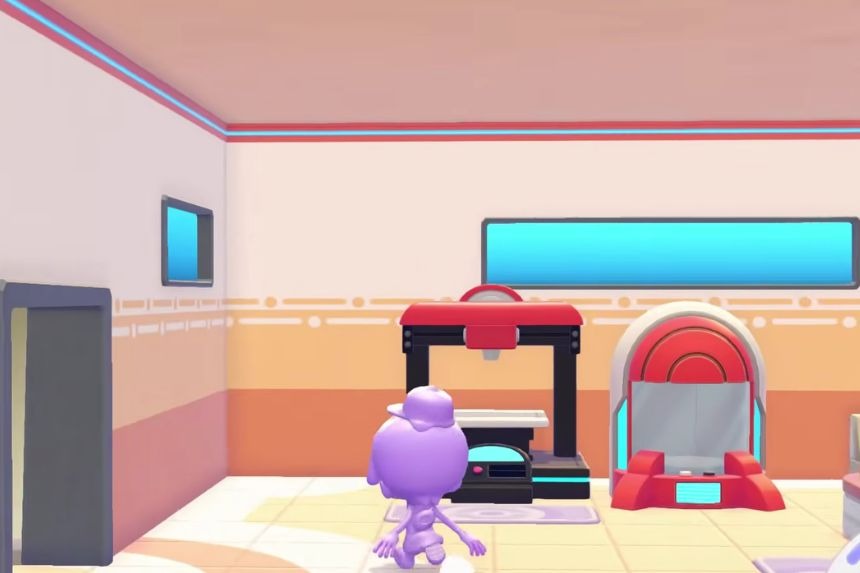
The Portal Pod is a handy storage item in Pokémon Pokopia that makes carrying items between different areas much easier. Instead of filling your bag with the items, you can simply store them in a Portal Pod and get access to them from somewhere else. In this guide, we’ll show you how to get the Portal Pod, how to craft more of them, and how its shared storage works.
How The Portal Pod’s Shared Storage Works
The Portal Pod is considered to be one of the most useful pieces of storage equipment in Pokémon Pokopia. It allows you to gain access to the same shared storage from various zones and worlds, without having to carry around all of the items in your pockets.
How To Get The Portal Pod
There are several ways to get a Portal Pod, depending on how far you have progressed and whether you own the DLC. The most common method to acquire a Portal Pod would be from Pallet Town. To do this, first, upgrade your Pallet Town environment up to Level 8. At Level 8, you should be able to get a Portal Pod from the Pokémon Centre PC Shop for around 3,000 Coins.
Get Portal Pods From The Bubbly Basin DLC
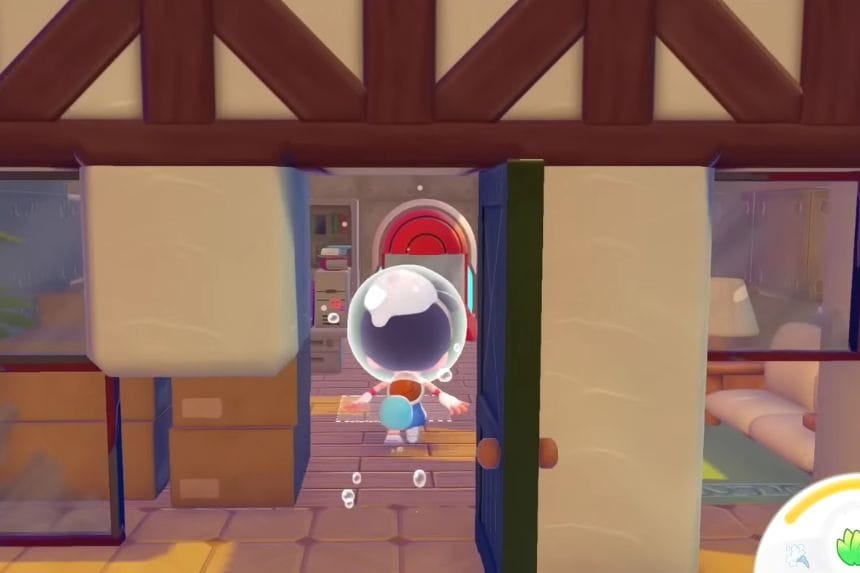
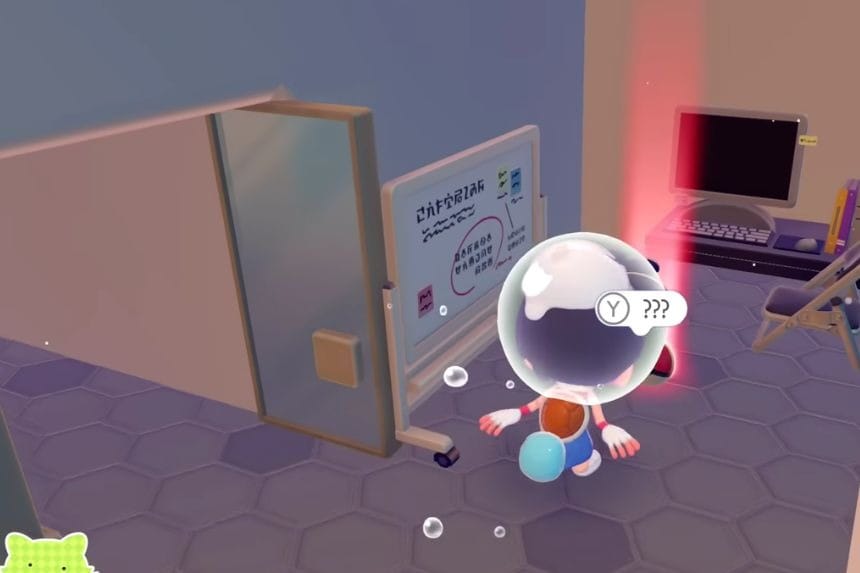
First off, go to the Bubbly Basin and head up the mountain to the island located nearby. Next, find a house which is located under the ground level and get into it. There will be a Portal Pod there. Also, there are some stairs behind the Portal Pod which lead to a Poké Ball where there is one more Portal Pod. However, keep in mind that this method only gives you the items themselves. You still need to unlock the recipe through Pallet Town if you want to craft additional Portal Pods normally.
Make It From A 3D Printer
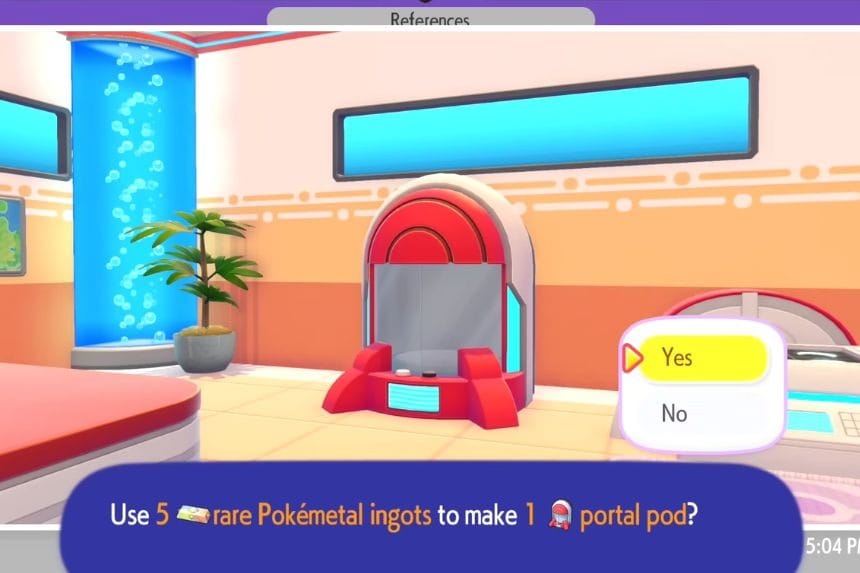
First, find a Portal Pod in a Dream Island. Get your camera out and switch it into Reference Mode. Position your camera to recognise the object as a Portal Pod and then take a photograph of it. Once done, bring the photograph to your 3D Printer. You will require 5 Rare Pokemetal Ingots to craft a Portal Pod. This helps you create more Portal Pods at various places so that you can access your shared storage from there.
How To Use The Portal Pod
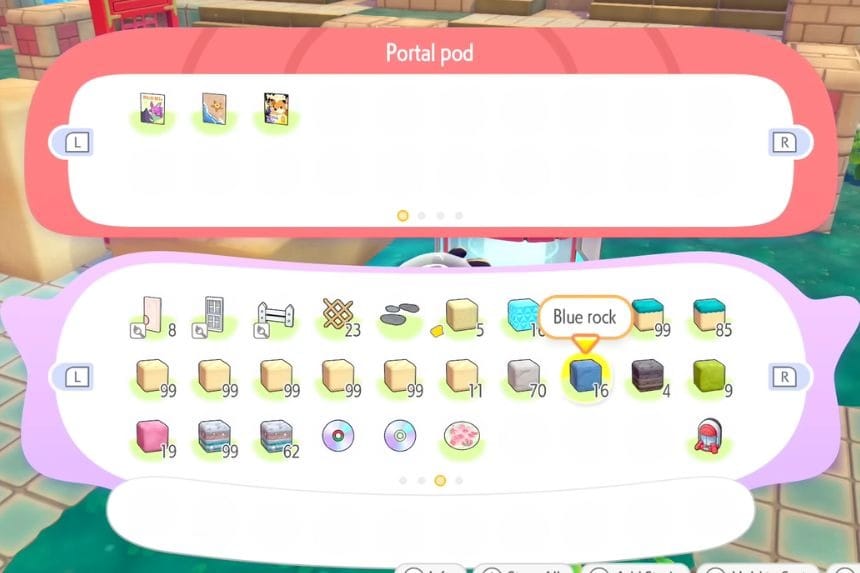
Using the Portal Pod is very easy. Put it in the location where you currently are and fill it with your desired items. All the items will stay within that shared storage. Now move to any other location or world and use another Portal Pod. You’ll get all your stored items there as well. The storage capacity of the Portal Pod is 140 items, which means that you have a lot more storage than your character’s inventory.
