
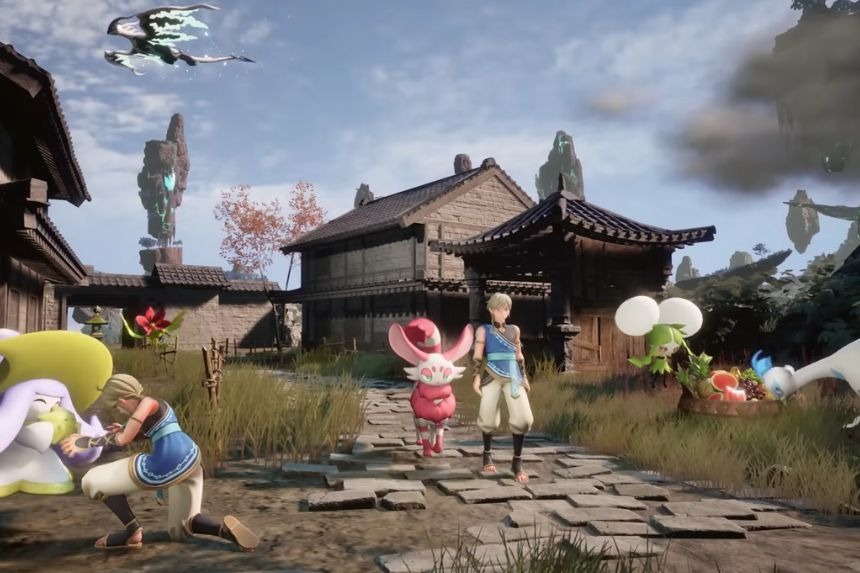
In Palworld 1.0, transmogs allow you to change the look of your character and some pals without changing their abilities in any way. You will therefore be able to wear your most powerful armour, but make it appear like some other set you like more, or apply cool skins to those pals that support this feature. No matter what kind of look you want, or whether you want your favourite armour to look cool, transmogging is very simple. In this guide, we’ll show you how to use Transmogs, unlock more cosmetic options, and change the appearance of your Pals.
How To Use Transmogs
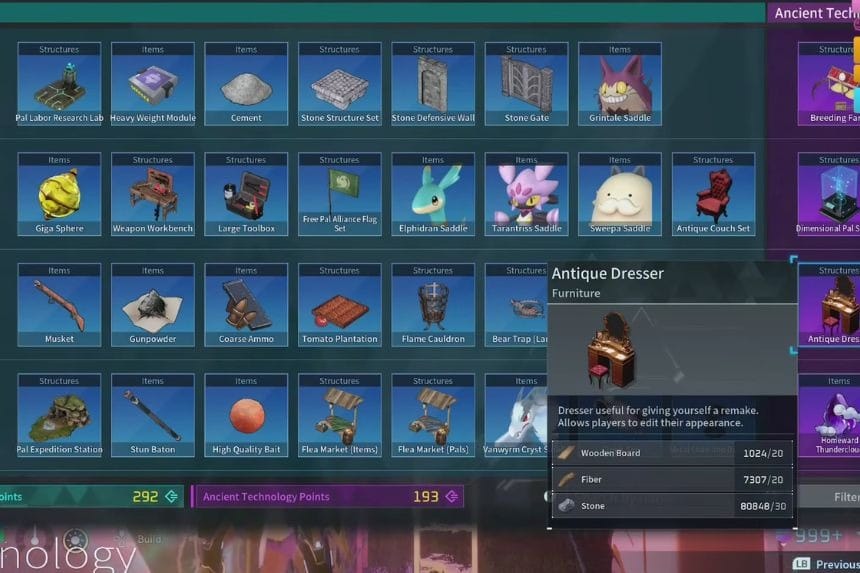
In order to be able to use this feature, you’ll first need to unlock the Antique Dresser from the Ancient Technology Tree at Level 21. Before using it, equip the armour you actually want to use for its stats. Then interact with the Antique Dresser and choose Outfit instead of Edit Character Appearance. The first option changes your face, hairstyle, eyes, skin colour, and voice, while the Outfit option is where the Transmog feature is found.
From here, you can choose the appearance of different hats and outfits without changing the armour you’re actually wearing. Your equipment keeps all of its original stats, but your character will look however you want.
How To Unlock More Outfit Appearances
Further cosmetic options will be unlocked while playing. Some sets of clothing may be bought, whereas other sets are earned by beating a boss or through special content. After you choose which outfit to use, click on it to confirm your choice, and your character will wear it but will have all bonuses from your gear.
How To Use Transmogs On Pals
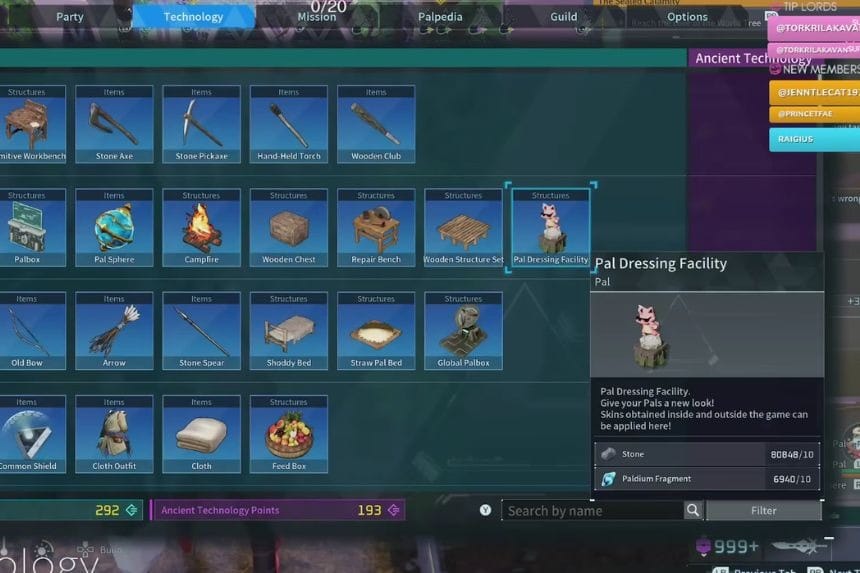
Pal Dressing Facility becomes accessible in the early stages of the game. It can be unlocked from the Technology Tree in level 2. All you need to do is build it in your base and click on it, selecting the option “Change skin”. With this feature, you will be able to add cosmetic skins to your supported Pals without changing their stats and other characteristics. Pal Dressing Facility may get additional skins in future updates and seasonal events.
