
Highlights
- You’ll need to restore power by correctly activating multiple power sources in the Engineering area.
- Some steps require precise timing, including operating a valve and cart at the same time.
- You have to keep all the power indicators active until the moving platform above reaches the other side.
If you’re unsure of how to get started on solving the Engineering Power puzzle in Poppy Playtime: Chapter 5, this quick guide will tell you everything you need to know. From restoring power through using all necessary means to activating the platform so you can progress through the game.
How to Solve the Engineering Puzzle
To solve this puzzle in Poppy Playtime: Chapter 5, you’ll need to meet Chum and Giblet in the Engineering bar. Once you’re there, Giblet will tell you that you need to unlock the doors present on the top platform by providing power to Chum (restoring power to open the door).
Activating the Power Sources
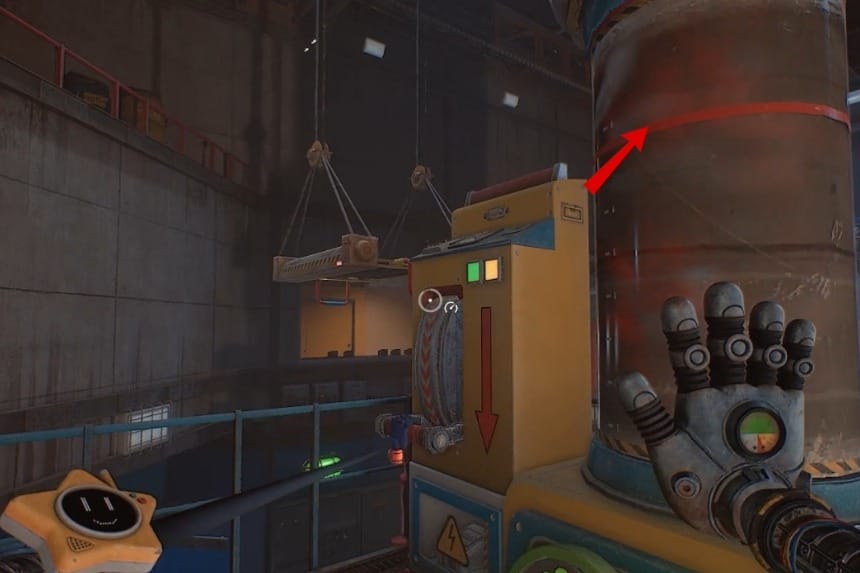
- To restore power, get on the top platform and start with activating the pressure tube first.
- What you’ll need to do is charge the tube using your hand until the fluid reaches the red marking. Once that happens, pull the lever to activate the first power source.
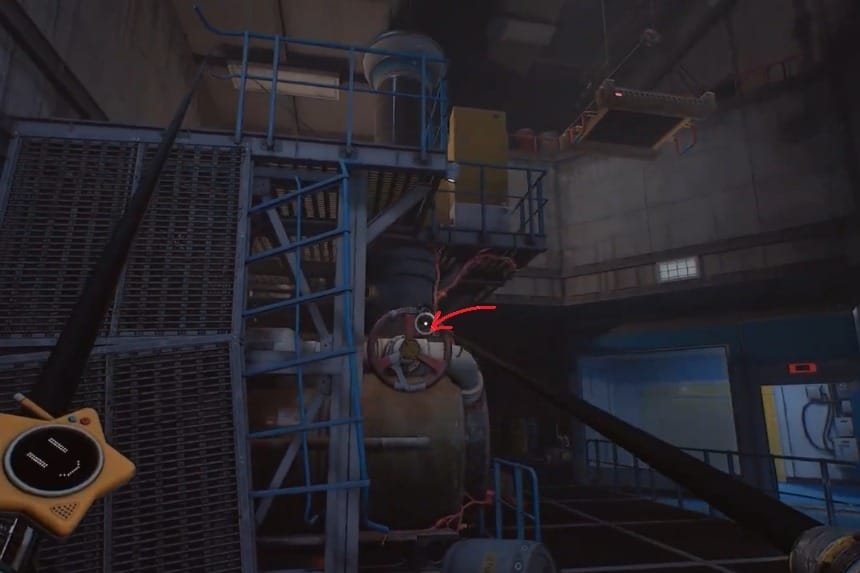
- To activate the second power source, you’ll need to jump down, and just below the pressure tube, you’ll find a valve.
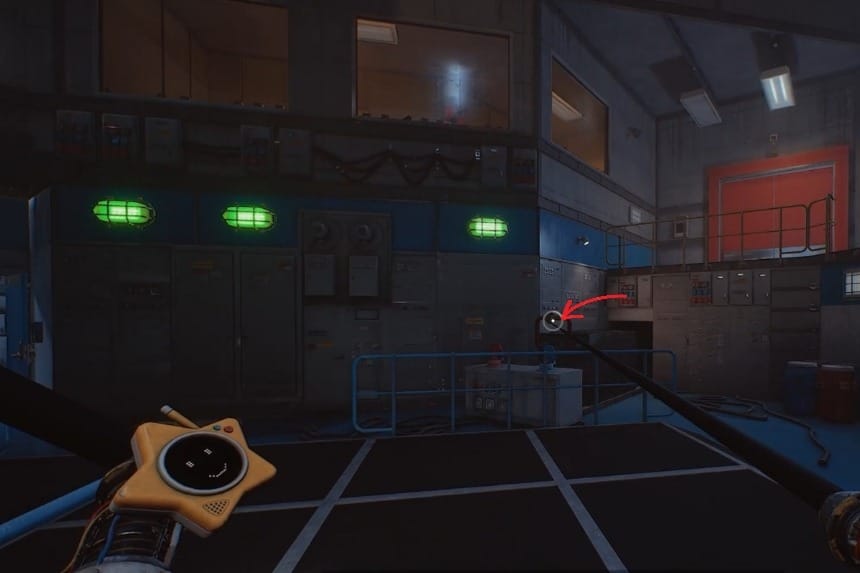
- Start turning the valve, and turn a bit right, and you’ll find a cart of sorts. You have to turn the valve and pull the cart simultaneously.
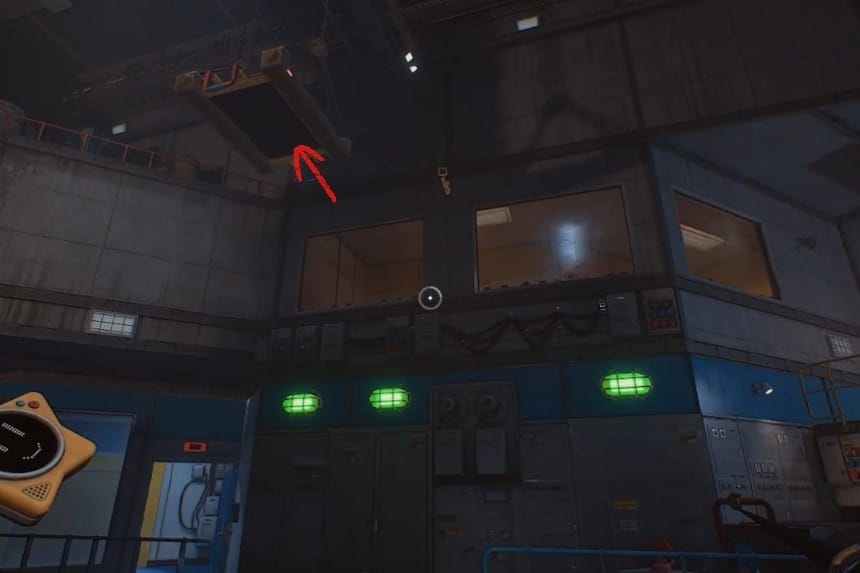
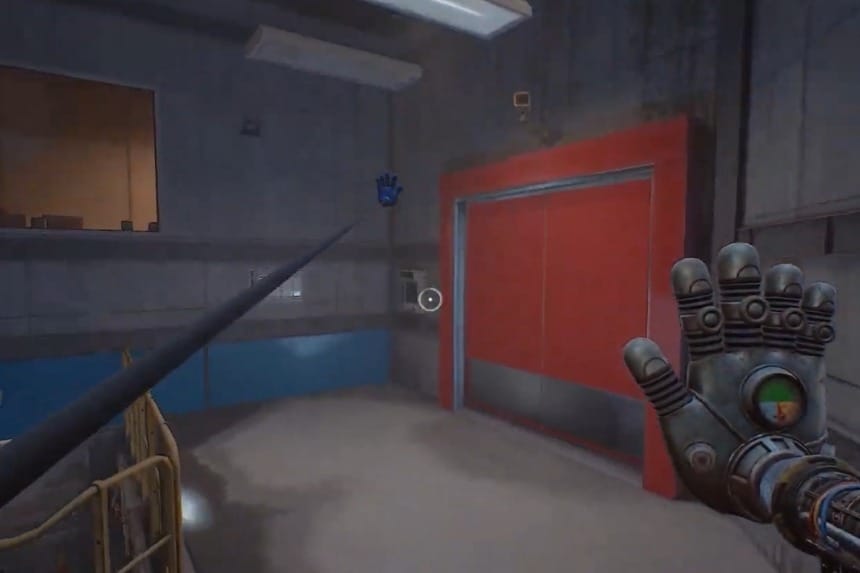
While doing that, look up, and you’ll see a kind of platform headed to the other side of the room. This means you’ve activated all the power sources, and once you see the platform has reached the other end, grab it to reach the top level. This will take you to the red door, scan it to open, and progress further in the game. This officially completes the Engineering Power puzzle!
Note: While the platform slowly moves to the other side, you have to make sure that all the power sources are consistently active by keeping an eye on the indicator. If you see any of the indicators turned off, then you’ll have to activate them again.
