
When exploring the caves in Hytale to get resources, it’s normal for you to run out of inventory space quickly. However, there are numerous ways to increase the capacity of your inventory by crafting a backpack at the workbench and then leveling it up. This guide will provide you with step-by-step instructions on how to access and upgrade your Backpack in Hytale.
Basic Backpack Setup
You will be limited by the available space within your backpack as you begin your journey. When you want to open or close your backpack, simply click on the backpack icon. Your backpack serves as a virtual space for storage, and whatever items you place in your backpack will never disappear.
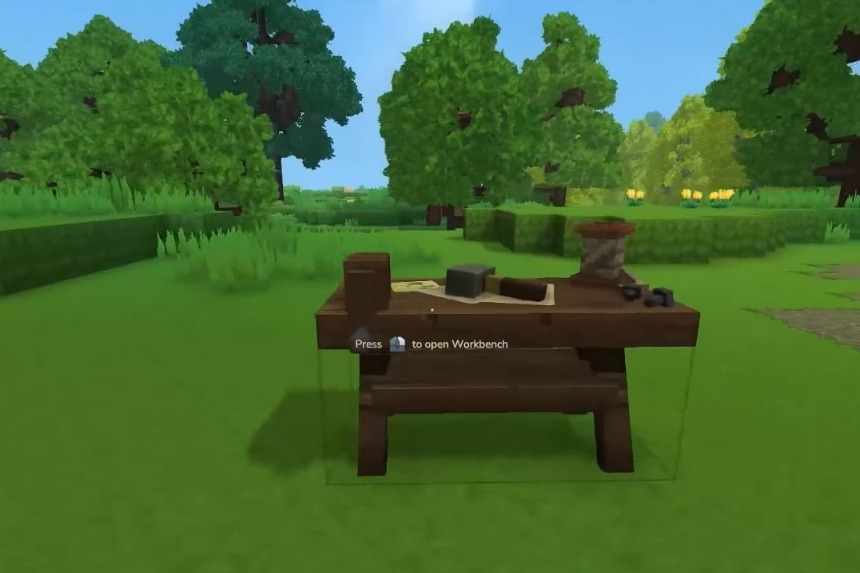
To craft a backpack, first you need to create a workbench; this will allow you to use it as the main place for crafting. In order to craft a backpack, you will need leather from an animal, such as a cow; after gathering the cow’s hide, you will then be able to turn the cow’s hide into leather by using the tanning rack; tanning racks are also available at the workbench. By making a backpack, you will have additional inventory slots.
Workbench Upgrade and Backpack Expansion
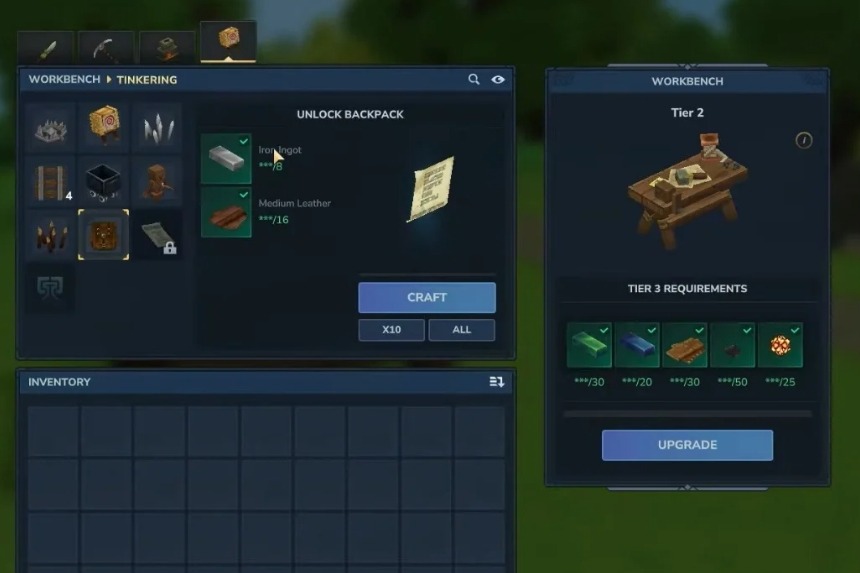
To get items for expansion of your backpack, you’ll first need to upgrade the workbench, for which you’ll need 30 copper ingots, 20 iron ingots, and 20 linen scraps. After getting these items, you will be able to access the tinkering section after the upgrade.
In the tinkering section, you will require 8 iron ingots and 16 medium leather pieces, and then use the right mouse button to start the crafting process. Now, you can create backpack expansion items that provide additional backpack slots, and then equip the expansion item to increase your total backpack storage capacity.
Backpack Level One Upgrade
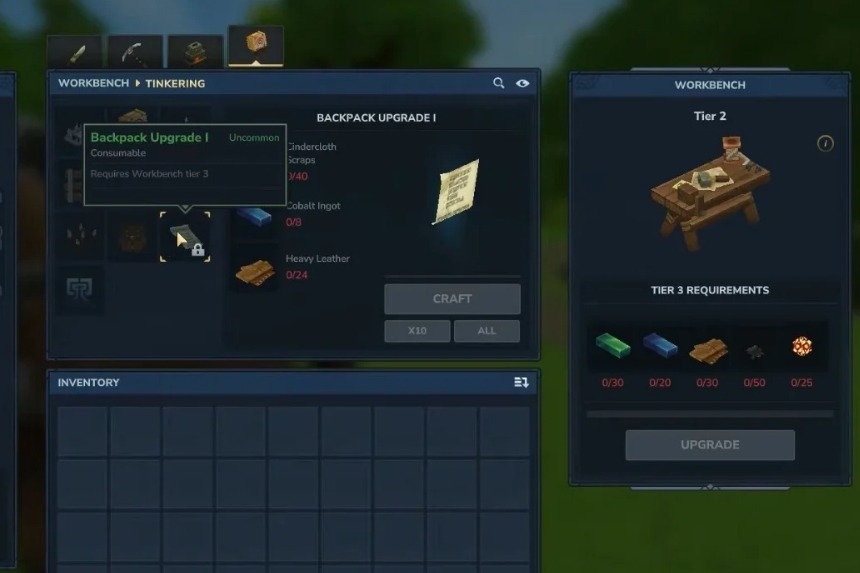
Your backpack starts at level one when you first equip it; however, it does have the ability to be upgraded. For the first upgrade, you will be required to gather 40 Cindercloth scrap that has been dropped by fire creatures, which include fire skeletons, fire dragons, fire golems, and other fire-based creatures, to upgrade their backpack. In addition, you must also collect 8 Cobalt Ingots and 24 Heavy Leather that are dropped by stronger creatures for this upgrade.
To craft the upgrade, you must first reach level three on the forge. To do this, you will need the “Essence of Fire,” which is dropped from fire creatures that are found in the volcanic shadow areas, along with scrap and cobalt pieces obtained from fire creatures, and thorium feature pieces as well.
Once you have crafted the first upgrade, simply right-click to apply it; your backpack will have two rows of storage.
Memory System and Second Backpack Upgrade
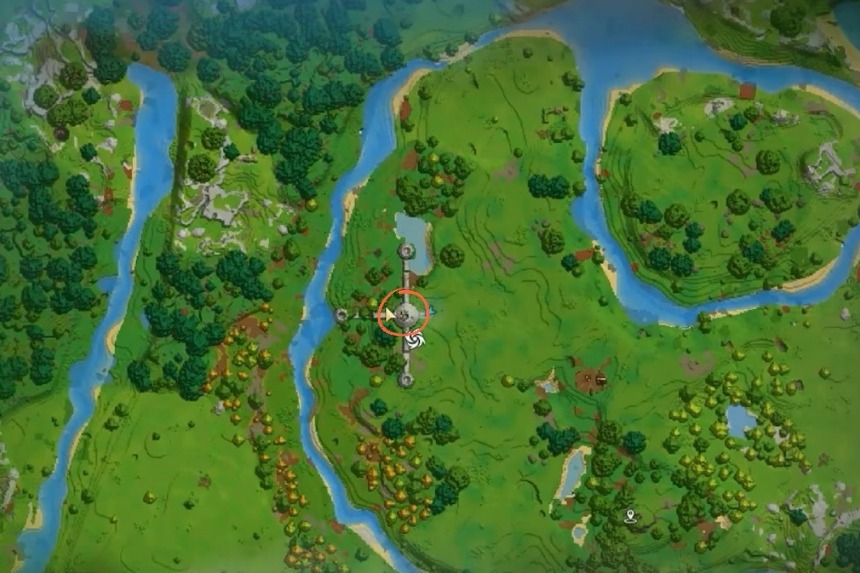
To get the second backpack upgrade, you will have to visit the temple, where you will find the first boss of the game. But it’s up to you if you want to skip past this boss or actually fight it. Your objective is to get to the center of the temple, where you can activate the memory system by clicking on the right mouse button.
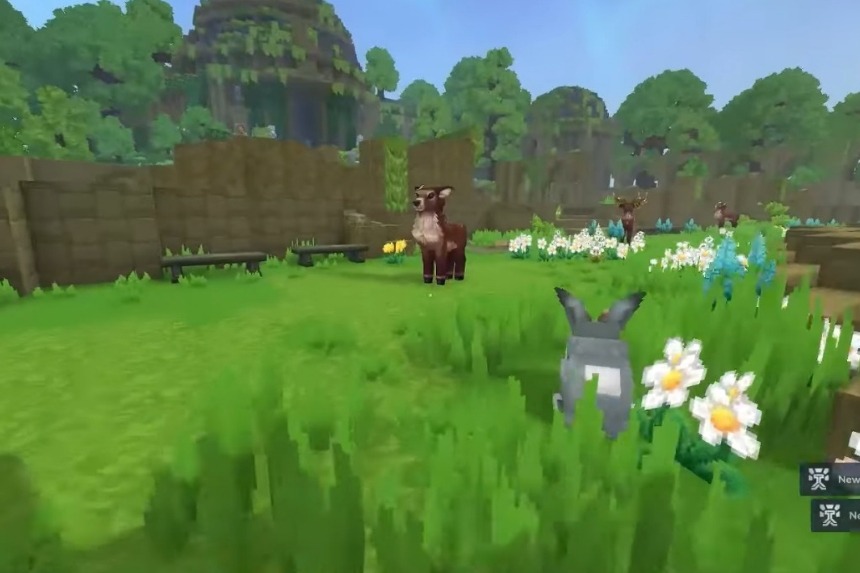
You’ll discover all these different species throughout your adventure, which will grant you instant memory. Upon gaining memories from these creatures, you will see that blue particles have appeared around you. You’ll receive the notification that your memory has been consumed, which actually means that your memory has been placed in a separate section of your backpack. Remember that you’re limited to holding a total of 48 memories.
You can use the memories by clicking right and subsequently recording everything within the memory system. Different types of rewards can be unlocked through specific memories, which include 10 memories, 25 memories, 30 memories, and 100 memories. When you unlock 100 memories, you’ll gain access to the red-type blueprints needed for the second Backpack upgrade.
To get the second upgrade for the backpack, you will need to have collected a voidheart, an item dropped from void creatures when they are killed. Voidheart has a special in-game function, and so it can be worth the time and effort. In addition, you will also need 16 storm leather, and 8 adamantite ingots in order to craft the final upgrade for the backpack.
Note: The storm leather cannot be collected in survival mode, so it has to be harvested in creative mode. Currently, Hytale is in the pre-release stage and is in early access, meaning that there will be more upgrades and changes coming in the future.
Voidheart Location
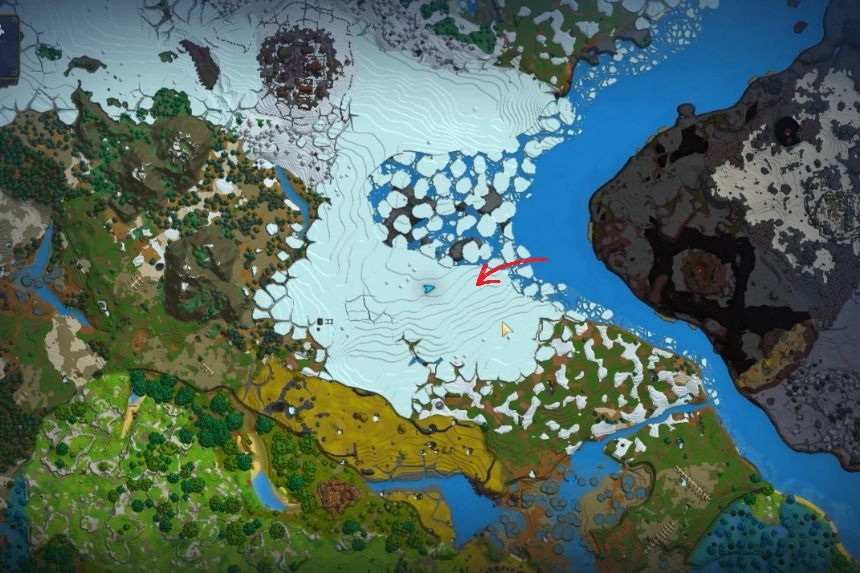
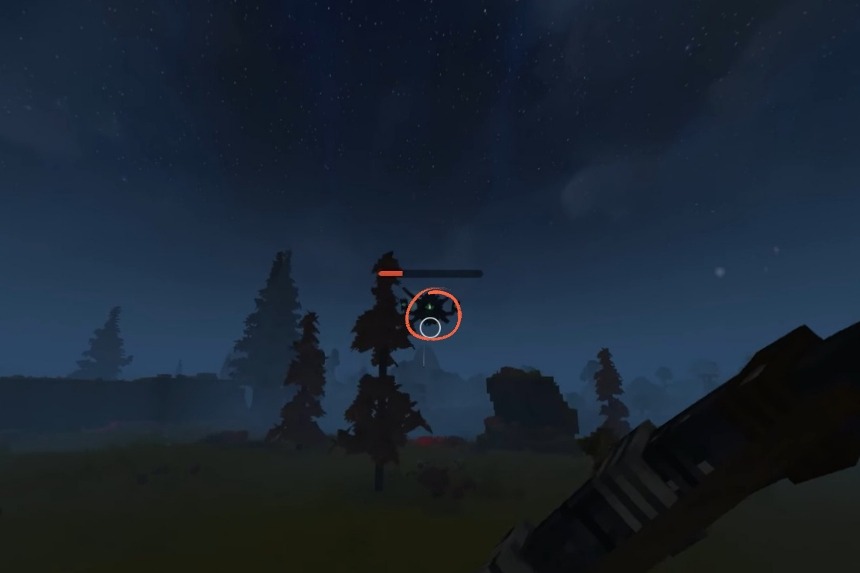
A great place to look for voidhearts are the icy regions with icecaps. These creatures mainly spawn at night so that’s the most suitable time for you to go look for them. Void creatures are huge in size and could be seen flying around during nighttime. Unfortunately, there’s no guarantee that every kill will result in you getting a voidheart, so you’ll have to keep trying your luck.
Once you have finished crafting the upgraded backpack, right-click to apply the upgrade. The upgraded backpack will have three rows for storage with a total of 27 slots available.
When fully upgraded, the Backpack provides the ability to carry your entire inventory while exploring in Hytale and allows you to keep your inventory safe while you are out adventuring.
