

Your boat in The Last Caretaker is more than just transportation; it’s your home base, crafting hub, and a means to explore the flooded world. Whether it be navigating between points of interest or a variety of fuel and power systems, mastery over your ship is key to survival.
Here’s all you need to know to operate your boat, manage its engines, power, and storage, and keep it running smoothly.
How to Pilot Your Boat
To pilot your boat, go to the bridge and engage with the steering wheel; that is where you will be able to control the throttle speed and direction of your ship.
Critical information provided on the bridge console includes:
- Boat health (damage level)
- Battery power
- Diesel fuel levels
As you come upon a point of interest, be sure to anchor your boat by pushing the yellow anchor button on the console.
How to Use the Map
The map station sits just to the right of the steering wheel. It shows your current position, heading, and nearby points of interest (POIs).
You can:
- Highlight POIs to make them visible on your HUD
- Reactivate Navigation Beacons to uncover more locations
- Track both surface and underwater POIs. (Watch carefully as it’s easy to miss submerged ones!)
How to Operate Your Boat’s Engines
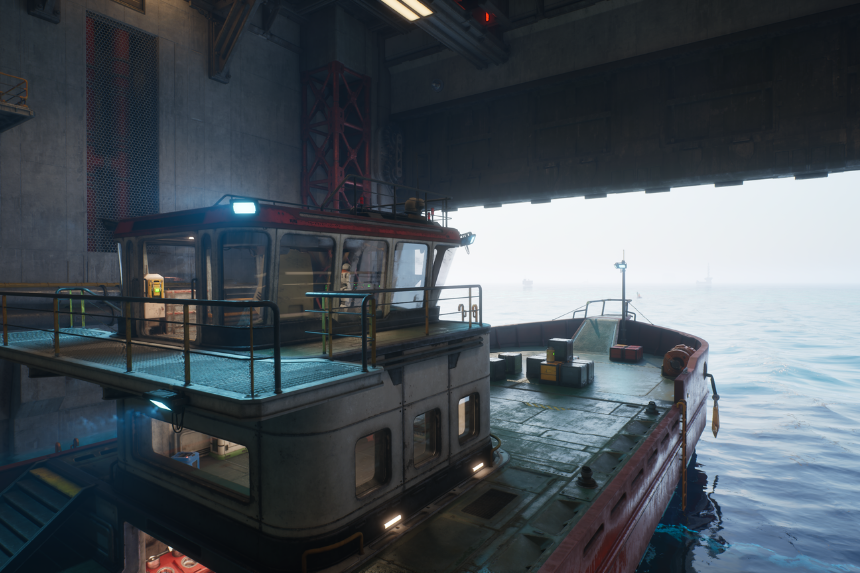
Your ship comes equipped with two engines:
| Engine | Color | Fuel Type | Notes |
| Diesel Engine | Yellow | Diesel | Diesel fuel consumption from onboard tanks |
| Electric Engine | Blue | Electricity (Power) | Consumes stored battery power |
You can run the boat using either engine, but for maximum speed, both will need to be on and with fuel.
The number and quality of the cylinders installed determine each engine’s performance. New recipes for cylinders can be unlocked in the Skills menu, which will help with increasing speed and efficiency.
How to Power the Electric Engine
Your Electric Engine draws from your ship’s power grid. There are several ways to keep it charged:
- Solar Panels – These generate power during the day.
- Wind Turbines: Provide consistent power when conditions are breezy or windy.
- Petrol Generator: A Petrol-run electric generator converts petrol into electricity.
- Biofuel Conversion: Later in the game, you will be able to create Petrol through breaking down organic materials in a generator.
Connect any power source to a power port on your ship in order to keep the Electric Engine running.
How to Fuel the Diesel Engine
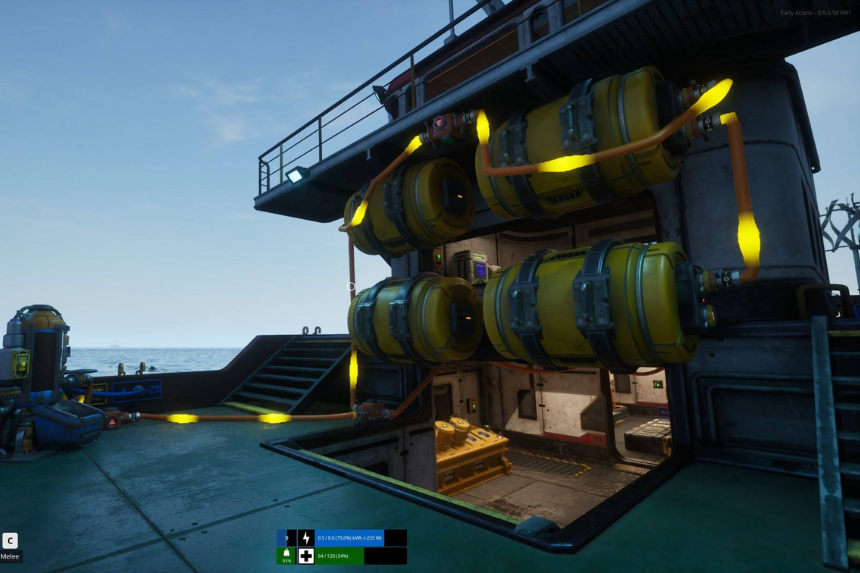
To keep your Diesel Engine running, pump Diesel into your ship’s internal tanks using the refueling ports along the hull.
You can get Diesel in a number of ways:
- Loot it from canisters/tanks at Refuel Stations and other POIs.
- Craft it using the Diesel Generator, which is unlocked via the Skill Tree. (Just insert biological materials to produce fuel.)
Increasing your Ship’s Power and Fuel Capacity
Store More Power
Once unlocked, the Medium Battery can be placed anywhere in your ship to increase its power capacity. It should be wired into the main power network to store excess energy from solar panels or generators.
Increase Diesel Storage
Unlock the Diesel Tank via the Skill Tree and attach it to your ship’s fuel lines to add more fuel storage.
How to Get More Storage Space
You unlock storage crates in the Skill Tree to increase your item storage. Once crafted, put them on your ship and connect them to the corresponding system, if required.
Bear in mind that every crate has a limited capacity, and many of them may be required to store all resources and materials.
How to Add More Crafting Stations
As you level up, you’ll gain access to more complex stations and recipes by progressing through the Skill Tree. These can be crafted on your ship or at a point of interest, but they’ll require:
- Power
- Resources
- Placement space
Crafting stations let you refine materials, create fuel, and craft ship upgrades-so it’s worth expanding your crafting setup early.
How to Use the Net
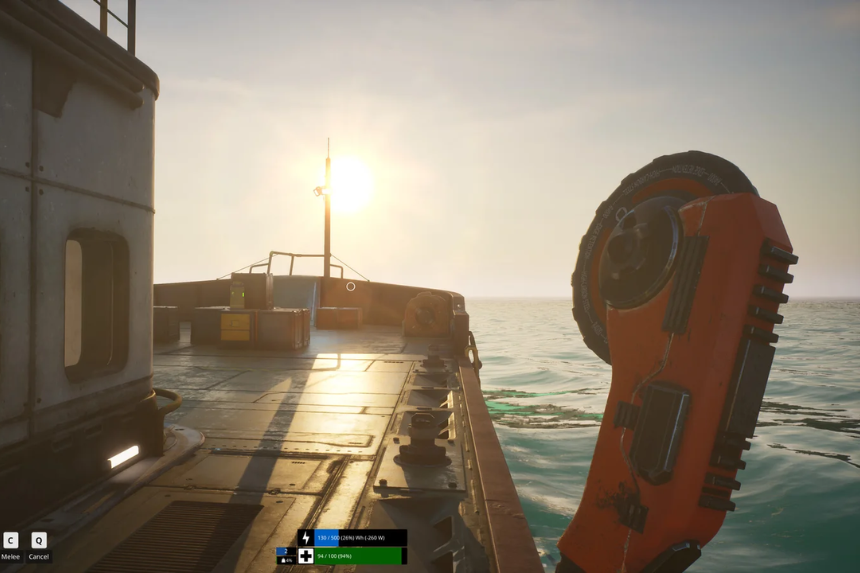
In order to begin collecting the resources from the water, proceed to the starboard aft (right rear) of your ship and pull the lever to deploy the net. A net collects floating scrap and material on its own with time. It fills up at around 14.9 kg. Once full, retract it to collect resources that you can then use in crafting or for fuel production.
Operating Procedure of Salt Water Pump: The Salt Water Pump becomes available a few hours into the game. Like most of the crafting devices, it requires power to operate. When connected, route its Salt Water output to your Fabricator or other devices needing it for recipes.
How to Fix Your Boat
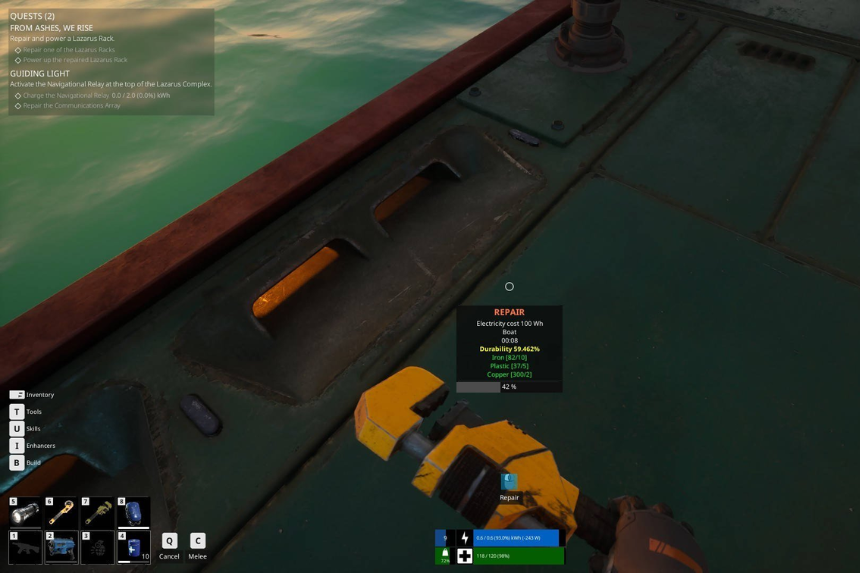
Your ship can take damage from collisions or environmental hazards. To repair it, equip your Repair Tool. Look to the deck (floor) for areas of damage and the materials needed. Use the tool to repair the hull and restore integrity to your ship.
