

You need to get a Death Stalker using a DDOS. It might not be very easy to locate the enemy and to operate with the weapon, but there is a simple way to complete this challenge. By starting the Operation Grid Assault story mission, you can find a Death Stalker and use the DDOS without wasting too much time.
How To Complete Stalking The Stalker
In order to successfully achieve the Stalking the Stalker objective in MW4 DMZ, it is required that you attack a Death Stalker with a DDOS device, SAM site, and a launcher weapon. This can be easily achieved by beginning the Operation Grid Assault mission. In this way, you will get access to a Death Stalker with minimal searching. You need to find three of them for each objective, so you can find them randomly too.
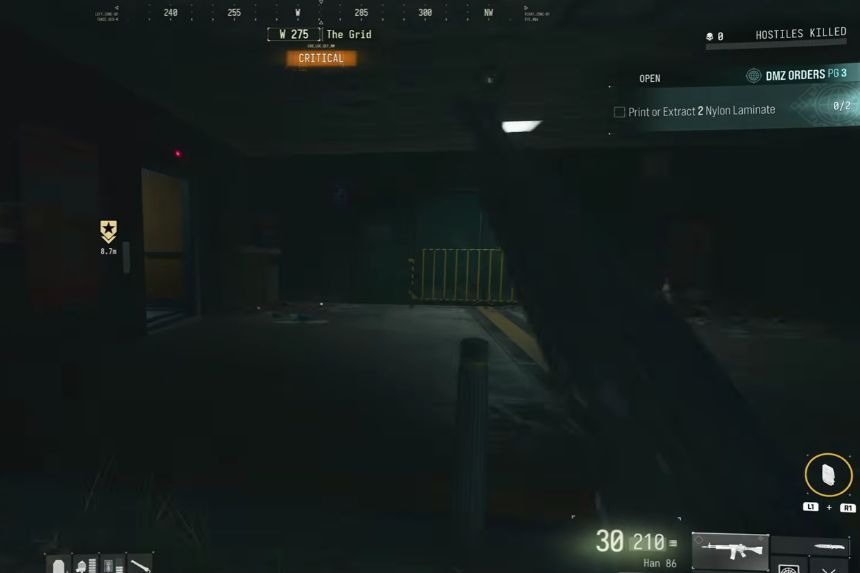
It is important to print a number of DDOS devices and launcher rockets before going to the field since every single device can be used only once. You may not be able to kill your target during the first attempt. Thus, having additional DDOS devices and rockets will ensure that you don’t have to go back to the printer.
How To Find A Death Stalker
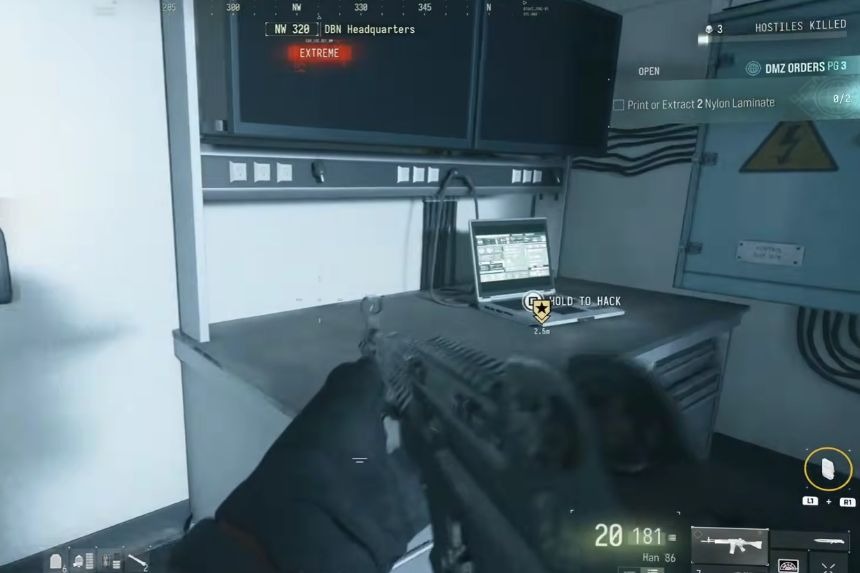
First, choose the story mission called Operation Grid Assault. The mission can be recognised by the skyscraper symbol. After loading into the game, your starting point will be the basement area. Complete the mission according to the objectives until you get to the office. Get on the first elevator, eliminate all enemies in the office and get to the second elevator, which will take you to the very top of the building.
Eliminate all enemies and interact with the laptop. When you complete these objectives, you may look for the Death Stalker. Go to the northwestern part of the same floor, and there will be a grappling rope which takes you up. A Death Stalker is likely to spawn near this location.
How To Hit The Death Stalker With A DDoS and Launcher
After finding the Death Stalker, go close to the window and fire upon it. This would help you to bring the Death Stalker near the window so that you can attack it with the help of your DDOS and launcher. Put your DDOS on and look at the bottom right corner of your screen. You will find that there is a message that confirms the availability of the device. In case the message does not appear, drop the DDOS and get it again.
After the game shows that the Death Stalker is within range, fire upon it with your DDOS. You or a teammate can alternate and use the launcher to complete the other objective too. You might need several DDOSs and rockets for this task, but do not worry, as you have enough of them with you. Once you have successfully managed to attack the Death Stalker with the help of your DDOS and launcher, you will be able to complete the first half of the Stalking the Stalker mission in DMZ.
How To Hit The Death Stalker With A SAM Site
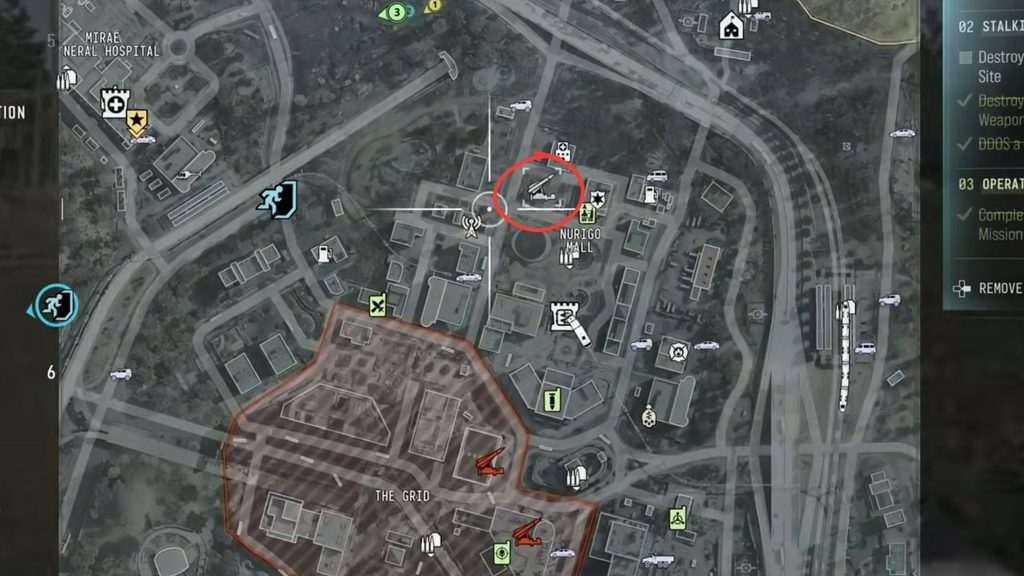
The first thing you need to do is to find a SAM site. After loading into the match, make your way to the marked location above to find the nearest SAM site. There might be a lieutenant in the area who is ready to snipe atop one of the buildings nearby, so be aware of that. Get rid of the enemies around the SAM site to take control of it, then look up at the sky for the Deathstalker.
There is a chance that it could have followed you, but if it didn’t, reload the match and go after it. Lure it close to the SAM site using bullets until it gets close enough to be destroyed. It could take several missiles to bring down the Deathstalker, which is why you need to get the enemy as close to the SAM site as possible for more accuracy. Don’t forget to take cover using your surroundings while luring the Deathstalker towards you, and you can complete the DMZ Stalking the Stalker challenge in no time.
