
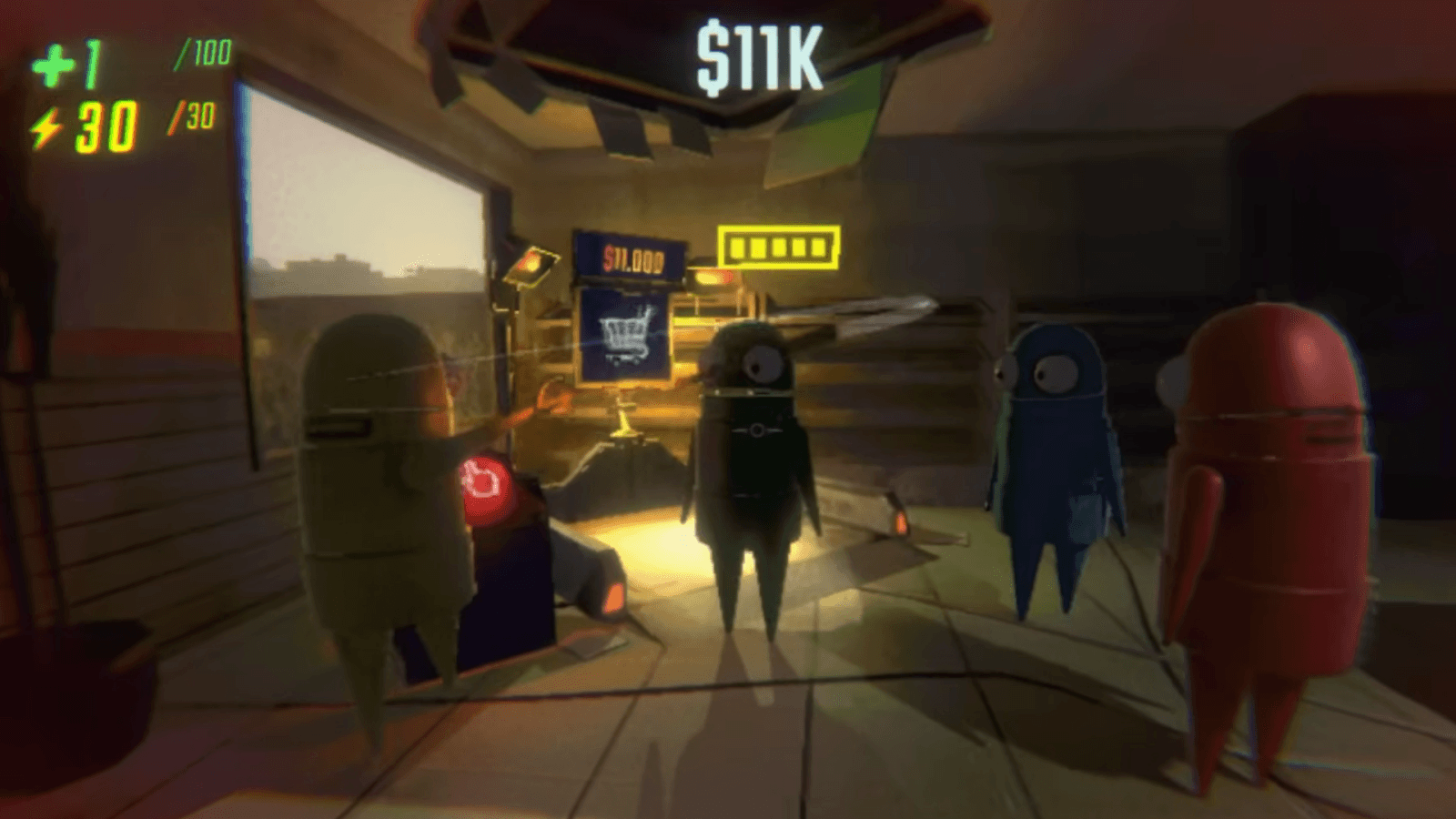
Console commands in R.E.P.O. are one of the ways players can customize, yet to employ them there are some requirements. If you would like to customize graphics, alter multiplayer interactions, or design personal in-game conditions, understanding how to activate and type commands is required. However, these commands are intended to be used specifically for multiplayer mode, so users playing single-player will not enjoy access to them. This guide takes you through the procedure of utilizing console commands in R.E.P.O., resetting visual changes, and checking out some of the useful command options to add value to your gameplay.
How to use commands
To type any console command in R.E.P.O., you will need to activate the chat text first and press the ‘/’ slash. The slash is at the bottom right of your keyboard, normally situated beside the right shift key. After the slash, simply type out the full console command, and the game will accommodate you. The commands can change parts of the game for the players, but only during a multiplayer session.
Multiplayer Requirement for Console Commands
If you are the solo player, playing on single-player mode, the chat command will be unusable, and thus you cannot enter any console commands. It is done in this manner since the console commands are made for multiplayer game playing. The fact that the chat function is not available in single-player mode is understandable since communication with other players is not necessary. Although chat features might be useful for purposes such as exchanging messages while broadcasting screens, the makers probably found it unnecessary for single-player mode.
How to Reset Visual Mod Changes
For others who would like to reverse any graphical modifications done through console commands, it is simple. Press the “T” key to bring up the chat bar, and then type in the same command again to disable the changes and revert back to normal. If you desire a simpler approach, just closing R.E.P.O. will restore the game back to normal.
Be mindful of the fact that any console commands you type inside a session won’t be saved when you’re starting a fresh game. For you to make use of them again, you will have to re-type commands on each new start of a session. Such changes are made temporary until entered manually.
R.E.P.O. Console Commands
Here are some useful console commands in R.E.P.O. and how they work:
- /cinematic – Conceals your UI on the screen to give you a more streamlined experience. It is perfect for capturing high-quality screenshots or generating thumbnails for videos.
- /green screen – Puts a big green screen in front of your character. You can manage your viewpoint to make it decide what the green screen covers, which is helpful for generating eccentric screenshots and overlays
