
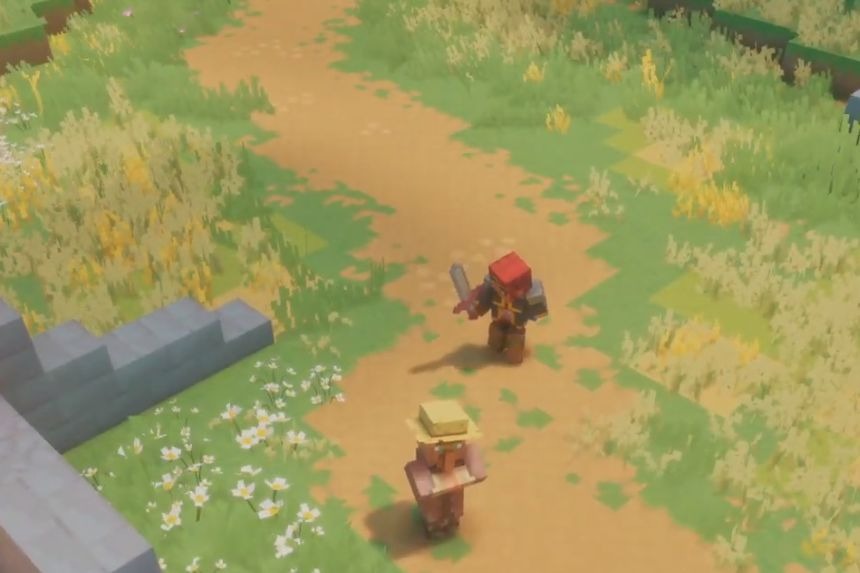
In Minecraft Dungeons 2, you will be able to play together with your friends and family members in the game from other platforms. There is support for online and couch multiplayer for up to four people at once. In order to play with your friends on another platform, you first have to set up crossplay. This guide will show you how to turn on crossplay and how to play with your friends in Minecraft Dungeons 2.
How To Turn On Crossplay
First of all, to be able to activate crossplay in Minecraft Dungeons 2, you will need a Microsoft account. If you play the game on Xbox, you might have one already linked to your player profile. Otherwise, depending on the platform that you play on, you will have to link your existing Microsoft account to your account on the chosen platform.
After that, launch the game and open the main menu in it. Open the Settings/Options menu and select the corresponding settings related to Crossplay, Cross-Platform Play or Online Play. Turn on cross-platform multiplayer in the game and link your platform account to the Microsoft one if you are asked to do it.
Next, go to the multiplayer/friends menu and add your friends using their Gamertags there. When they appear in the friend list, you will be able to add them to your game party and play together despite being on different platforms.
Do note that Microsoft account holders and PC players don’t require any other membership to play the game, but Xbox, PS, and Nintendo Switch players will require their respective passes and subscriptions to play the game. Local co-op on the same device also doesn’t require any subscription plan or online presence either.
How To Play With Friends
The game can be played either by oneself or with others; a maximum of four people can participate in one game simultaneously. To start playing multiplayer, click the Play Online button after launching the game. If you would like to play with your friends and family from the comfort of your own home and on the same screen, then choose the couch co-op option, where up to four players can join in one game session and defeat enemies together.
Crossplay, local co-op, and online co-op are supported across all platforms, but PC players don’t have the option of local co-op. With this, you can add 2-4 players in co-op mode, but there’s no clear guarantee that crossplay involves cross-progression too. As such, if it follows the pattern of previous Minecraft games, then the host player would have their progression checked while the others can help out.
