
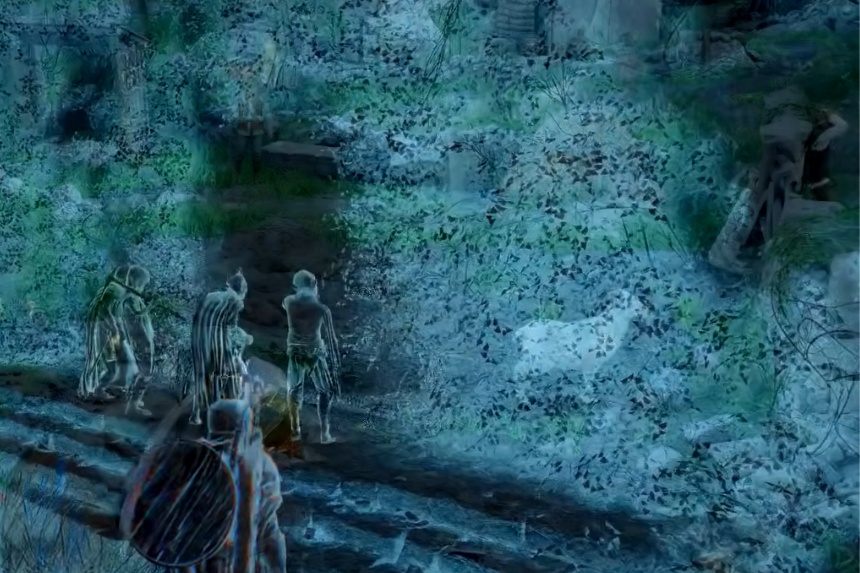
Remembering memory fragments in Crimson Desert can seem confusing at first. Each step plays an important role in activating and finding fragments. This guide shows you exactly how to do so and play the memory fragments correctly so you don’t have to worry about losing anything during your quest completion.
How to Play Memory Fragments in Crimson Desert
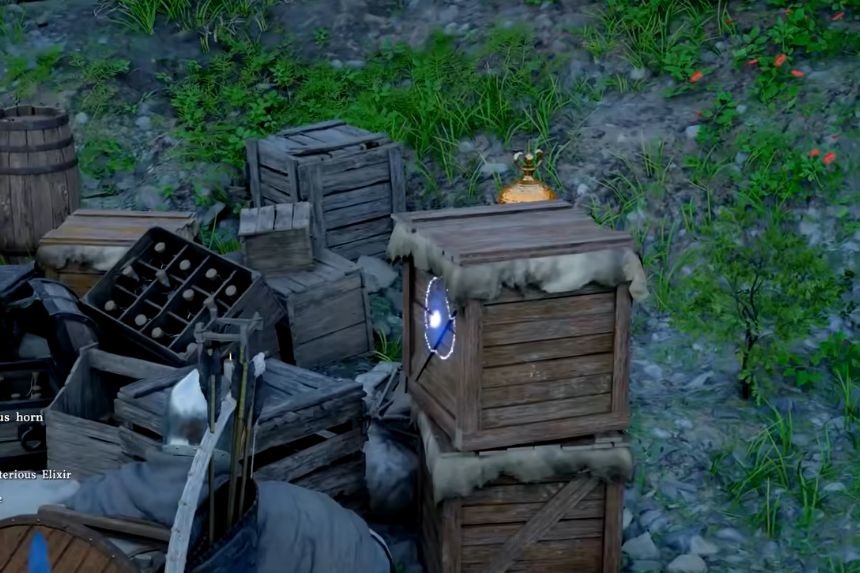
In Crimson Desert, players can experience past memories of theirs to learn additional information regarding potential quests. When first introduced, players will discover a memory fragment quest at a watchtower just outside the starting area. Moving forward from this spot, players can locate different memories that they must complete, but are often confused by how this mechanic functions.
How to Detect Memory Fragments
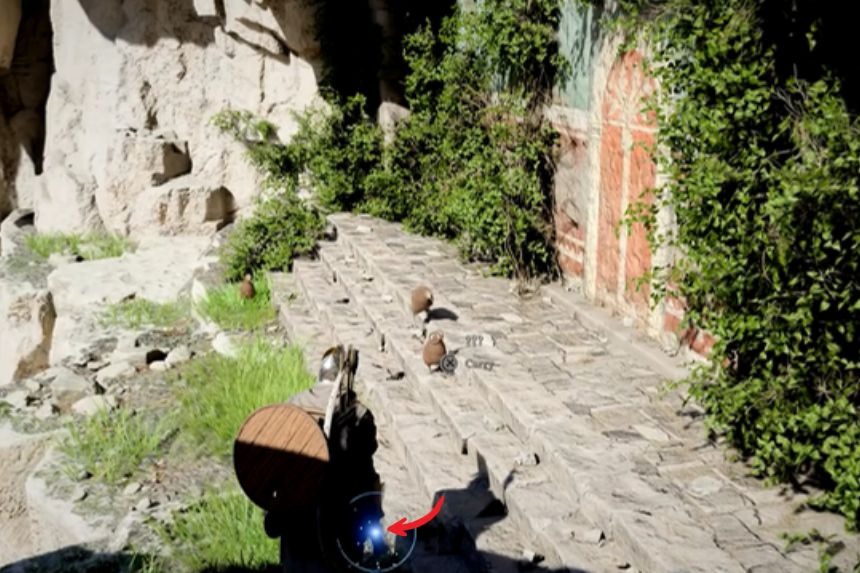
Keep an eye on your lantern while you search for a memory fragment. When a memory fragment is within range, the lantern you receive at the start of the game will begin to light up, allowing you to identify something you can interact with.
To turn on your lantern, press the LB button. If your lantern isn’t working, then hold down the left button of your directional pad and then use your right analog stick to find and point at your lantern. Then release both buttons simultaneously. Once you activate your lantern you will be able to shine it at your memory fragment location so that you can view it in its entirety.
How to Play Memory Fragments
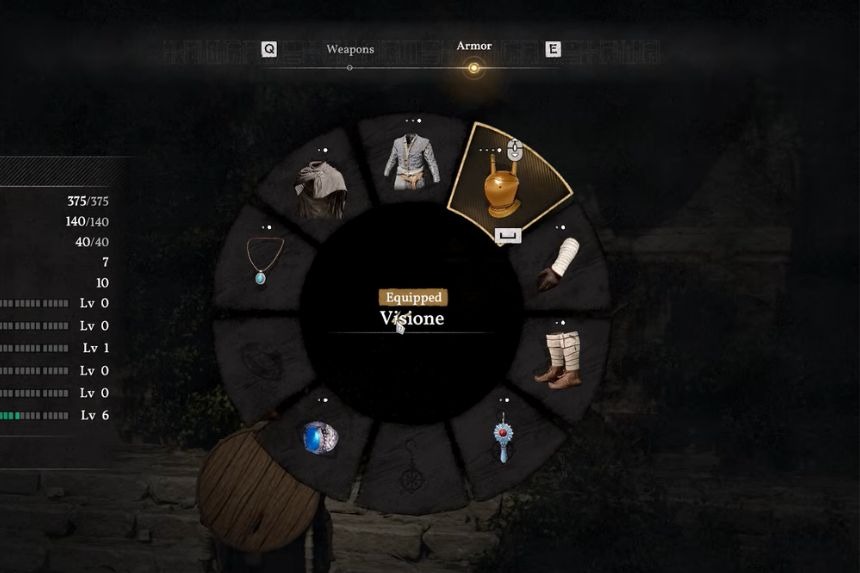
After discovering a memory fragment, you need to equip the helmet called the Visione. Press and hold left on the D-pad, then press RB to switch to the armor tab. Use the right stick to navigate to the headgear section and select the Visione helmet using LT or RT.
If the memory does not start automatically, open the quick selection menu again by holding left on the D-pad. Hover over the Visione helmet and use the prompt (A on Xbox, X on PlayStation, or Space on keyboard).
This will open a radial menu. Move the right stick to the top option labeled Play, then press the same button again to confirm. This will take you to the memory fragment section, where you can select and play the nearby memory.
Note: Sometimes the memory fragment plays automatically without needing these steps. However, using this method ensures that you can play the memory fragment every time without issues.
