

Highlights
- Unstable biomass is found in the Overflow and Hauler areas on the map.
- Check crates and loot spots till you find the unstable biomass.
- You need to collect 4 unstable biomass to complete the challenge.
To complete the unstable biomass challenge in Marathon, you need to find the unstable biomass and deliver it to complete the challenge. Unstable biomass can be found in particular areas and needs to be taken to the Decon station to finish the objective. This area will have a lot of player enemies, so carry a lot of ammo to kill all of them. In this guide, we will show you how to get unstable biomass in Marathon.
How to get unstable biomass
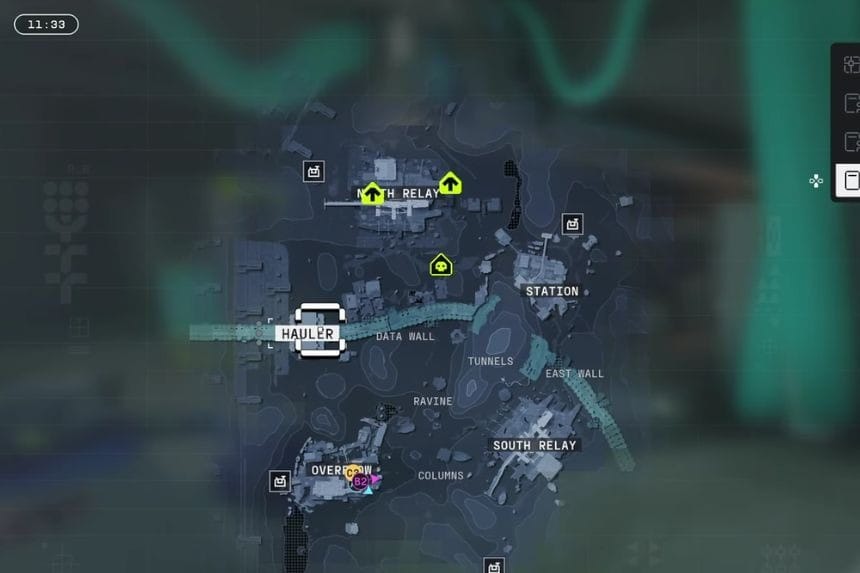

Go towards the Overflow or Hauler. These two locations are the areas where you can find unstable biomass. Once you reach any of these areas, kill all the enemies and start looting. Search the containers and loot spots carefully till you find the unstable biomass. To finish the challenge, collect four unstable biomass. After collecting the items, deliver them to a Dcon station.
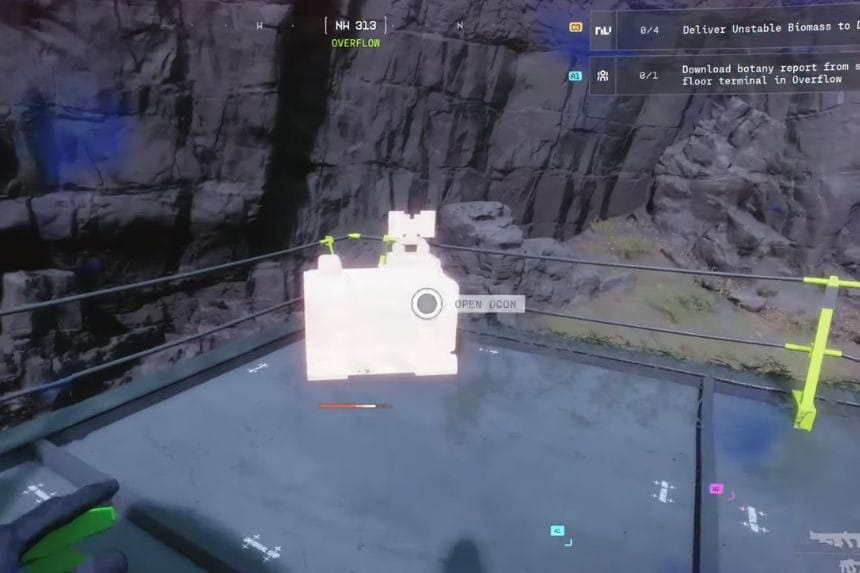
Open your map and look for the Dcon marker, which looks like a small crate icon. Go to that location and keep the items in your inventory. When you reach the Dcon station, interact with the Decon containers and deliver the required items to complete the challenge.
After completing the challenge, the unstable biomass can be used to buy faction upgrades, which will improve your character and progression.
FAQs
- How many unstable biomass items do you need to complete the challenge?
- You need to collect 4 unstable biomass items to complete the challenge.
- How do you deliver unstable biomass?
- Open the map and locate a Dcon station marked with a small crate icon and go there to interact with the container and deliver the items.
- How can you use the unstable biomass?
- Unstable biomass can be used to purchase faction upgrades, which improve your character in the game.
