
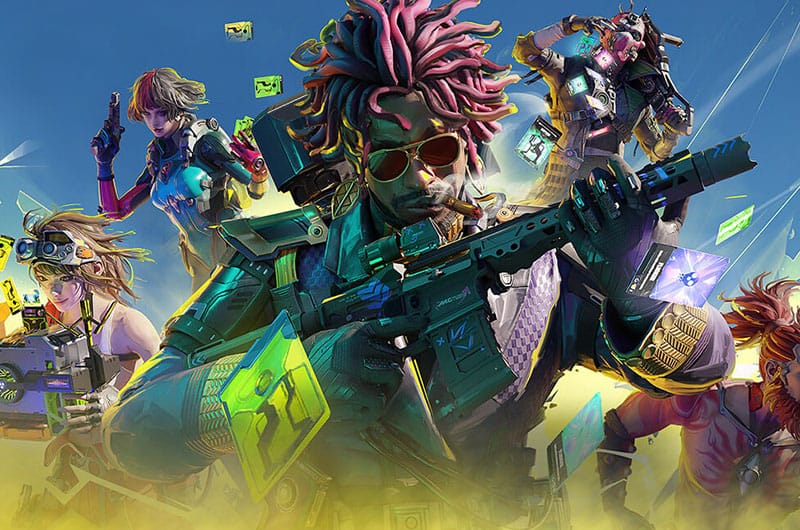
After much anticipation, FragPunk has finally launched. This is a fast-paced 5v5 hero shooter game. Thankfully, the game supports crossplay features so that you can join up with your friends on all gaming platforms including PC, PS5, and Xbox Series X|S. However, a lot of players are receiving an annoying error that reads “Network error. Unable to connect to server”. Due to this error, players are unable to access the game whatsoever. If you are also running into the same error and want to get it fixed as quickly as possible, this guide will help you. Let’s learn how to fix the “Network error. Unable to connect to server” error in FragPunk.
How to Fix FragPunk Network Error. Unable to Connect to Server
There are several steps you can take to fix Network errors. Unable to connect to a server in FragPunk.
1. Disable Advanced Security on Eero Routers
One of the first solutions suggested by many players is to disable advanced security on Eero routers (If you are using them). Eero router has a built-in security feature called “Advanced Security”. This security feature can block certain online games like FragPunk. So, try disabling it and check if the error is resolved. Here is how you can do it:
- Open the Eero App on your mobile device
- Tap on the Discover tab at the bottom of the app
- Select Eero Secure (or “Security”)
- Find the option labeled Advanced Security and turn it off
- Restart your router if needed
Warning: Disabling Advanced Security may expose your network to potential threats. So, it is advisable to enable it again after playing.
2. Repair Game Files
Any missing or corrupted game files can trigger network-related issues and cause this error so try repairing such game files through Steam. Here is how to do it.
- Open Steam and go to your Library
- Right-click on the game and select Properties
- Go to the Local Files
- Click Verify integrity of game files
- Wait for the process to complete
- Once done, restart Steam and try relaunching the game.
3. Clear Steam Download Cache
Steam’s cache stores temporary files and in case these files are corrupted, you might receive a network error. So, try clearing Steam download cache files to fix the error.
- Go to Steam Settings
- Go to the Downloads tab
- Click on Clear Download Cache
- Once done, restart Steam and relaunch the game.
4. Using VPN Connection
Sometimes, your ISP (Internet Service Provider) might be blocking connections to the game servers. In that situation, try using a VPN connection to bypass this restriction. Download and install a reliable VPN service like ProtonVPN, NordVPN, or Windscribe. Open the VPN and connect to a server in another region (If you are in the US, try using the UK or Canada server).
5. Wait for the Patch
The game was recently launched and such bugs and errors are expected. If none of the above methods work to fix the error, don’t worry. Some players believe it might be a game bug and will be patched soon. Wait patiently for the developer to send the patch.
That’s all for this guide on how to fix FragPunk network error. Unable to connect to the server.
