

The Auction House in AION 2 is the primary method of exchanging items among players. Since there is no option for PVP transactions in the game, you will have to use the Auction House when dealing with items. Here’s how the system works, including the different markets, listing requirements, fees, and what items you can sell.
How Trading Works in AION 2
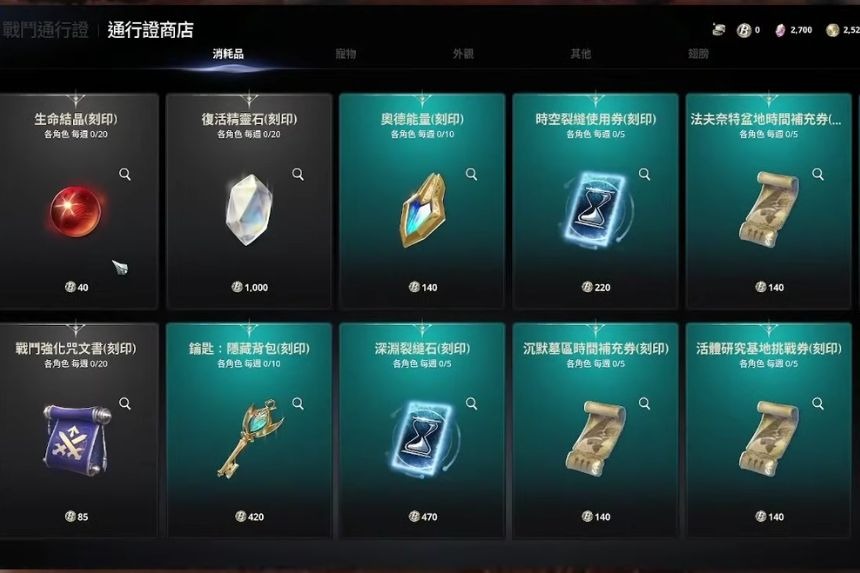
In AION 2, the main place to exchange items between other players would be the Auction House. Player-to-player trading is blocked, so you are not able to simply hand over a stack of your items to your friend; you have to put your item on the Auction House, and someone will buy it from you there.
Kina is the currency that is usually used in this game for trade. Do not confuse it with Kuna that is used for cash shop transactions. Everyone can purchase an item from the Auction House, but only members are able to put their items up for sale. Membership costs approximately $15 per month. Also, note that the Auction House gets about 8% from each transaction, so do not forget to add this price into your calculations.
All the items can be traded through the Auction House. All bound items cannot be listed, but items such as crafted gear, mats, and consumables can. When your item is bought by another player, do not forget to get your Kina after the sale is complete. The money does not automatically go into your inventory.
Server and Cross-Server Markets
Two distinct Auction House markets will be available; however, they will not be accessible simultaneously. The Server Market is the first market that will become accessible to players, and it will feature users from one specific server only.
The Cross-Server Market will only become accessible after all the servers in the region achieve a certain level of development. Early Access servers and October 5 launch servers will also be separated from each other for some time. Therefore, item types and prices may vary between different servers, and a player from an established server will not be able to spam an item-filled auction in a newly launched server.
