
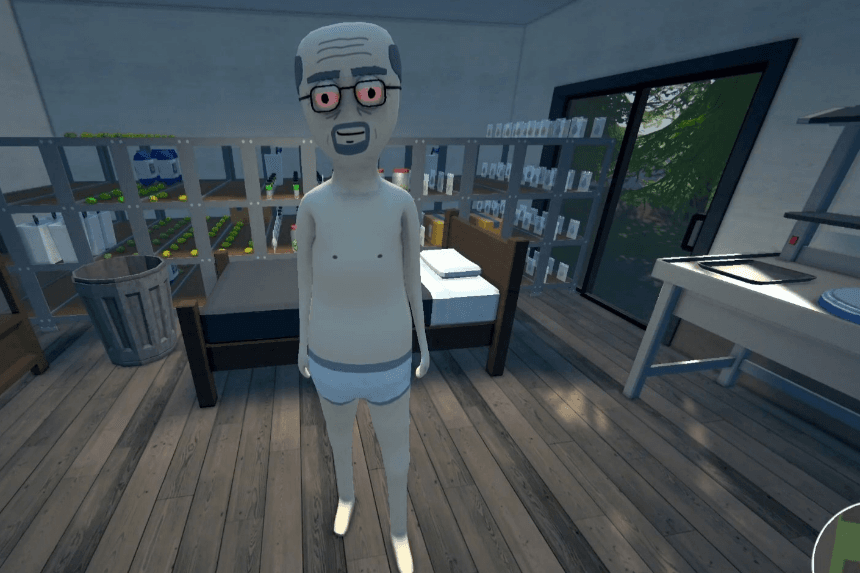
Ever wished you could play Schedule 1 with more than just four friends? With the MultiplayerPlus mod, you can break the limit and enjoy chaotic fun with a bigger crew! This guide will walk you through the installation process step by step, so you can expand your multiplayer experience effortlessly.
Installing the MultiplayerPlus Mod in Schedule 1
To play Schedule 1 with more than four players, you’ll need to install the MultiplayerPlus mod, created by Nexus Mods user MedicalMess. This step-by-step guide will help you download and install the mod, enabling you to expand your lobby and play with more friends.
Installing MelonLoader
- Download the MelonLoader mod loader from its official website. This universal mod loader is designed for games built on the Unity Engine, making it essential for installing MultiplayerPlus.
- Run the MelonLoader installer. If Schedule 1 appears in the list of detected games, select it and proceed. If not, continue with the next steps.
- Manually add the game:
- Click Add Game Manually in the bottom-right corner.
- Locate your Schedule 1 installation folder:
- Open Steam, go to Library, right-click Schedule 1, and select Manage > Browse local files.
- This will open the game’s directory. Find and select the Schedule 1.exe file.
- Click Open, then select the game in the MelonLoader installer.
- Click Install and wait for MelonLoader to complete the installation.
Installing the MultiplayerPlus Mod
- Download the MultiplayerPlus mod from Nexus Mods. This will be in a compressed .zip file.
- Extract the .zip file and locate the “Multiplayer+FullGame.dll” file inside the extracted folder.
- Navigate to the game files and find the “Mods” folder.
- Paste the .dll file into the “Mods” folder.
Launching the Game with MultiplayerPlus
- Start Schedule 1. A console window will appear, automatically downloading the required dependencies for the mod.
- Once the process is complete, the game will launch with the MultiplayerPlus mod enabled.
- You can now host a lobby and invite up to 20 players, significantly expanding your multiplayer experience.
Setting Up and Inviting Friends
Before inviting your friends to your lobby, ensure that everyone has installed the necessary mods. Once confirmed, follow these steps to start your multiplayer session:
- Launch the game and click the plus icon at the top-right corner next to your profile picture.
- This will create a lobby and prompt you to enter a password. Choose any password to secure your lobby.
- Invite your friends from your friend list.
Important Notes
- Load your game save before others join. If you don’t, you may encounter issues loading the save file while in a multiplayer session.
- If the invite button disappears for your friends, they can still join by right-clicking your name in their friend list and selecting Join Game.
And that’s it! You’re now ready to enjoy Schedule 1 with a larger group of friends.
