
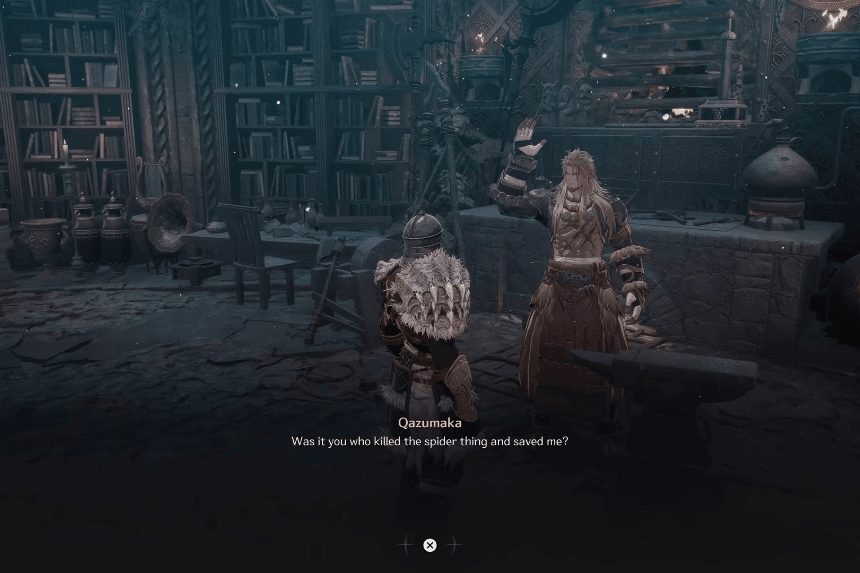
Upgrading your weapons and armor in The First Berserker: Khazan is vital for lasting in harder fights. To modify your gear, you have to open the blacksmith, collect the materials required for the upgrades, and spend some resources to enhance your attributes. This article will help you with the entire upgrade process so that your equipment is powerful enough to deal with the unending challenges the game poses.
Unlocking Qazumaka, the Blacksmith
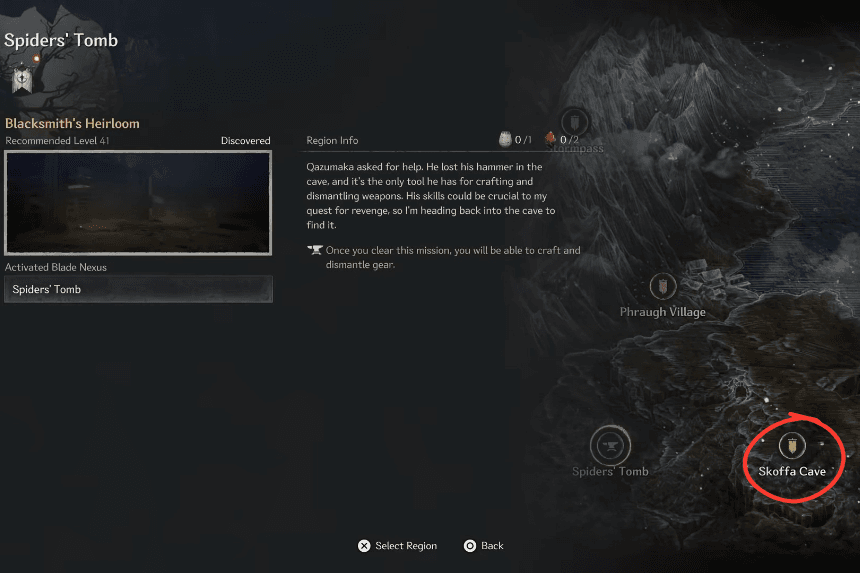
The Blacksmith, Qazumaka, belongs to the Bantu ethnic group and emerges on the 5th mission located at the Skoffa Cave. Your goal at this location is to explore the dangerous cave filled with poisonous swamps and spiders. When you complete the mission, you will defeat a boss. Upon defeating the boss, Qazumaka is freed and will move to the Crevice by Oksana. He will, however, not begin offering crafting services straight away.
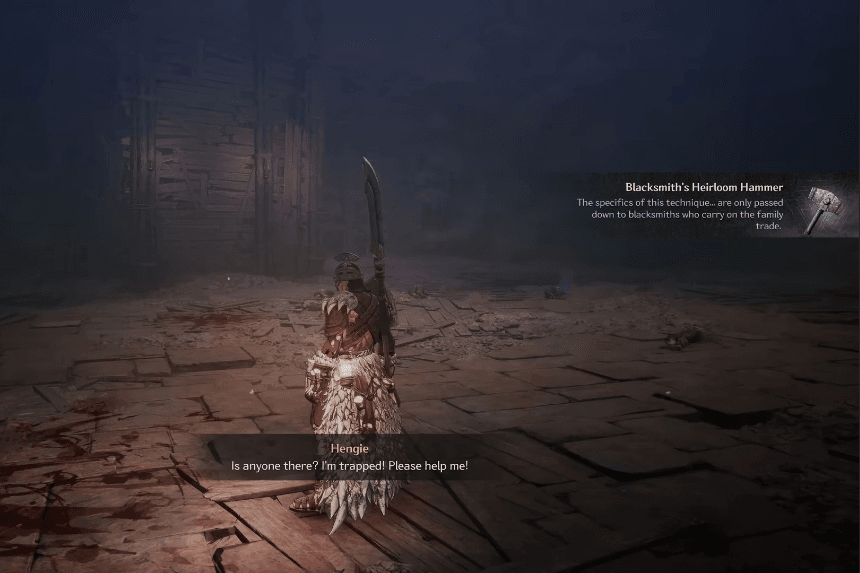
In order to enable his blacksmithing skills, you will need to fetch the Blacksmith’s Hammer, a treasured relic that has been lost to the caves. This opens a new area, Spiders’ Tomb. An altered form of Skoffa Cave. In this area, you will meet the boss of the secondary objective, Bearius. He is similar to the other bear foes in this game, so he should not pose too much difficulty. After defeating him, you will receive the Blacksmith’s Hammer. This item is given to Qazumaka and his services are then unlocked.
Crafting and Upgrading Gear at the Blacksmith
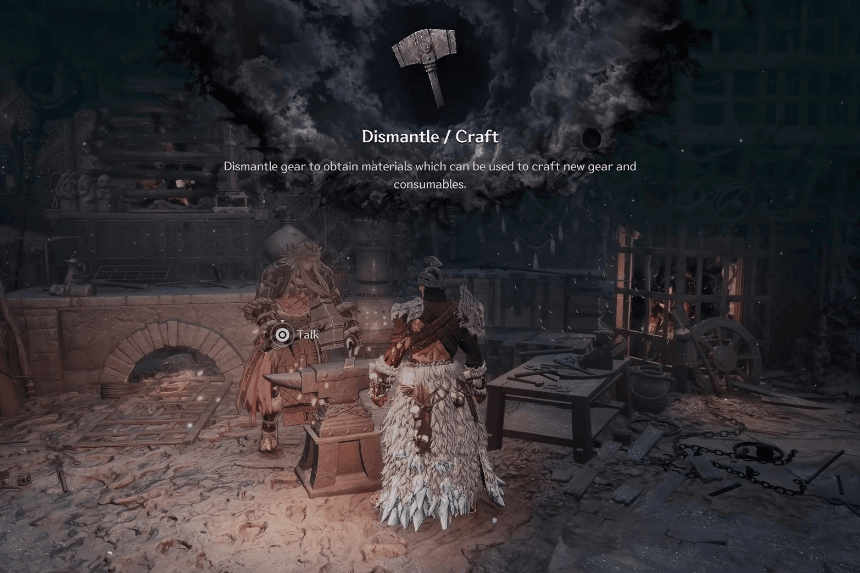
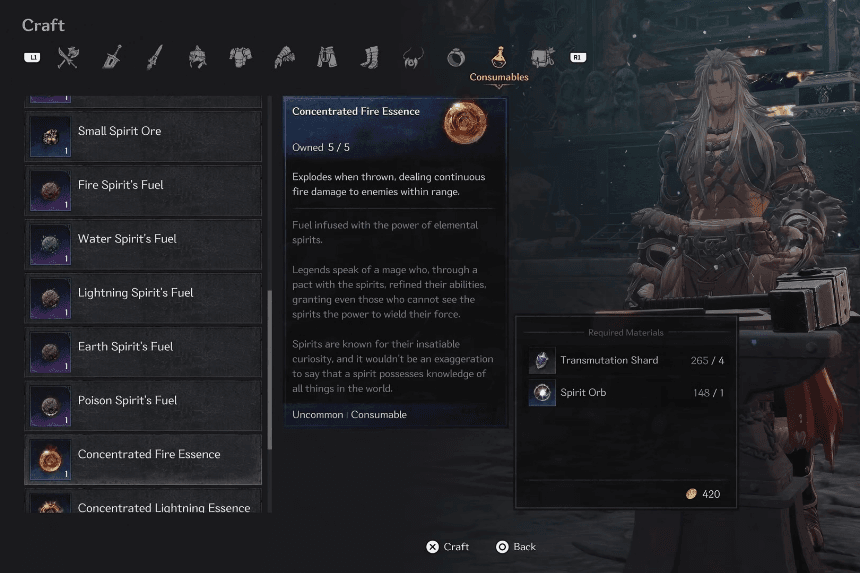
The Blacksmith plays a crucial role in utilising consumables, crafting materials and items, and upgrading your gear. Unfortunately, many items are unobtainable at the start because of their material requirements. To gather materials, break down unwanted armor in the dismantle tab to obtain useful crafting resources.
If you give the Blacksmith the required Blueprints, it can forge entire sets of armor in addition to standard gear. These can be acquired in two ways: either by finding them as loot in various locations or by first defeating particular bosses.
Note: Disassembling outdated or redundant equipment is a clever method to accumulate supplies, which will make upgrades easier in the future and eliminate the need for enemy drops.
