
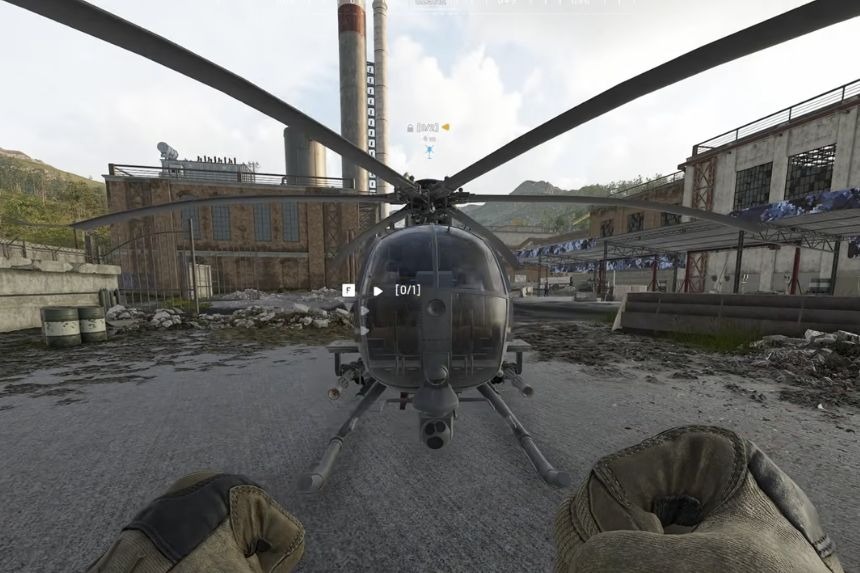
Flying a helicopter in War Dogs may initially seem challenging, but it becomes easy once you learn the mechanics of flying. All it takes is some practice and the proper configuration of your controller, and you’ll be able to take off, control the speed and altitude, make turns, and land. This guide covers the best settings, keybinds, basic flying controls, and a few useful tips to help you get comfortable with helicopters.
How to Use, Best Settings, and More
Learning how to fly helicopters in Wardogs may require some time and effort. However, after you become familiar with the basics and learn about momentum, flying becomes more comfortable.
To begin with, when approaching the helicopter, make sure to set up your controls properly. In most cases, this will be a matter of personal preference. Thus, you may vary from the provided settings.
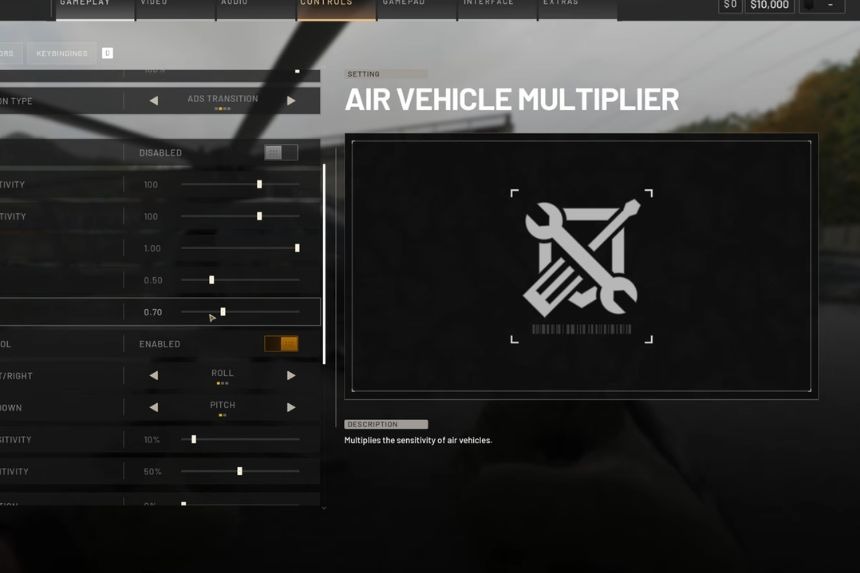
In terms of vehicle controls, free-look sensitivities remain 100. The Air Vehicle Multiplier is set to 1. This will result in the helicopter sensitivity being equal to the normal mouse sensitivity. In case your helicopter seems to be hard to control because of low speed, consider increasing the multiplier. Otherwise, reduce it a little bit.
Rotary Vehicle Mouse Control
One important setting is Rotary Vehicle Mouse Control. Turning this on lets you use the two mouse axes for helicopter movement. The recommended setup is:
- Mouse left/right: Roll
- Mouse up/down: Pitch
Ensure that both the pitch sensitivity and the roll sensitivity of the helicopter mouse are at 50%. The helicopter mouse axes isolation is set to 0%. The Y-axis is also inverted, which means that when you pull the mouse, the helicopter pitches upward, and when you push it, the helicopter pitches downward. This works just like using a joystick, whereby when you push the joystick forward, the helicopter pitches downward.
Flight Assists
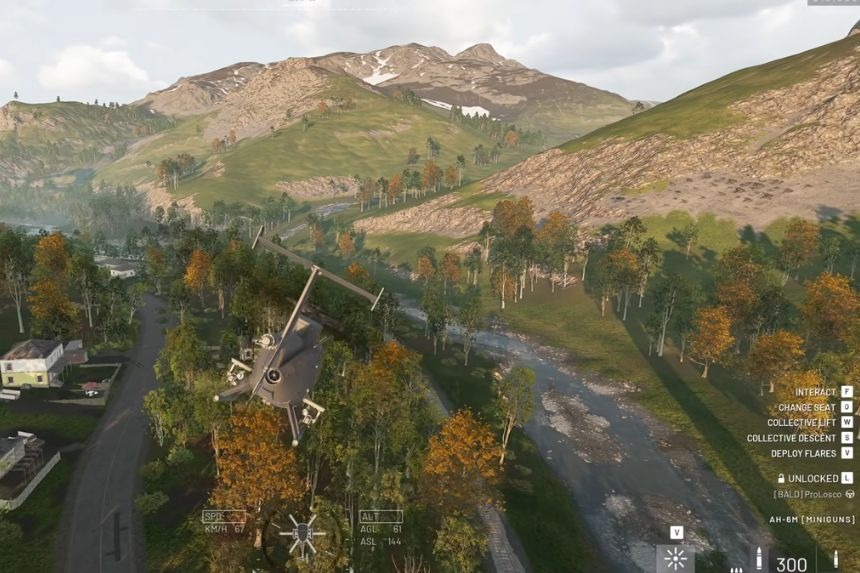
Some other features of this game include several flight assists which will help you fly helicopters more easily. For instance, the stability assist feature will help you minimize the effects of pitch, roll, and yaw of the helicopter. Disabling this feature will enable you to have more direct control over the helicopter.
Some other features of the game include envelope limits, which prevent the helicopter from flying beyond certain envelope limits when it comes to pitch and collective inputs. When you are learning how to fly helicopters, it would be better to keep those assists activated until you become comfortable with them.
Keybinds
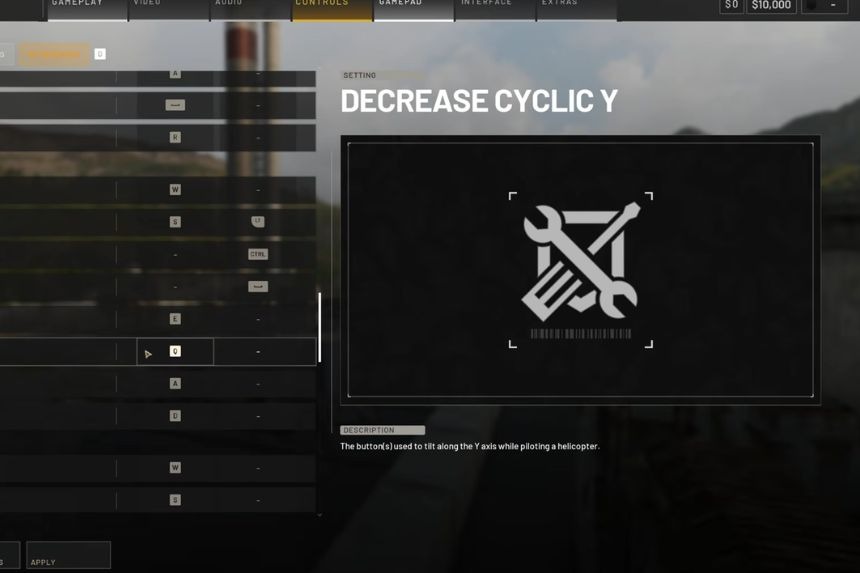
Next, open the Key Bindings menu and find the Rotary Vehicle Keybinds section. The main controls to change are:
- Collective Raise: W
- Collective Lower: S
- Left: A
- Right: D
Some other controls can be linked to keys that are not regularly used. This will help prevent the game from setting default helicopter controls. In the original setup, the keys F6, F7, and F8 are used for this purpose.
Cyclic Y is linked to Space in the original setup. It can come in handy when barrel rolling, but you do not have to use it if you are not interested in doing so. It will only be necessary to link this function to some unused key. As for the general controls of vehicles, Activate Counter Measure is linked to X. It is a matter of choice, so you may leave the original setting if you like it better.
Basic Helicopter Controls
Once your controls are ready, head to the test range and get a helicopter from the vendor. You can start the engine from the menu, or simply press W to raise the collective. The helicopter takes a little time to reach full power, so don’t expect it to lift off instantly. Once the helicopter is ready:
- W: Gain altitude
- S: Lose altitude
- Mouse left/right: Roll
- Mouse forward/back: Pitch down/up
- A/D: Yaw left/right
Take some time to fly around at a safe altitude and get used to how each control affects the helicopter.
Gaining and Losing Altitude
First and foremost, it is important to know about momentum when operating helicopters. It is possible to exchange altitude and speed according to how you control the helicopter. In case you wish to ascend fast, pitch the helicopter backward and raise its collective. Pitching backward will allow you to ascend at a faster rate; however, this movement will decrease your speed.
After ascending to the required altitude, return the helicopter to its horizontal position and build up its speed again. In order to descend, keep the key of S and pitch forward. This way, you will descend while increasing your speed.
It is possible to use this method to descend quickly whenever you need to land. It should be noted that altitude and speed are closely related to each other.
Staying Under the Radar
Flying low can be an advantageous tactic as well, due to the fact that there is an under-radar capability in War Dogs. The enemies will not be able to lock on to you with some of their lock-on weapons once you get within range of the ground. Because of this, learning how to control your altitude and speed is especially important.
Turning Effectively
When turning the helicopter, you’ll mainly use roll with the mouse. You’ll notice that the helicopter can turn around fairly quickly when you use the roll correctly. The test range is a great place to practice because you don’t have to worry about losing a real helicopter.
Landing Tips
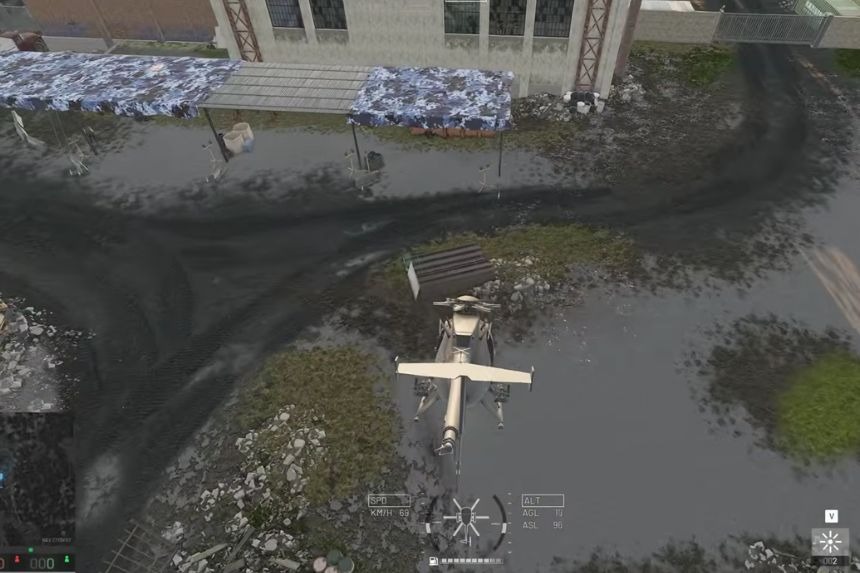
Landing is one of the most important skills to learn. When approaching a landing area, try to reduce your speed and altitude gradually rather than coming straight down at full speed. If you’re approaching too quickly or you’re too high, pitch the helicopter back to slow yourself down. This helps remove your horizontal momentum and makes it easier to stop over your landing area.
Avoid Sideways Momentum When Landing
One thing you really need to watch out for is sideways momentum. Landing while moving forward is generally manageable because the helicopter can settle onto the ground without immediately tipping over.
However, landing while moving heavily sideways can easily cause the helicopter to tip.
This is especially dangerous around buildings, trees, and other obstacles. If you’re not lined up properly, take an extra moment to correct the helicopter before touching the ground. A few small adjustments can be the difference between a clean landing and a crash.
Carry a Spanner
It’s also a good idea to carry a spanner with you. You can buy one from the vendor and use it to repair vehicles. This is especially useful because small mistakes are common when learning to fly.
If you accidentally tip the helicopter over, you can use the F menu and look for the option to reposition the helicopter. This can put the helicopter upright again. After that, use the spanner to repair the rotor or other damaged parts and see if you can get airborne again.
You Don’t Always Have to Fully Land
When dropping off passengers, you don’t necessarily have to make a perfect landing. If you’re hovering close enough to the ground, passengers can receive a prompt allowing them to safely exit the helicopter. This can save time and let you get back into the air quickly. However, players with parachutes can leave the helicopter at other times, so make sure you’re not accidentally sending passengers into a dangerous fall.
Understanding the UI Indicators
At the bottom of the screen, you’ll see several indicators that can help you understand what the helicopter is doing.
- The vertical lines show your pitch, which tells you whether the helicopter is pitching up or down.
- The horizontal lines show your roll, letting you see how far the helicopter is tilted to either side.
- You’ll also see arrows on the sides of the indicator. These show whether you’re gaining or losing altitude.
- When you pitch the helicopter forward, the indicators move downward as you lose altitude.
- When you pull the helicopter back, the indicators move upward as you gain altitude.
- These indicators are useful because they give you a quick visual reference while you’re flying.
