
If you are wondering how to get all the cool cosmetics in Skate 4, you are in the right place. Skate 4 offers numerous ways to customize your skater. In this guide, we will go over all the customization options currently in the game, and more importantly, how you can unlock them without spending any money.
If you are wondering how to get all the cool cosmetics in Skate 4, you are in the right place. Skate 4 gives you tons of ways to customize your skater. In this guide, we will go over all the customization options currently in the game, and more importantly, how you can unlock them without spending any money.
How to Unlock All Cosmetics
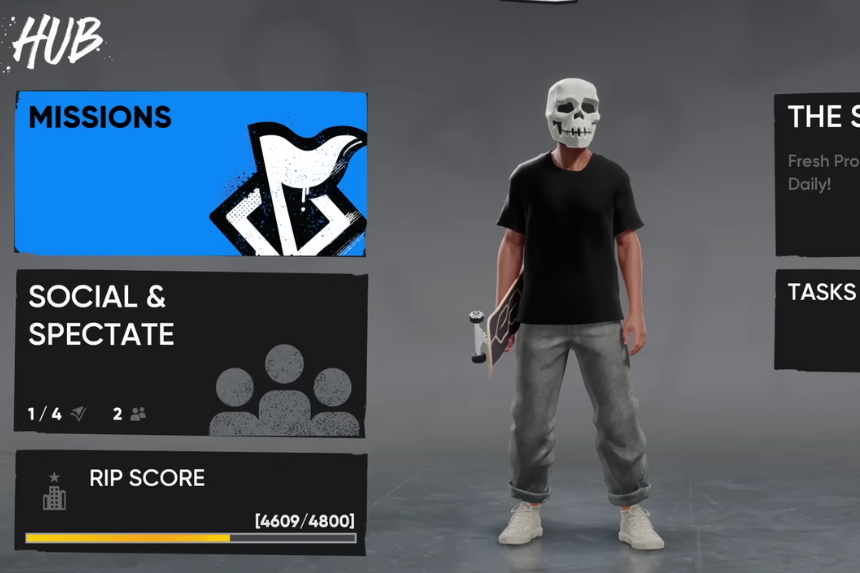
To start unlocking items, you will need something called RIP score. You earn RIP score as you play, just complete activities around the map, and your RIP score will go up. You can earn even more by playing with friends in co-op mode. Daily and weekly challenges also give you a good amount of RIP score, so make sure to check those out regularly.
Player Cards and Banners
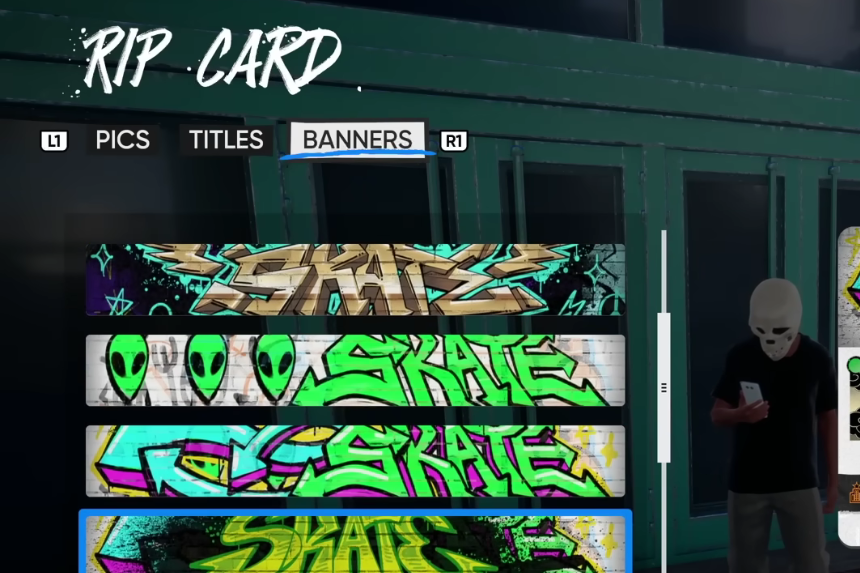
You can customize your player card with different pictures, titles, and banners. Most of these come from opening Product Boxes, which act like loot boxes in the game. You can also unlock some just by leveling up the towns in the game.
Each time you level up an area, you will get rewards, including new fast travel points, RIP score, and of course, cosmetics. Whenever you are looking at an item, check the bottom-left of the screen. It will show the item’s name and how you can unlock it.
Costumes and Outfits
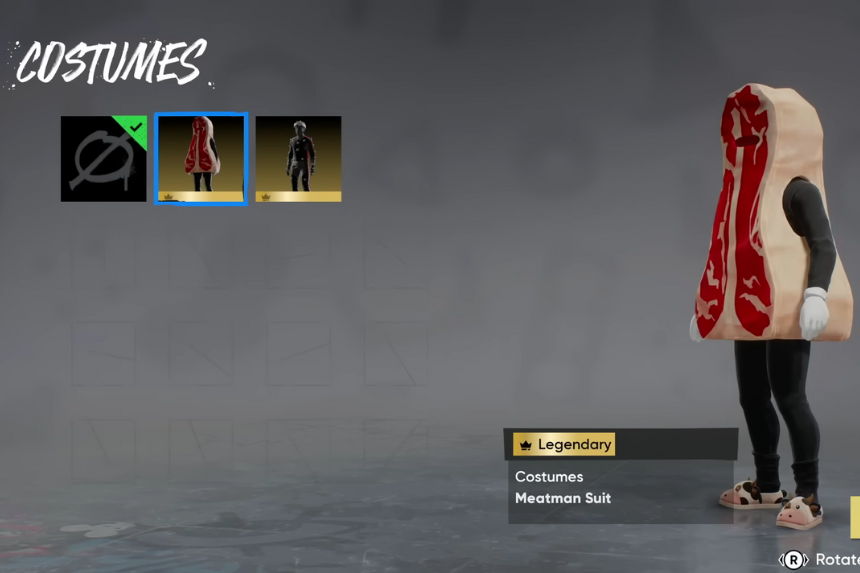
There are a lot of outfits in the game, and while some are tied to paid bundles (like the Meatman Suit from the Season Collector’s Edition or the Capture Suit from the Deluxe Pack), a lot can be unlocked for free. Most of the free outfits come from leveling up different areas and opening Product Boxes.
Every time you earn RIP chips, you can use them to open these boxes. Pressing square on a box will show you what items it contains. It’st random, but if you are after a specific item, you can save up your chips and focus on the box that has what you’re looking for.
Gestures
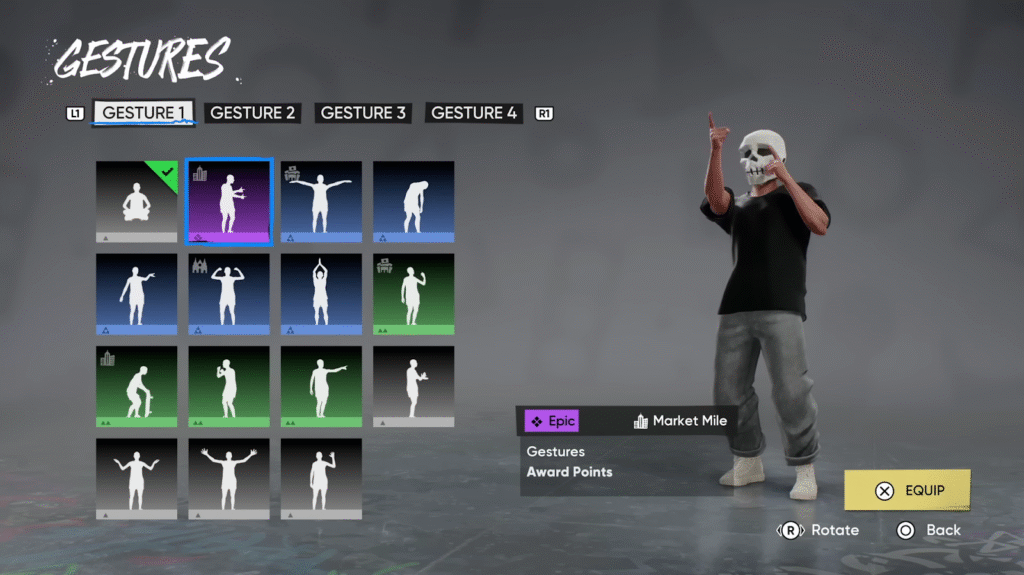
Skate 4 also has a lot of gestures, and some of them come with sound effects built in. You can use these gestures while skating and even during your runs or while pulling off stunts mid-air. Some gestures might slightly affect your gravity or momentum. Remember, some gestures can’t be used while skating because they involve sitting or other actions that stop your movement.
Boards, Trucks, and Other Customizations
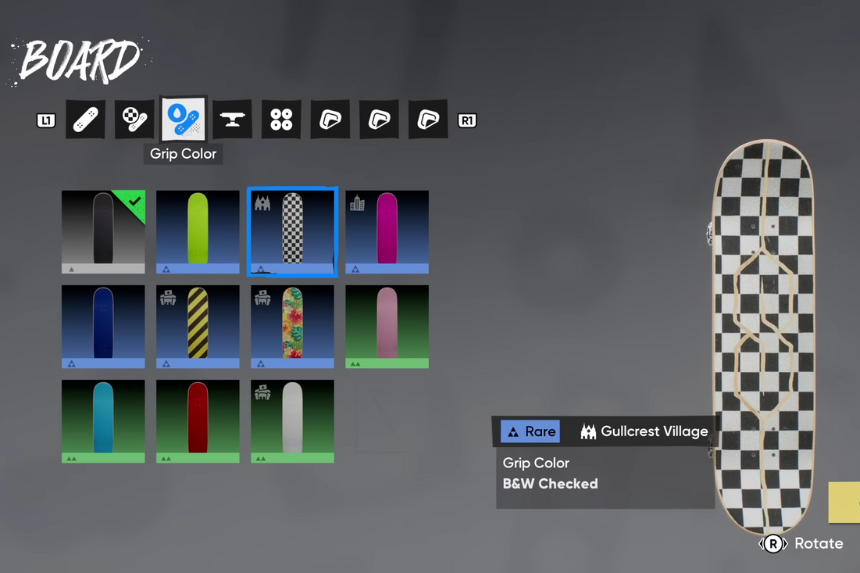
There are tons of board designs to collect, different colors, styles, and builds. Some special trucks come from paid content, like the Deluxe Pack or the PlayStation Plus Pack. But a lot of customization options are available for free just by playing.
When you go into the Editor, you will find even more cosmetic unlocks. These include things like ramps and props, which you can customize and place in your own maps. Press square on these items to change their appearance. As you unlock more of them, you’ll have more ways to build and customize your skateparks.
How to Use Product Boxes
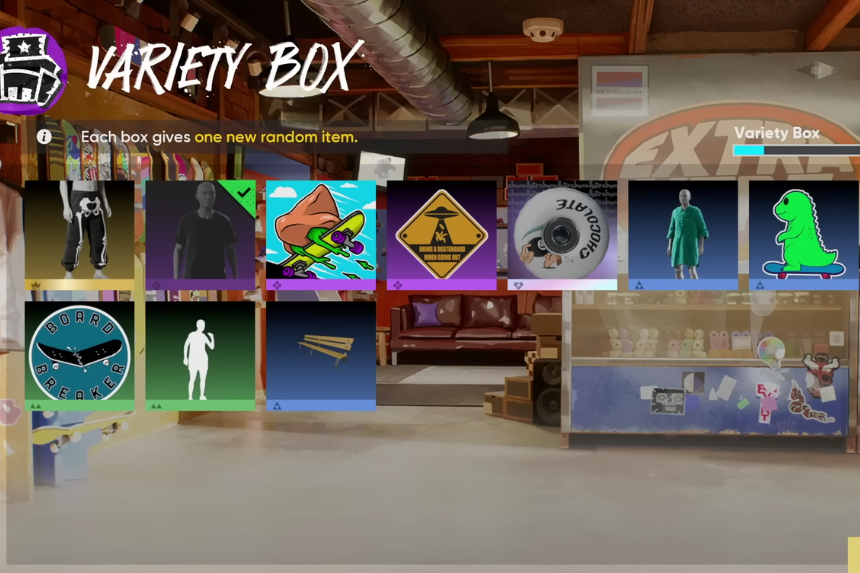
Outfits and many other cosmetics are unlocked through Product Boxes. Each time you get RIP scores, you can spend them to open these boxes. Just head over to the Product Box section, and press square on a box to see what items it contains. It’s a luck-based system, but you can focus your RIP scores on specific boxes to increase your chances of getting the gear you want.
