
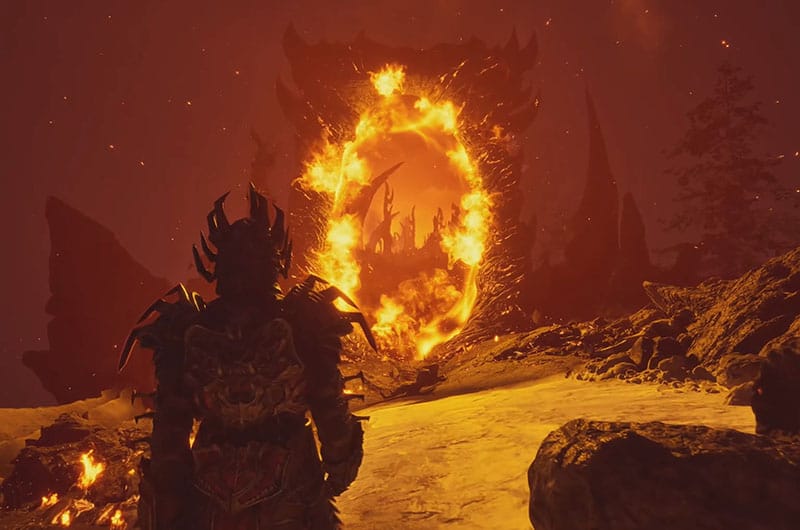
The Elder Scrolls IV Oblivion Remastered – The latest action role-playing game is now on Xbox Series X|S, Xbox Game Pass, and PS5. However, a lot of unfortunate players are unable to enjoy the gameplay because of the crashing issue. We have seen endless threads where countless players are reporting that the game is crashing while accessing the game. If you are also experiencing the same issue, this guide will show you multiple methods to resolve the problem.
How to Fix The Elder Scrolls IV Oblivion Remastered Full System Crash Issue
According to reports, players have played roughly around a few minutes of game and started experiencing the full system crashing issue. Thankfully, this problem can be solved and here we have covered all possible solutions.
1. Lowering CPU Boost Multiplier
Modern CPUs, especially Intel’s “Performance Cores” can sometimes become unstable when they run at very high speeds for short bursts. Certain online games cannot handle such sudden speed changes and that causes the crashing issues. When you lower the boost setting, it will reduce the maximum speed of the game and this will help to avoid crashing and stuttering issues. Here is how you can do it:
- Reboot your PC and enter BIOS (usually by pressing DEL, F2, or F10 during boot).
- Find the CPU Ratio / Multiplier settings.
- Lower the Performance Core Ratio.
- Save changes and exit BIOS.
- At last, relaunch the game and check, the game should run smoothly now.
2. Clean Uninstall + Reinstall of AMD Drivers
Corrupted or conflicting driver files from previous updates can also be the root cause of the full system crashing issue. So, try cleaning using AMD’s tool. Below are the steps to do that:
- Download and run the AMD Cleanup Utility from AMD’s official site.
- Boot into Safe Mode when prompted for the cleanup process.
- Wait for a while until the cleaning process is completed.
- Once done, restart your PC.
3. Turning Off AMD Enhancements and Overlays
Overlays and graphics enhancements such as Radeon Boost or Enhanced Sync can sometimes conflict with UE games. You can do this in the Settings of AMD Adrenalin Software. Furthermore, disable any third-party performance monitoring software like MSI Afterburner or Rivatuner.
4. Disabling Xbox Controller Bluetooth
This is a straightforward step but it helped many players to fix the issue so it might work for you too. Outdated firmware or Bluetooth latency in Xbox controllers can be the root cause of the crashing issues while accessing online games like Elder Scrolls 4. Here is how you can disable it:
- First of all, use the Xbox Accessories App and update controller firmware from the Microsoft Store.
- After updating, switch it to a wired USB-C connection for gaming.
- If you are using Bluetooth:
– Go to Device Manager >> Bluetooth and disable the Xbox controller entry temporarily to test.
– Try using a wired Xbox One/Series X controller for best stability.
5. Setting Launch Option to DX12
By default, UE games may use DX11 while launching. When you force it to use DirectX 12, it can help to improve GPU utilization. The steps are pretty straightforward.
- Open Steam >> Right-click on the game >> Properties >> Under Launch Options, paste: -dx12
- Once done, Close that window and relaunch the game.
6. Uninstalling AMD Software
Some players suggest uninstalling AMD software helped them to fix the crashing issue. When you do this, it will remove all optional enhancements and allow a basic driver environment. Here is how to do it:
- Go to the Control Panel on your PC >> Programs >> Uninstall a Program.
- Find and uninstall AMD Software: Adrenalin Edition.
- Once done, restart your PC.
- Then, go to Device Manager >> Display Adapters >> Right-click on your AMD GPU >> Update Driver >> Choose “Search automatically”.
- Launch the game and the issue should be resolved now.
That’s all you can try fixing The Elder Scrolls 4 Oblivion Remastered full system crashing issue.
