Close Menu

    Subscribe to Updates

    Get the latest creative news from FooBar about art, design and business.

    What's Hot

    Tree of Slumber Abyss Challenge – Crimson Desert

    April 9, 2026

    Loop of Life Abyss Challenge – Crimson Desert

    April 9, 2026

    Sanctorum of Darkness Abyss Challenge – Crimson Desert

    April 9, 2026
    Facebook X (Twitter) Instagram
    Patch Crazy
    • Guides
    • Server Status
    • Patch Notes
    • Privacy Policy
    Facebook X (Twitter) YouTube Reddit
    Patch Crazy
    Home » Troll Studying Steles Quest Guide in Crimson Desert
    Troll Studying Steles Quest Guide in Crimson Desert
    Guides

    Troll Studying Steles Quest Guide in Crimson Desert

    By NanditaApril 9, 2026No Comments2 Mins Read
    Share
    Facebook Twitter LinkedIn Pinterest Email

    The Troll Studying Steles quest in Crimson Desert can feel confusing at first because the objective does not clearly explain what you are supposed to do. A big part of this quest involves using a special item called the Constellation Helm and figuring out how to examine the stars correctly from the right spot. If you miss a step or stand in the wrong place, the game will not complete the objective. In this guide, you will know about the Troll Studying Steles Quest Guide in Crimson Desert.

    Troll Studying Steles Quest
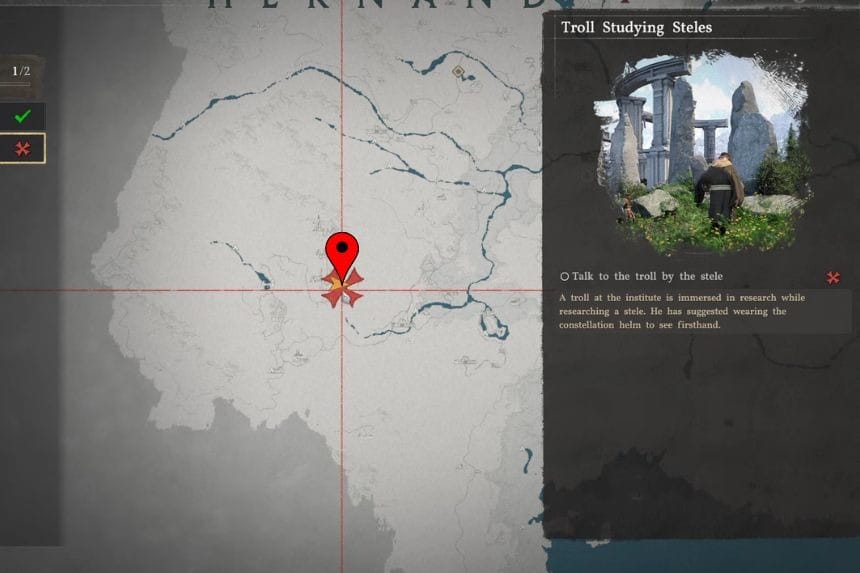
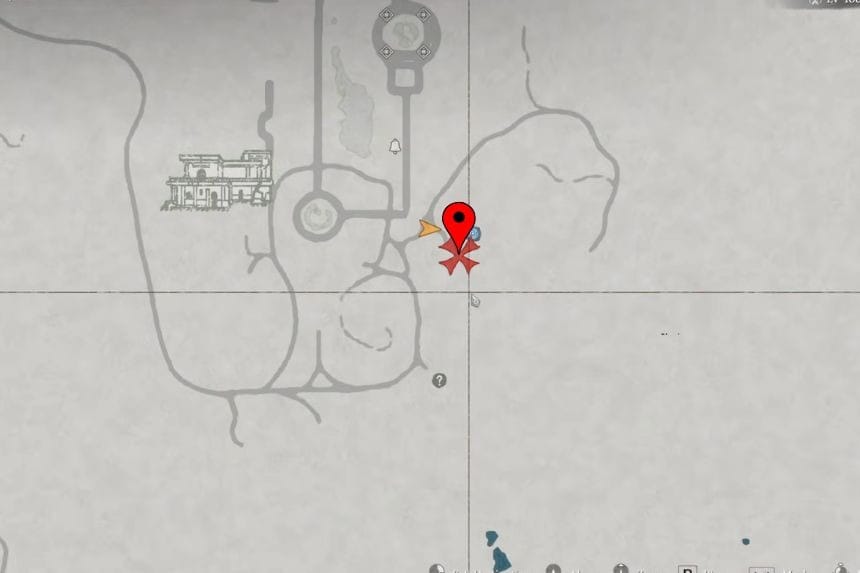
    TheTroll Studying Steles Quest is unlocked as part of the Scholar Stone Institute quest chain, in the Alliance Quest known as “What the Stars Left Behind.” During this stage, you will find a stone formation with an NPC present. Once you talk with the NPC, the quest will lead you through the next steps. You can find this quest near the bottom-left area of the map at the Scholar Stone Institute. 

    Equip the Constellation Helm
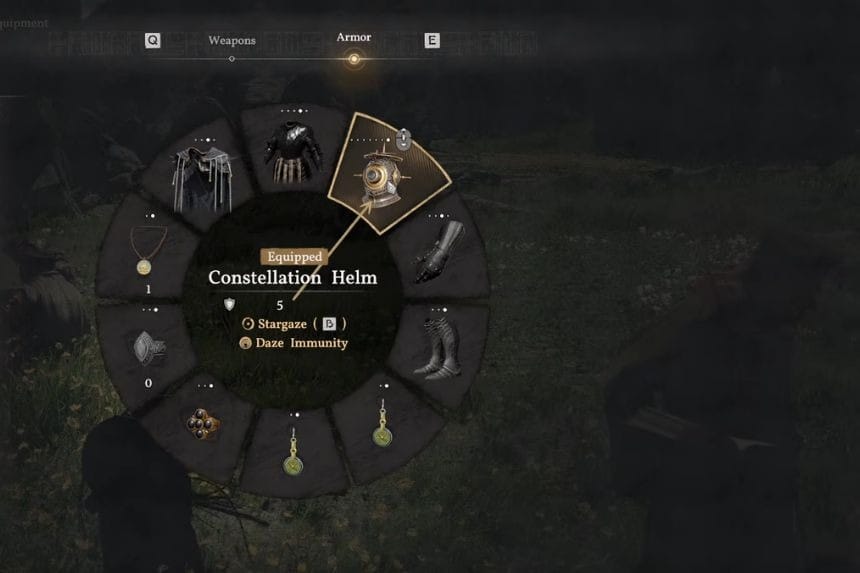
    As soon as you start the quest, you will be asked to equip the Constellation Helm, which can be found close to your character on the ground. Wear the helmet. Once worn, however, you cannot use the item’s special feature right away. Instead, you must first access the secondary radial menu and choose the helmet from there.

    Enter Constellation Mode
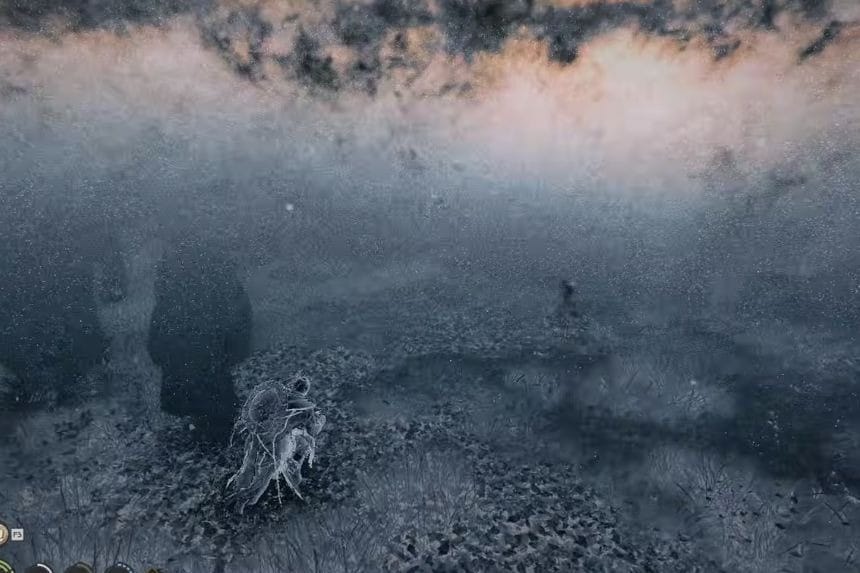
    Once activated, you will notice that the screen will transform into a unique constellation view. This will display glowing dots in the sky, which you need to study. You will have to stand about 2 meters away to the left of the X-marked spot, and then face north, positioning yourself along the road that is displayed at the north marker of the minimap.

    Examine the Sky
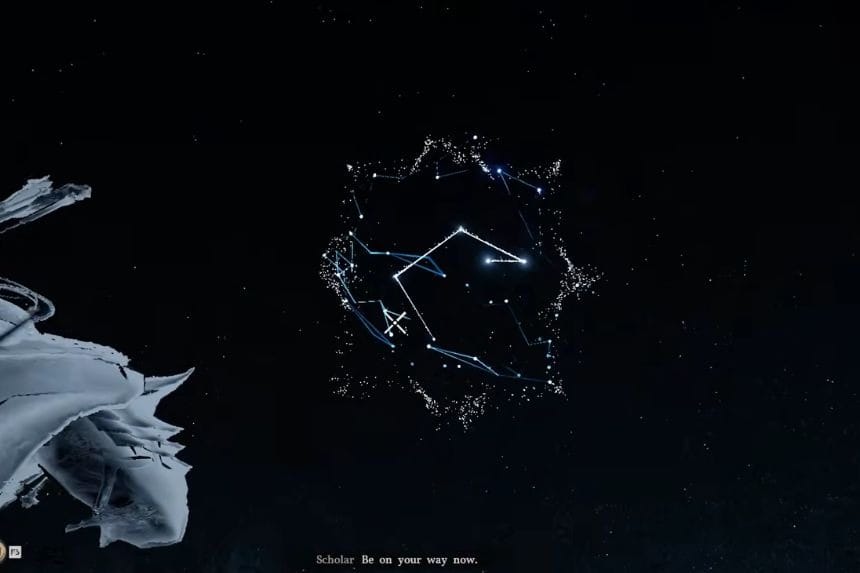
    Now hold the examine button while looking at the glowing dots. You simply need to keep staring at the constellation for several seconds. The game does not clearly explain this, but the pattern slowly changes while you watch. After holding your view long enough, the quest updates, and the objective completes.

    Share. Facebook Twitter Pinterest LinkedIn Tumblr Email
    Nandita
    • X (Twitter)
    • LinkedIn

    Damsel in her own distress, abodes in her imaginary world, and enchanted by the magical realms of Elden Ring. A professional overthinker who loves to weave captivating stories, and is fascinated by the art of doing nothing. When not lost in thought, paints canvases that echo her wildest daydreams!

    Related Posts

    Tree of Slumber Abyss Challenge – Crimson Desert

    April 9, 2026

    Loop of Life Abyss Challenge – Crimson Desert

    April 9, 2026

    Sanctorum of Darkness Abyss Challenge – Crimson Desert

    April 9, 2026

    Path of Trials Abyss Challenge – Crimson Desert

    April 9, 2026
    Add A Comment
    Leave A Reply Cancel Reply

    Editors Picks
    Guides

    Tree of Slumber Abyss Challenge – Crimson Desert

    By Dusa Praharsh
    Guides

    Loop of Life Abyss Challenge – Crimson Desert

    By Dusa Praharsh
    Guides

    Sanctorum of Darkness Abyss Challenge – Crimson Desert

    By Dusa Praharsh
    Guides

    Path of Trials Abyss Challenge – Crimson Desert

    By Dusa Praharsh
    Guides

    Duskwood Puzzle Solution – Crimson Desert

    By Nandita
    Patch Crazy
    Facebook X (Twitter) Instagram Pinterest Vimeo YouTube
    • Home
    © 2026 PatchCrazy.

    Type above and press Enter to search. Press Esc to cancel.