Close Menu

    Subscribe to Updates

    Get the latest creative news from FooBar about art, design and business.

    What's Hot

    Melt Knight Location in Of Ash and Steel

    January 25, 2026

    Chad’s Order Attire Quest: Of Ash and Steel 

    January 25, 2026

    Distribute the Handouts Quest in Of Ash and Steel

    January 25, 2026
    Facebook X (Twitter) Instagram
    Patch Crazy
    • Guides
    • Server Status
    • Patch Notes
    • Featured
    Facebook X (Twitter) Instagram
    Patch Crazy
    Home»Guides»Supply Call Stations Locations & A Better Use Quest Guide – ARC Raiders
    Supply Call Stations Locations & A Better Use Quest Guide - ARC Raiders
    Guides

    Supply Call Stations Locations & A Better Use Quest Guide – ARC Raiders

    By ArchakOctober 24, 2025No Comments2 Mins Read
    Share
    Facebook Twitter LinkedIn Pinterest Email

    The “A Better Use” quest in ARC Raiders asks that you locate and use Supply Call Stations found around the map. They can be used to call in supply drops with good loot, but using them also alerts nearby players to your location.

    This guide outlines where the stations are and how to properly complete the quest.

    Where to Find Supply Call Stations
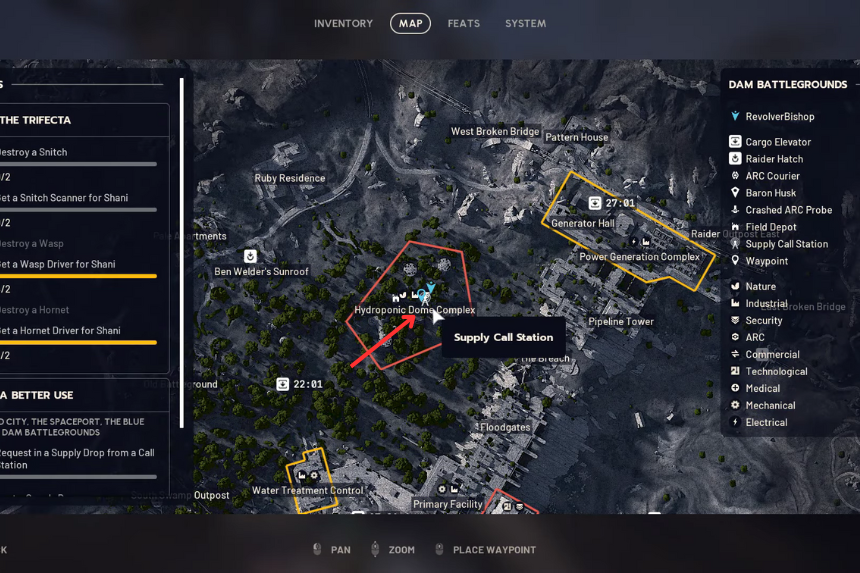
    Supply Call Stations are scattered around every map, similar to ARC Probes and ARC Couriers during the “A Bad Feeling” mission. To find them, open up your map and look for a small antenna-shaped symbol.

    This icon only appears when you’re quite close to a station, so keep an eye out and look carefully. Supply Call Stations also emit a low humming noise, which can guide you to them even before the icon appears.

    They’re physically depicted as rusty, makeshift-looking antennas welded onto metal poles. You will typically find them in open areas or near small buildings.

    How to Use a Supply Call Station
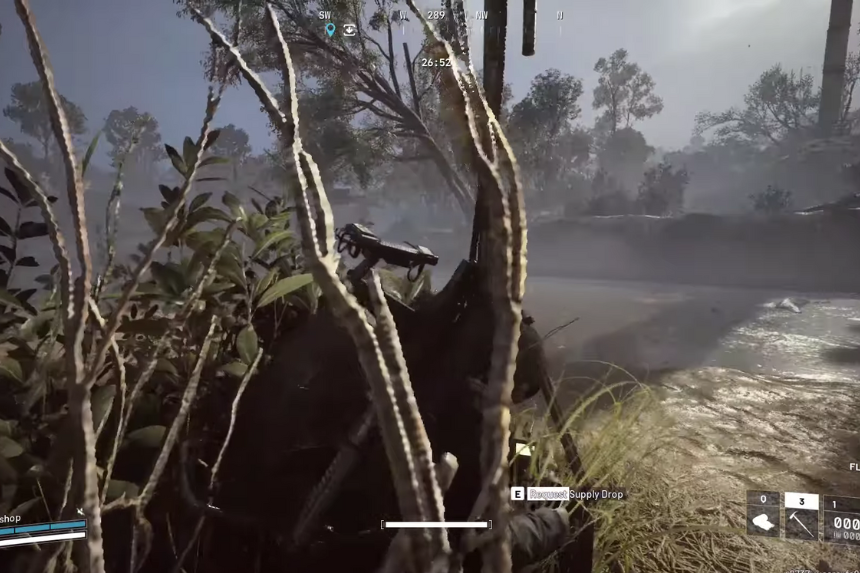
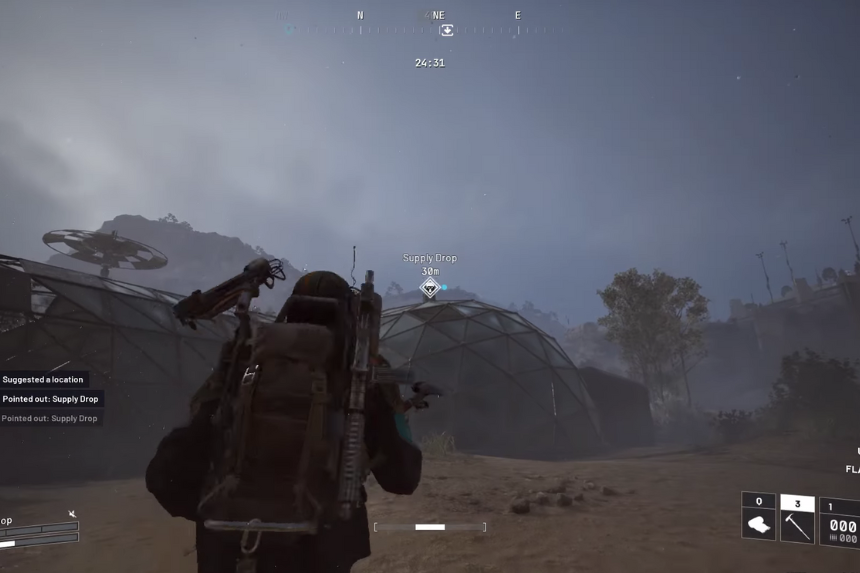
    When you find a Supply Call Station, speak to it to trigger the drop of supply. Your character will fire a flare into the air, which will cause a container to be dropped down in a balloon.

    Proceed with caution as you wait. The flare and sound will alert other players and maybe ARCs that you’re in the vicinity. It’s smart to have a cover handy and keep an eye on your surroundings while the drop is on its way.

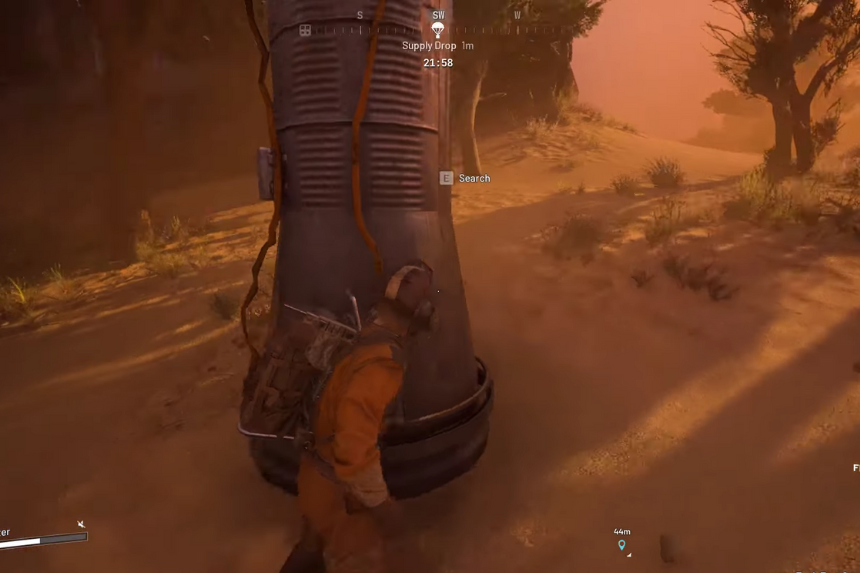
    After a short period of time, the supply will descend and fall somewhere near you. Try to keep it in view, follow it to where it falls, and then reach out to destroy it by breaking through the can and collecting loot inside.

    Completing the Quest

    After you loot the can from your supply drop, the “A Better Use” quest will complete automatically.

    That is all you need to do. It’s a simple task, but it becomes risky when other players or ARCs notice your flare. Stay alert, move quickly once you’ve pinged the drop, and loot securely once you’ve got your loot.

    Share. Facebook Twitter Pinterest LinkedIn Tumblr Email
    Archak
    • LinkedIn

    Despite holding a degree in Chemistry Majors, Archak found himself as an Author. His love for games and choccy milk is unmatched! When not writing, Archak can be found indulging with motorcycles. After all, four wheels move the body but two wheels move the soul!

    Related Posts

    Melt Knight Location in Of Ash and Steel

    January 25, 2026

    Chad’s Order Attire Quest: Of Ash and Steel 

    January 25, 2026

    Distribute the Handouts Quest in Of Ash and Steel

    January 25, 2026

    Special Invitation Quest Guide in Of Ash and Steel

    January 25, 2026
    Add A Comment
    Leave A Reply Cancel Reply

    Editors Picks
    Guides

    Melt Knight Location in Of Ash and Steel

    By Nandita
    Guides

    Chad’s Order Attire Quest: Of Ash and Steel 

    By Nandita
    Guides

    Distribute the Handouts Quest in Of Ash and Steel

    By Nandita
    Guides

    Special Invitation Quest Guide in Of Ash and Steel

    By Nandita
    Guides

    The Long Road Home Quest Guide – Of Ash and Steel

    By Nandita
    Patch Crazy
    Facebook X (Twitter) Instagram Pinterest Vimeo YouTube
    • Home
    © 2026 PatchCrazy.

    Type above and press Enter to search. Press Esc to cancel.