
Close Menu

    Subscribe to Updates

    Get the latest creative news from FooBar about art, design and business.

    What's Hot

    How To Save Josee in Code Vein 2 

    February 2, 2026

    Should You Save Noah in Code Vein 2

    February 2, 2026

    Bloodedge Demon Location in Nioh 3

    February 2, 2026
    Facebook X (Twitter) Instagram
    Patch Crazy
    • Guides
    • Server Status
    • Patch Notes
    • Featured
    • News
    • Reviews
    Facebook X (Twitter) Instagram
    Patch Crazy
    Home»Guides»How to Save Game in Supermarket Together
    How to Save Game in Supermarket Together
    Guides

    How to Save Game in Supermarket Together

    By Harry SJanuary 12, 2025No Comments2 Mins Read
    Share
    Facebook Twitter LinkedIn Pinterest Email

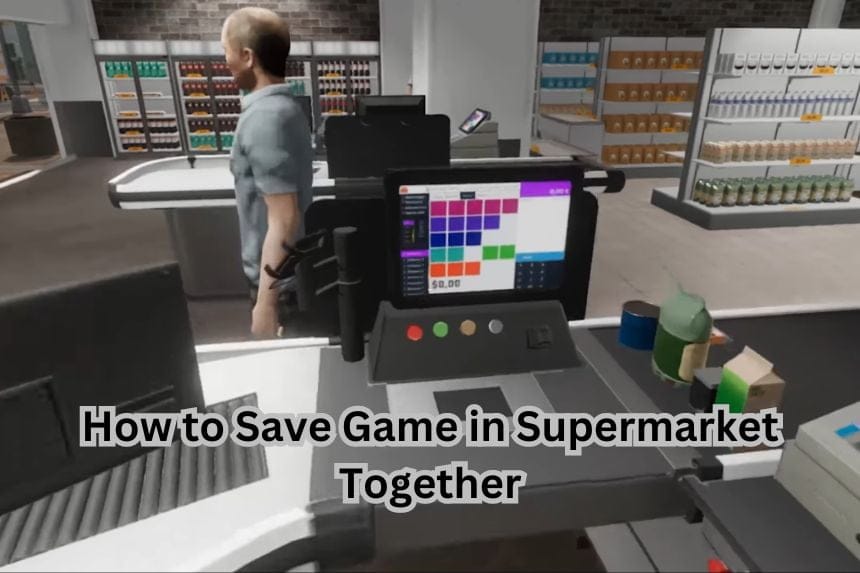
    Supermarket Together is the next best supermarket simulation game that can be played with friends. You can learn how to utilize your store, hire employees, and make a profit. For all your hard work, you might find out that quitting the game midway will erase all your progress. There is no indication on how you can save your game, so this guide will show you how to do it. In this guide we will see how to save game in Supermarket Together

    How to Save Game in Supermarket Together

    If you quit the game before closing time, you lose all your progress. Here we will see how to save game in Supermarket Together

    Supermarket Together can get hectic as you level up and add more features to your store. In the odd chance that you quit the game or the game quits on you while the store is open, you will find all your progress is gone when you load back in.

    The game will revert back to the previous day and you have to start over. So any items you have purchased and shelves stocked will be reverted to what it was the previous day. There is no process of manually saving the game yet, so you have to wait and close the store to save your game

    Luckily, Supermarket Together has an autosave feature that saves the game at the end of the day. After you close the store, you can leave the game and quit and it won’t hamper your progress.

    You will also note a little floppy disk icon on the lower right corner while checking out your stats after store closing. That means your game is now saved and you don’t risk losing your current progress. 

    That’s all there is to know about saving game in Supermarket Together. If you like this guide you can check out our other guides as well

    Share. Facebook Twitter Pinterest LinkedIn Tumblr Email
    Harry S
    • Website
    • X (Twitter)

    Harry Smith has played video games since the early 2000s, starting with the original CoD and Doom 3. He has spent countless hours playing games of varying genres. His deep understanding of modern game mechanics puts him in the prime position to understand the gaming industry and write intuitive guides.Before founding Patch Crazy, Harry S freelanced for 10 years, working for several gaming publications.

    Related Posts

    How To Save Josee in Code Vein 2 

    February 2, 2026

    Should You Save Noah in Code Vein 2

    February 2, 2026

    Bloodedge Demon Location in Nioh 3

    February 2, 2026

    Cairn – 15 Best Tips & Tricks for Beginners

    February 2, 2026
    Add A Comment
    Leave A Reply Cancel Reply

    Editors Picks
    Guides

    How To Save Josee in Code Vein 2 

    By Nandita
    Guides

    Should You Save Noah in Code Vein 2

    By Nandita
    Guides

    Bloodedge Demon Location in Nioh 3

    By Ambreen
    Guides

    Cairn – 15 Best Tips & Tricks for Beginners

    By Ambreen
    Guides

    How To Save Lyle in Code Vein 2

    By Nandita
    Patch Crazy
    Facebook X (Twitter) Instagram Pinterest Vimeo YouTube
    • Home
    © 2026 PatchCrazy.

    Type above and press Enter to search. Press Esc to cancel.