
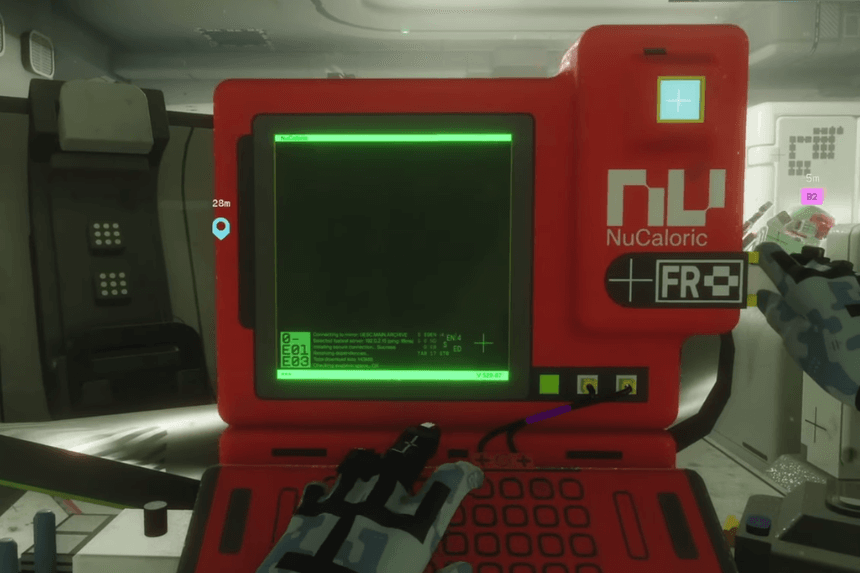
Highlight of Everything We Know About How to Download geological survey in the southeast building in Station in Marathon
- The objective takes place at Station, in the Perimeter area.
- There are many buildings at Station, which can make the objective confusing at first.
- Once the terminal is scanned and the data is downloaded, the quest will be complete.
This objective in Marathon can be confusing, as you don’t know where the southeast building is at Station. The area has many buildings, and the objective description isn’t very specific. In this guide, we’ll tell you where to go and what to do to download the geological survey so you can complete the quest without any problem.
How to Download geological survey in the southeast building
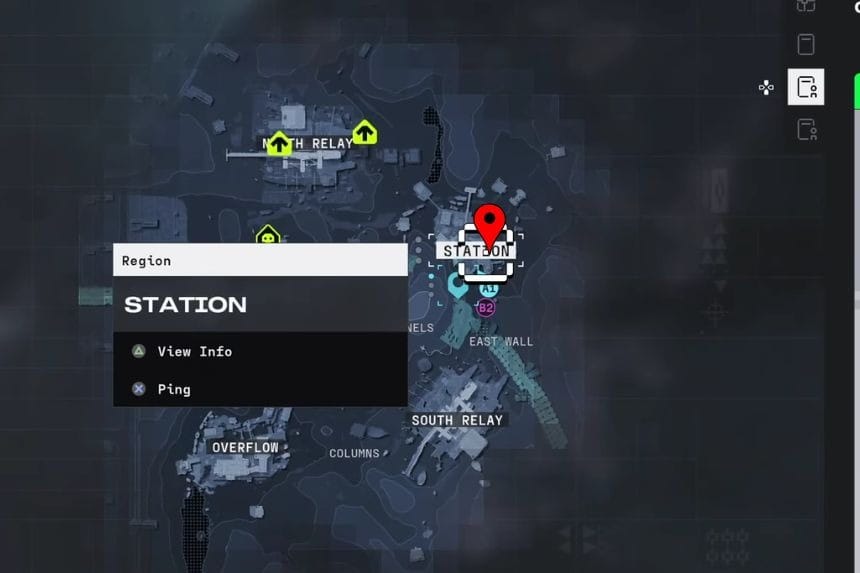
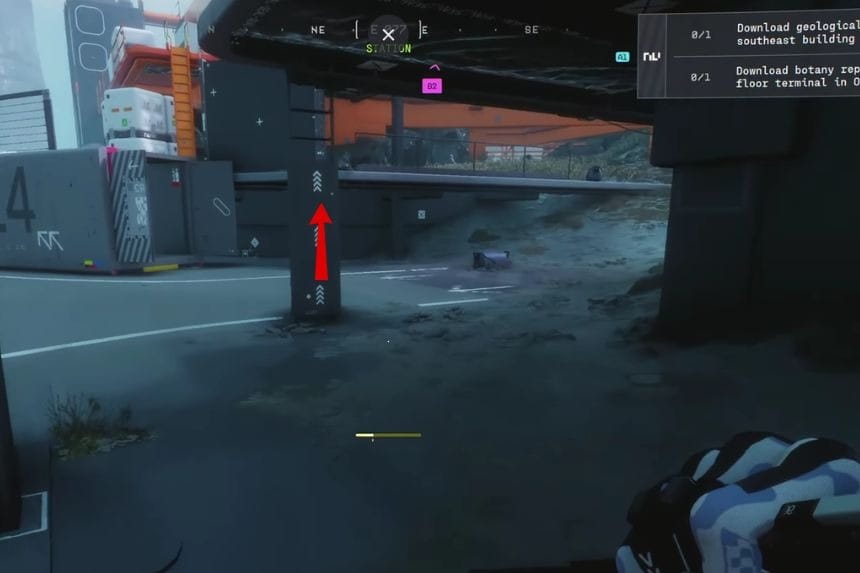
Open up your map and look for Station. Once you arrive at Station, you will notice a few different structures. Look for the building labelled DRNC Station. This is the one you need to enter to complete the objective. The objective tells you about the southeast building, which can be a little confusing at first since there are many buildings in this area.
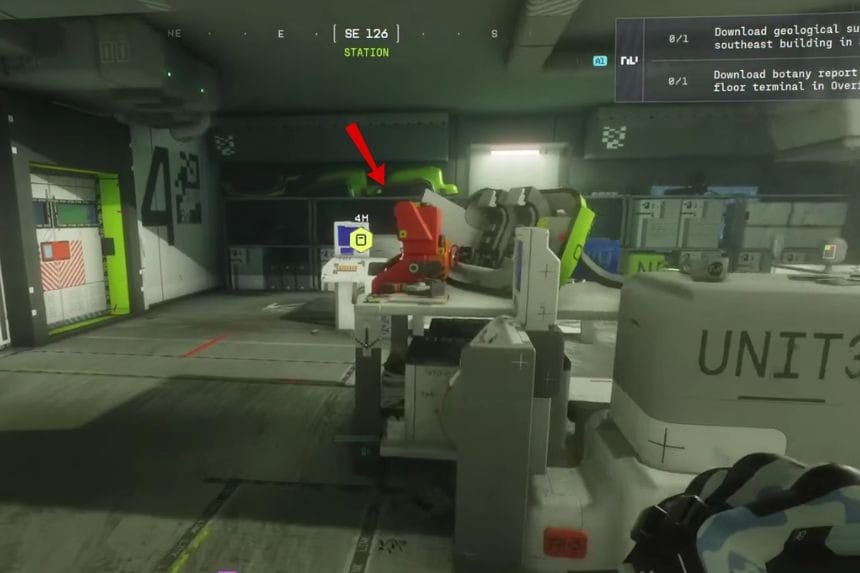
Go around to the back of the DRNC Station building and look for a ladder. Climb up the ladder to reach the entrance. Once you’re inside, find the terminal and interact with it to download the geological survey data. As soon as you do that, the quest step will complete.
FAQs
Q. Which building is the southeast building at Station?
A. The building you need is labelled as DRNC Station.
Q. How do you get inside the DRNC Station building?
A. Go around to the back of the building and look for a ladder. Climb it to access the entrance.
Q. What happens after downloading the geological survey?
A. As soon as you interact with the terminal and download the data, the quest objective will be complete.
