
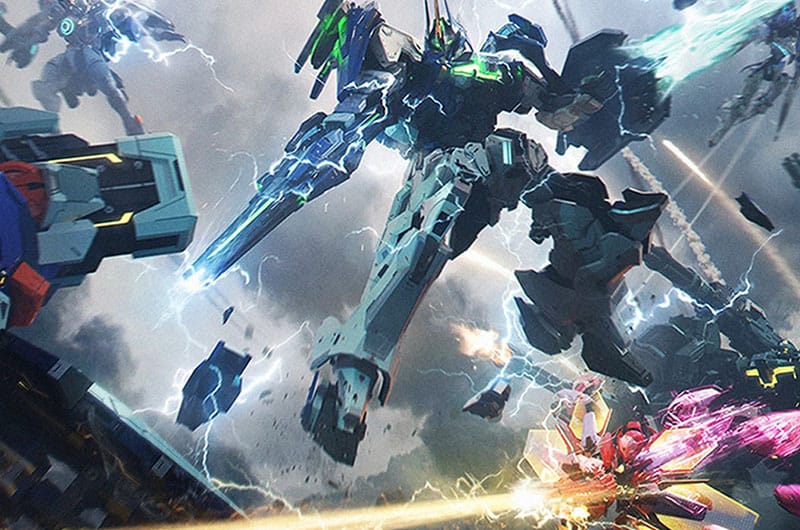
Launched recently on 23rd February, Mecha Break is an open beta multiplayer mech game that can be played on PC via Steam or Xbox Series X|S. The game offers multiple game modes such as PvPvE and team-based battles. Unfortunately, a lot of players are reporting that they are unable to enter into the game due to “login failed” error. If you are also running into the same error and unable to access the game, this guide has covered all possible solutions to fix it.
How to Fix Mecha Break Login Failed Error
Well, the “login failed” error is common in online games, especially in the recently launched game. However, there are several steps you can take to resolve it.
1. Keep Retrying
One of the first solutions suggested by a few players is to simply keep retrying until you will be able to get into the game. Many players say that repeatedly trying to log in eventually works. The error occurs when the servers are overloaded so keep tying is the key. It worked for many players so it might work for you too.
However, some players reported that they don’t have a “Retry” button, in that case, try pressing “Start Game” repeatedly and eventually it should work.
2. Try After Some Time
As we have just mentioned, the error occurs when the server is overloaded so simply wait and try again later. Some players reported that they could enter the game after a while. So, wait for 30 minutes or 1 hour and try logging in again. Additionally, visit social media platforms like Reddit, X (Twitter), or Discord and check if other players are also experiencing similar issues. If the issue persists for long hours, it could point to an ongoing server issue or maintenance.
3. Check the Current Server Status
Most of the time, a login failed error occurs when the game’s central server goes down due to scheduled maintenance or sudden outages. Check the current server status by visiting the developer’s official website or X (Twitter) page for official maintenance announcements. If the game is in the maintenance period, you will need to wait until it is over.
4. Check Your Internet Connection
A poor or unstable internet connection can be the root cause of the login failed error. So, ensure there are no issues in your connection. You can try resetting your router or modem to establish a new connection. Additionally, you can try switching the connection from WiFi to Wired as it offers a more stable and reliable connection. If you are using a VPN, try disabling it and reconnecting.
5. Resetting Your Network Settings
Sometimes in online games, network issues occur due to a bad connection or saved data errors. However, you can easily fix it by refreshing your network settings. Here is how you can do it:
- Open up the Search bar on your PC
- Type “cmd” in the search bar
- Open “Command Prompt” as an administrator
- Type and run the following commands one by one:
- netsh winsock reset
- netsh int ip reset
- ipconfig /release
- ipconfig /renew
- ipconfig /flushdns
- After running the above commands, restart your PC and try logging in again.
That’s all you can try fixing the Mecha Break login failed error.
