Close Menu

    Subscribe to Updates

    Get the latest creative news from FooBar about art, design and business.

    What's Hot

    Melt Knight Location in Of Ash and Steel

    January 25, 2026

    Chad’s Order Attire Quest: Of Ash and Steel 

    January 25, 2026

    Distribute the Handouts Quest in Of Ash and Steel

    January 25, 2026
    Facebook X (Twitter) Instagram
    Patch Crazy
    • Guides
    • Server Status
    • Patch Notes
    • Featured
    Facebook X (Twitter) Instagram
    Patch Crazy
    Home»Guides»Call of Duty: Black Ops 7 – Emotes and Sprays Guide 
    Black Ops 7
    Guides

    Call of Duty: Black Ops 7 – Emotes and Sprays Guide 

    By AmbreenNovember 14, 2025No Comments2 Mins Read
    Share
    Facebook Twitter LinkedIn Pinterest Email

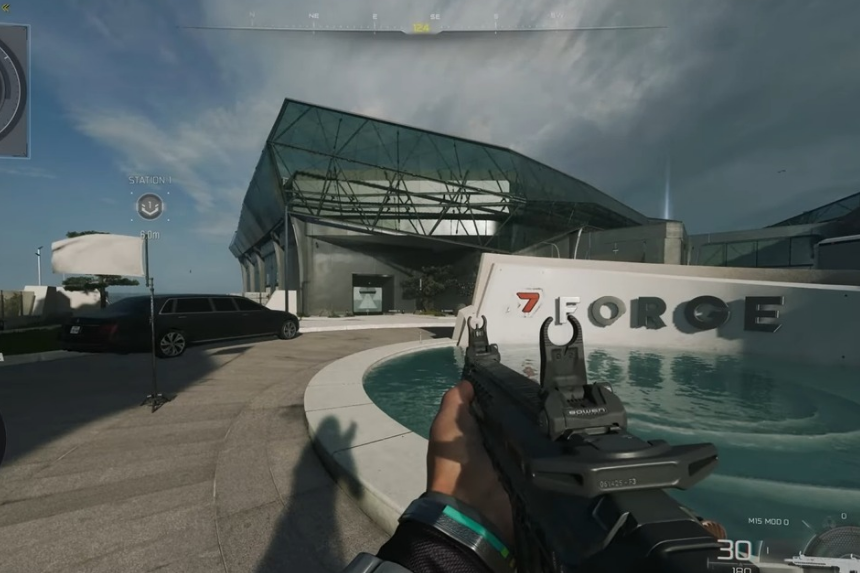
    In Call of Duty: Black Ops 7, emotes and sprays are a way to add both personality and style to your gaming. While emotes are responsible for letting your character be expressive, sprays help in tagging the surfaces across the map. This guide provides you with the most efficient way to personalize your gaming experience by outlining everything you need to know to manage emotes and sprays on both console and PC. 

    Emotes

    Emotes help make your character expressive within the game. If you’re playing on consoles like Xbox or PlayStation, you can activate them by pressing left on the D-pad and then hitting LB on Xbox or L1 on PlayStation. Then, you can select from the available emotes and choose one by pressing A on Xbox or X on PlayStation. This will lead your character to execute the action that is selected. On PC, it works somewhat differently: hit I to open the menu, then E to get the emotes, and click on the emote you want to activate.

    How to Unlock Molten Gold in Black Ops 7

    Sprays

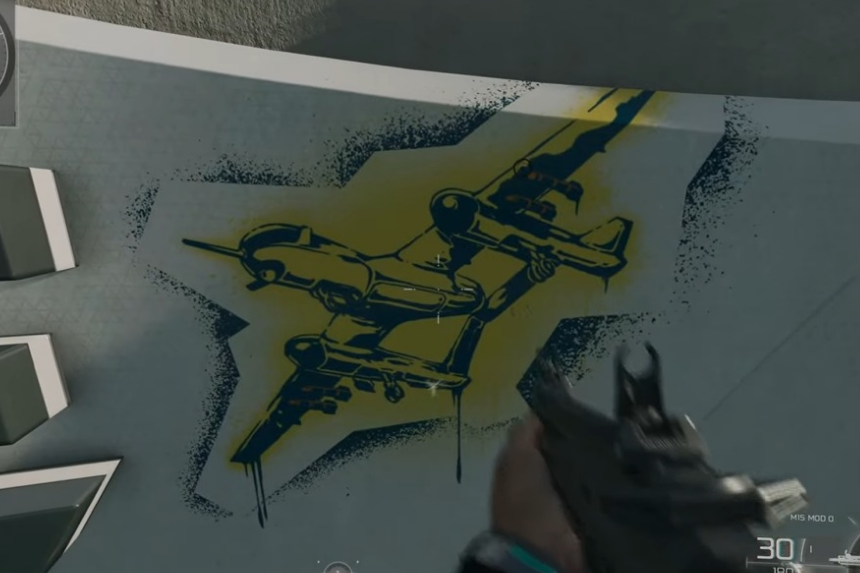
    Sprays are graffiti like graphics that can be placed on various surfaces around the map. If you’re using an Xbox or a PlayStation, you can activate them by holding left on the D-Pad and clicking the RB button on Xbox or the R1 button on PlayStation. You can then select one of the four sprays assigned to your D-pad directions.

    It’s important to aim at the location where you want the spray to appear before opening the menu. On PC, the process is similarly close, but it’s adapted for keyboard use: press I to open the menu, then press Q to access your sprays and select which one you want to place.

    Managing Your Emotes and Sprays

    • You can swap emotes and sprays whenever you like.
    • From the multiplayer lobby or menu, go to Barracks → Customize → Emotes & Sprays.
    • Pick the item you want to replace, then choose the new one.
    • Additional emotes and sprays can be purchased through the in-game store.
    Share. Facebook Twitter Pinterest LinkedIn Tumblr Email
    Ambreen
    • X (Twitter)
    • LinkedIn

    Related Posts

    Melt Knight Location in Of Ash and Steel

    January 25, 2026

    Chad’s Order Attire Quest: Of Ash and Steel 

    January 25, 2026

    Distribute the Handouts Quest in Of Ash and Steel

    January 25, 2026

    Special Invitation Quest Guide in Of Ash and Steel

    January 25, 2026
    Add A Comment
    Leave A Reply Cancel Reply

    Editors Picks
    Guides

    Melt Knight Location in Of Ash and Steel

    By Nandita
    Guides

    Chad’s Order Attire Quest: Of Ash and Steel 

    By Nandita
    Guides

    Distribute the Handouts Quest in Of Ash and Steel

    By Nandita
    Guides

    Special Invitation Quest Guide in Of Ash and Steel

    By Nandita
    Guides

    The Long Road Home Quest Guide – Of Ash and Steel

    By Nandita
    Patch Crazy
    Facebook X (Twitter) Instagram Pinterest Vimeo YouTube
    • Home
    © 2026 PatchCrazy.

    Type above and press Enter to search. Press Esc to cancel.