
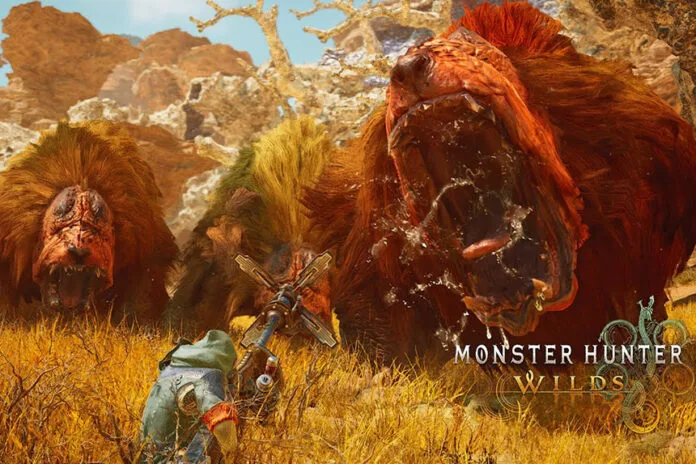
A large number of players are already enjoying Monster Hunter Wild’s open beta and this game has already been Capcom’s biggest game to date. However, many players are not happy as they are running into multiple bugs and errors while accessing the game. One of the common errors reported by a lot of players is the communication error EA_19E15. The error itself indicates that it is a communication error and the servers for the second open beta are still down. Thankfully, this error can be fixed and this comprehensive guide has covered all possible solutions to fix it.
How to Fix Monster Hunter Wilds Communication Error EA_19E15
We have referred multiple threads and collected all the possible solutions for you to fix communication error EA_19E15 in Monster Hunter Wilds.
1. Check the Current Server Status
Sometimes the main issue is on the game’s central server. If it is down due to any reasons like scheduled maintenance or sudden outages, obviously you will not be able to connect to the game. If that is the case, visit the official website of the game or Capcom’s X (Twitter) page for the current server status of the game. If it is down, simply wait patiently until the services are back and the error will be fixed automatically.
2. Disable or Enable VPN
This is one of the most effective solutions suggested by a lot of players. The above error might be triggering if your ISP is blocking the connection to the game’s central servers. So, try using a VPN connection to bypass such restrictions. This will establish a more stable connection. Simply download and install a reliable VPN service, connect it, and relaunch the game. Some players reported that enabling a VPN connection fixed the error so it might work for you too.
On the other hand, a few players reported that turning it OFF has worked for them. So, the workaround is straightforward, if you are already using a VPN, disconnect it and then try to play the game. Alternatively, if you are not using a VPN, then try enabling it and check if that worked to fix the error.
3. Port Forwarding
It is possible that some routers or ISPs may block some ports which are crucial for a stable connection to enjoy online games like MH Wilds. So, try opening ports manually as it will improve the connectivity. Here are the steps to do this:
- Open Google and search for: “Monster Hunter Wilds Steam Port Forwarding”
- The official support page or forums should list the exact ports needed.
- Open a web browser and type 192.168.1.1 or 192.168.0.1 (default for most routers)
- Enter your router login details (If you have no idea about this, you can ask your ISP)
- Now, find Port Forwarding settings, usually found under Advanced Settings >> NAT & Port Forwarding.
- Add the required ports:
- Protocol: Choose either TCP, UDP, or Both (refer to the official game port list)
- Internal IP: Enter your PC’s local IP address (can be found by typing ipconfig in Command Prompt)
- External/Internal Port: Enter the ports required by the game
- Enable and Save the settings
- Restart your router and PC, then launch Wilds Beta and test your internet connection.
4. Check Your Internet Connection
To have a smooth gaming experience, it is crucial to have a proper and fast internet connection. If it is not fast and stable, you might receive multiple issues and errors. So, try using a mobile hotspot or a different WiFi connection if available. You can also try resetting your router or modem once and then relaunch the game.
5. Update the Game
Game developers frequently release new patches and updates to fix several issues and errors in the game including network-related bugs, so ensure you are playing the latest version of the game.
That’s everything you can try fixing Monster Hunter Wild communication error EA_19E15.
