
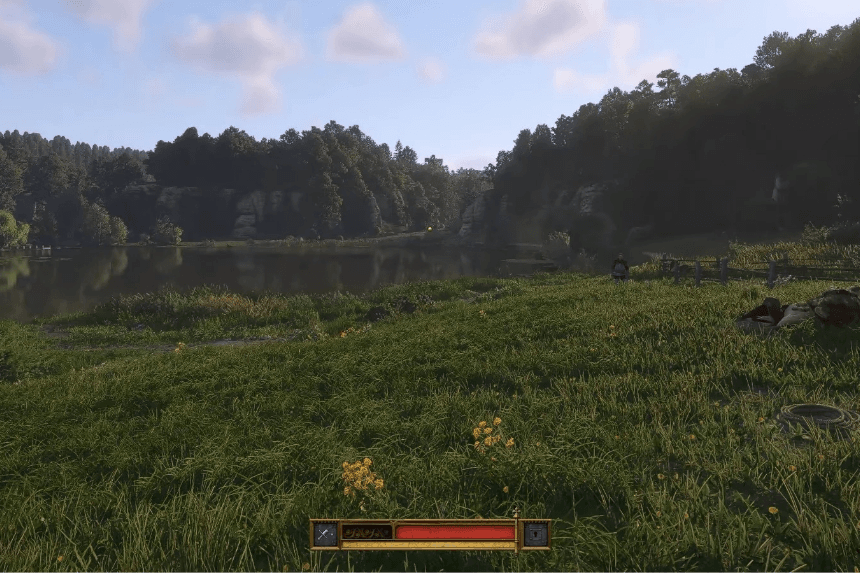
Players can use console commands to improve their medieval journey in Kingdom Come: Deliverance 2. You can access a range of cheat codes that alter gameplay components by turning on a particular mode. You can modify game dynamics, add things, and personalize your experience using these instructions. To improve your experience in Bohemia, this guide will explain how to activate console commands and provide you a thorough rundown of the cheats that are accessible.
Opening Console Commands in Kingdom Come: Deliverance 2
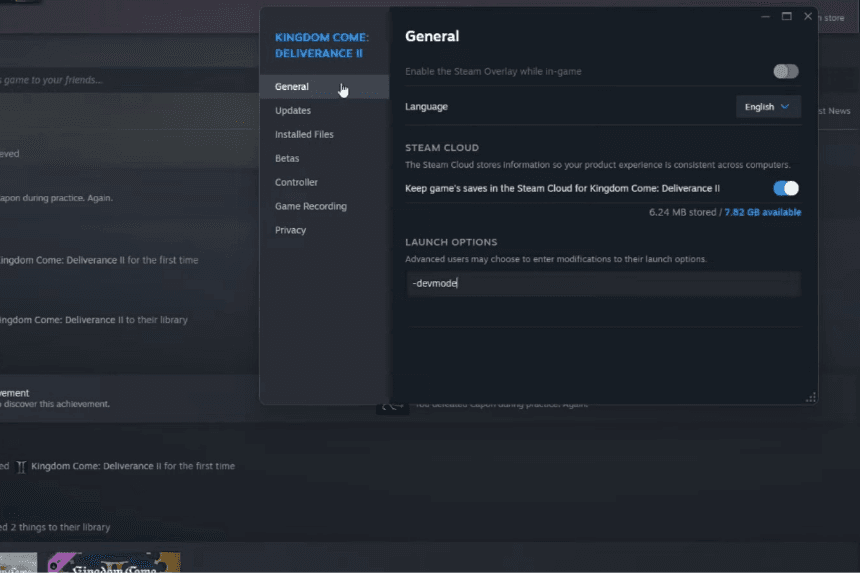
Although console commands aren’t available in every game, those that offer this feature provide players with significant advantages, including access to valuable items that may otherwise be out of reach until later in the game. Before diving into Kingdom Come: Deliverance 2, you’ll need to enable developer mode within Steam, as failing to do so may cause the commands to not work. Here’s how to activate it:
- Open Steam and locate Kingdom Come: Deliverance 2 in your Library.
- Right-click the game and select “Properties.”
- In the “General” tab, find the “Launch Options” section.
- Type in “-devmode.”
Afterward, launch the game. To access the console commands in Kingdom Come: Deliverance 2, press the tilde key (~) on your keyboard. This will open the console command window, where you can input any desired command. Since the game is newly released, it’s likely that many console commands are yet to be discovered, so the list is expected to expand in the future.
Important Console Commands in Kingdom Come: Deliverance 2
When you begin your game of Kingdom Come 2 by pressing the tilde (~) key on your keyboard and opening the developer command page, type “?_” into the console to access the complete list of all the console commands available during your playthrough. This will display an extensive list of commands that can modify the game.
Here is a list of some key and helpful console commands that can be used in Kingdom Come Deliverance 2:
| COMMAND | EFFECT |
| wh_cheat_money “Quantity” | Increases your money by a specified amount. |
| wh_ui_showHUD = 0 | Will turn off the HUD |
| wh_cheat_addItem “ItemID” “Item Quantity” | Grants a specific item of your choice. |
| wh_pl_LockPickingShakeOverride = 0 | Eliminates the shaking during lockpicking. |
| wh_sys_NoSavePotion = 1 | Save the game manually without using Saviour Schnapps. |
| wh_rpg_OneShotKill = 1 | This activates one-hit kills on enemies, or more precisely, it significantly increases the damage you deal. |
Overall, a command console is a valuable feature in Kingdom Come: Deliverance 2 and other games. However, use it carefully to prevent unintended glitches or diminishing your gaming experience.
Item ID Codes in Kingdom Come: Deliverance 2
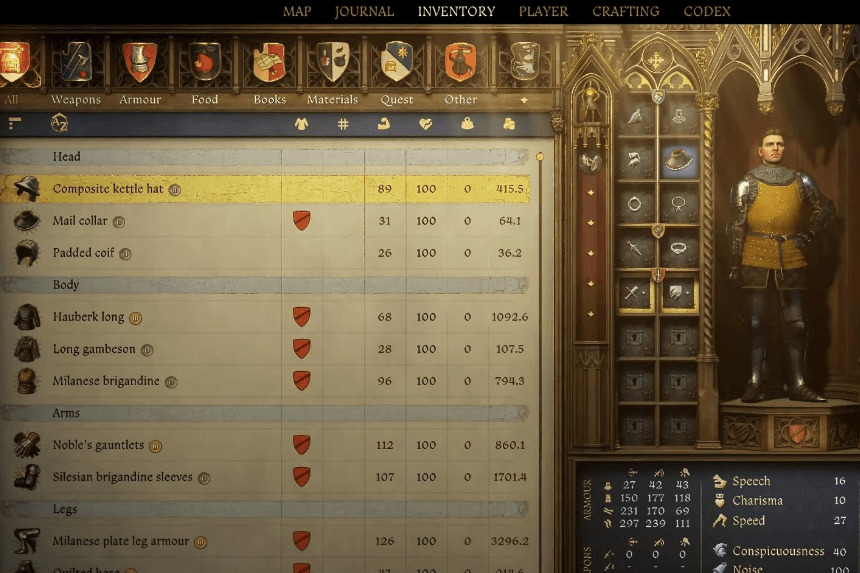
To instantly add an item in Kingdom Come 2, enter the following command into the console:
wh_cheat_addItem <item code>
The item won’t appear in front of you but will be added directly to your inventory.
However, not all items from the first game are available in the sequel. Even those that did make it have different item codes. We’ll continue updating this chart as we discover the correct codes and verify what still works.
| ID/CODE | ITEM |
| B38c34b7-6016-4f64-9ba2-65e1ce31d4a1 | Marigold Decoction |
| 928463d9-e21a-4f7c-b5d3-8378ed375cd1 | Saviour Schnapps |
| 9f7a0c0a-6458-4622-9cc5-2f4dd4898b50 | Tailor’s Kit |
| 29a4f58e-6e00-4f9c-9273-1a76e0eccff0 | Smoked Sausage |
| 167eb312-0e9d-4c2f-8ce3-56c32f5a84cb | Armorer’s Kit |
| 8d76f58e-a521-4205-a7e8-9ac077eee5f0 | Lockpick |
| C707733a-c0a7-4f02-b684-9392b0b15b83 | Blacksmith’s Kit |
