
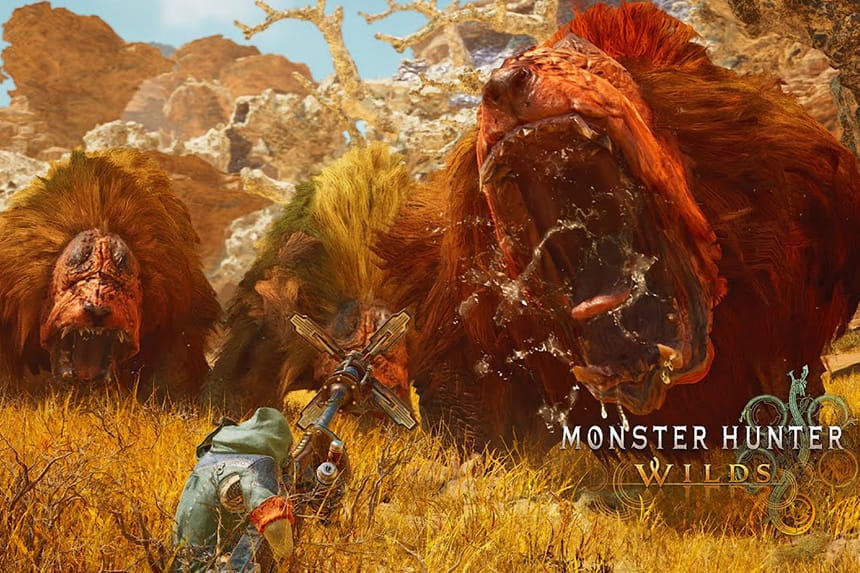
Monster Hunter Wilds is the latest action role-playing game developed and published by Capcom. The open-beta version of this game is out now on PC, PS5, Xbox Series X, and Series X. If you are experiencing crashing or freezing issues while accessing the game, it is crucial and always a good habit to check the current server status of the game. This will help identify whether the issue is with the game’s servers or specific issues on your internet connection. This guide will discuss all the important points of the MH Wilds server.
Vote your Issue with MH Wilds
A large number of reports usually means that the servers are down. The vote is reset every few hours to reflect the current server status. The Baseline Reports are 5. Reports exceeding the baseline by a huge margin indicate an issue with the servers.
Monster Hunter Wilds Maintenance Schedule
No maintenance is scheduled.
Common Problems Experience by Players
Below are some of the common problems experienced by players when the server goes down.
- Communication Error: Soon after the release of Monster Hunter Wilds, many players started reporting that they were receiving “Communication error.” This error prevents players from joining the game’s server as they are kicked out to the main menu. You must check whether the game’s server is up in that situation. Furthermore, make sure that there are no issues with your internet connection.
- Error R1 187-0-0-3: Players receive error code R1 187-0-0-3 in MH Wilds when they try to access open beta outside the designated playtest time or if the game has not yet been launched in your region. This error indicates that the server is not yet available for your location. To avoid this problem, you can only wait until the game is officially available in your country.
- The “Game connection has been lost” Error: This error appears while accessing the game or during gameplay. It happens due to an unstable internet connection or server-related problems. To resolve it, ensure the game’s server is up and working fine. Additionally, fix any connection-related issues on your internet.
Current Server Status of Monster Hunter Wilds
Monster Hunter Wilds servers are online, but the large number of players may be causing strain on the server leading to various errors.
Some Helpful Tips for Players
- Check the Launch Time: Currently, the beta is live, but if you face any issues during the game’s launch time, ensure that the servers are live and that the game has launched in your region and on your device.
- Check MH Wilds Server Status: The game servers may be to blame for a wide range of in-game issues, especially as, for the first time, the Monster Hunter series is multiplayer cross-play. Matchmaking, game freezing, or being stuck at the title screen, as well as a server-related error, can be due to the server. So, checking the MH Wilds server status can save you much troubleshooting time.
- Test Internet Connection: If you are playing the game on consoles, use the Test the Internet Connection option in settings to run a test. Simply running a test can often fix a wide range of game issues. For players on PC and console, the below steps that apply:
- Restart your router or modem.
- Switch from Wi-Fi to a wired connection for better speed.
- Try connecting to a different Wi-Fi network to see if that helps.
- Reduce the number of devices on your network to improve connection quality.
- Play Game During Off-Peak Hours: When the game is new, or there is a new DLC launch, the servers can get overcrowded, which leads to a wide range of issues. You can mitigate this problem by playing during off-peak hours or when the servers are more stable.
- Contact Support Team: If none of the above tips work, your last option is to reach out to the support team. They can provide you with additional steps to fix the issue.
How to Check Monster Hunter Wilds Server Status
There are various ways to check the game servers or at least identify the problem. First, visit their official X (Twitter), where you can check the developers’ statements for the latest information about the server status. You can also check the popular game forums and communities for new threads that suggest an issue with the servers – Reddit (r/MHWilds) – Official Discord.
